V-Ray for Maya
VRaySwitchMtl
This page includes details on the Switch utility material in V-Ray.
Last updated 9 December 2025
This page includes details on the Switch utility material in V-Ray.
Overview
VRaySwitchMtl can be used to switch between different materials based on a value sampled from a texture.

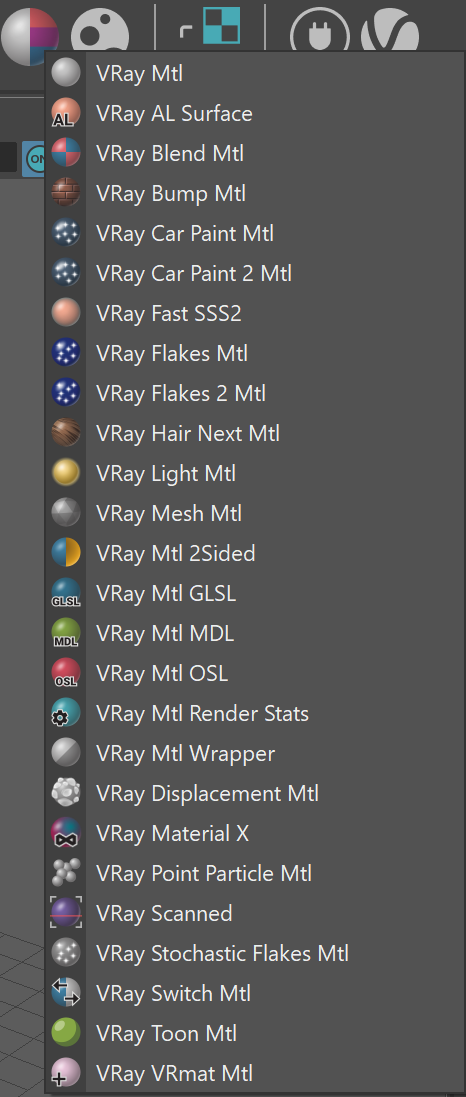
UI Path: ||Right-click on the geometry|| > Assign New Material...


Parameters
Switch – The texture that is sampled to switch between the assigned materials
Material 0 - Material 9 – Materials to be used based on the value of the switch texture.
Material 0 is assigned for values 0 - 0.499
Material 1 is assigned for values 0.5 - 1.499
Material 2 is assigned for values 1.5 - 2.499
Material 3 is assigned for values 2.5 - 3.499
Material 4 is assigned for values 3.5 - 4.499
Material 5 is assigned for values 4.5 - 5.499
Material 6 is assigned for values 5.5 - 6.499
Material 7 is assigned for values 6.5 - 7.499
Material 8 is assigned for values 7.5 - 8.499
Material 9 is assigned for values 8.5 and larger.
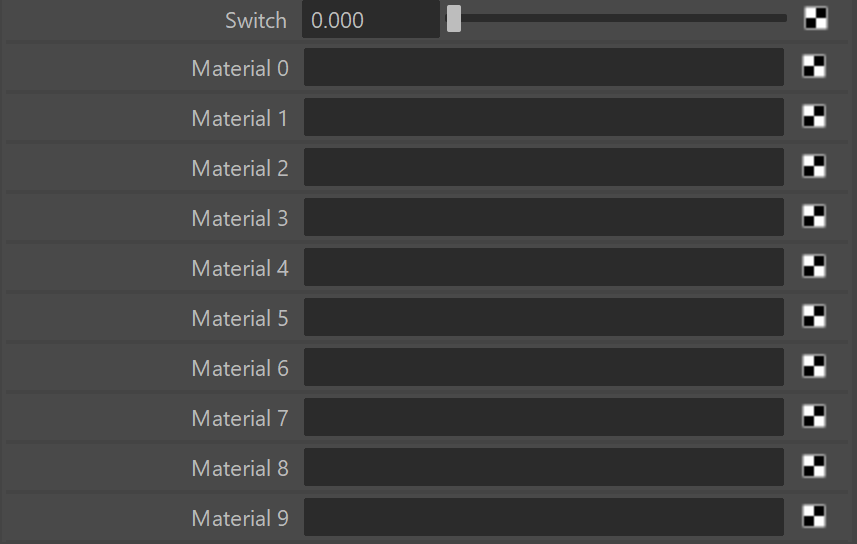
Values are defined by the assigned Switch texture or the Switch value when no texture is specified. When no material is linked to the current value, the geometry will not have valid shading and will not be visible in the render.
Hardware shading
Viewport color – Specifies the color used in the viewport.
Override viewport color – When enabled, it allows you to specify the viewport color of the material. This option helps visualize more complex shaders in the viewport.
