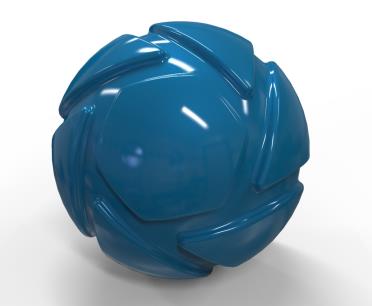
Axalta's KeyShot Studio material collections accurately represent its real paints. You can find materials in the Material Library and more on the Axalta Collections website. You cannot create Axalta paints from scratch, but you can adjust their colours, roughness and reflection. |
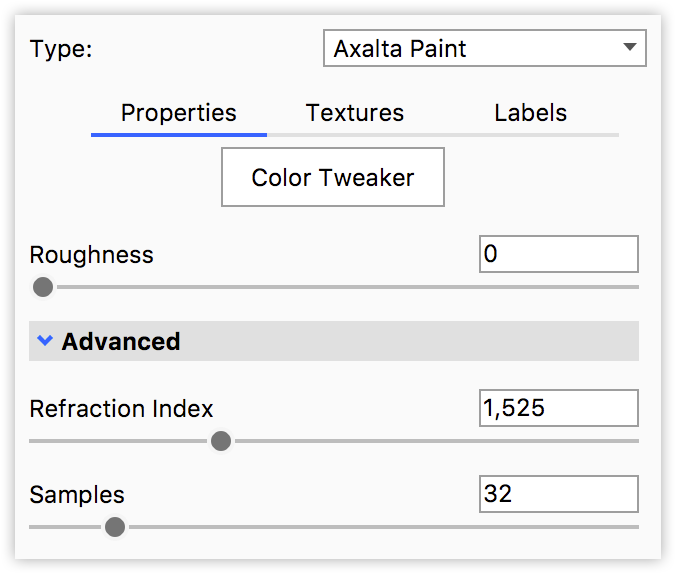
Color Tweaker Use this advanced option to fine-tune how the paint looks at different viewing angles. Roughness Increasing this value adds microscopic imperfections to the material's surface. At 0, the material appears perfectly smooth and polished. Higher values scatter light across the surface, making it appear more matte. |
Advanced
Refraction index
This slider controls surface reflection. Increase the value for stronger reflections.
Samples
A low samples setting (8 or lower) tends to make the surface look noisier, rougher and less even. Increasing the value smooths out the noise and distributes the roughness more evenly.
Flake size
This slider controls the size of individual flakes in millimetres. For example, flake sizes in real paint can be 0.02- 0.5 mm. The material distributes flakes randomly. Some appear brighter than others because their apparent colour varies between white and the paint colour.
Flake density
The Flake Density slider controls how close the flakes are to each other.