KeyShot Studio
Color Adjust
Colorize and/or modify the existing color of a texture map or procedural texture by adjusting Hue, Saturation, Value, and Contrast. Each of these parameters can be textured.
Last updated 3 August 2026
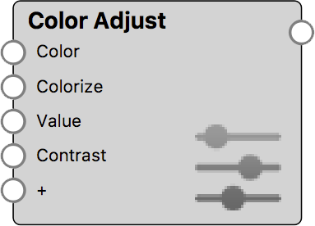
Colorize and/or modify the existing color of a texture map or procedural texture by adjusting Hue, Saturation, Value, and Contrast. Each of these parameters can be textured.
At default values, the texture remains unchanged.
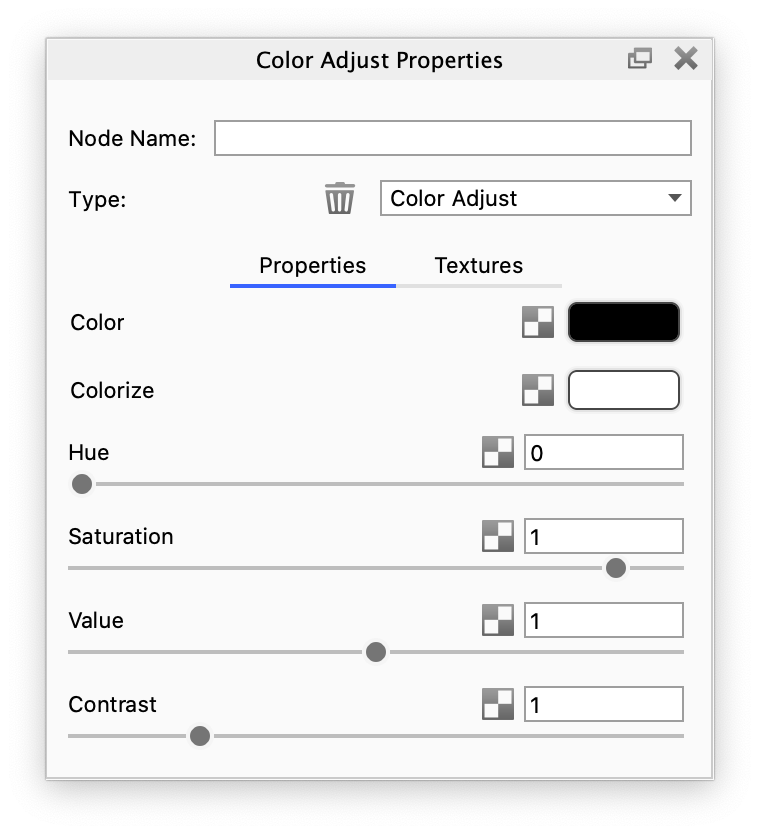
Color Adjust Example
The examples below show how a Color Adjust node can be used to easily adjust the color of wood textures.
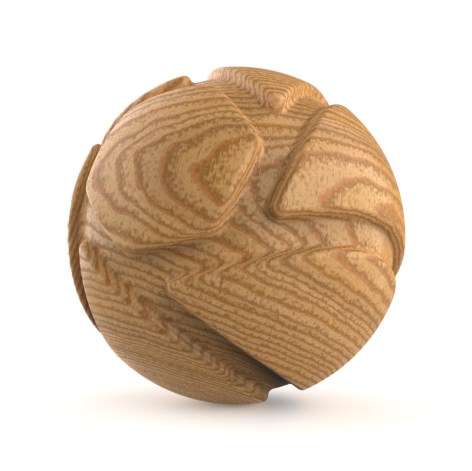
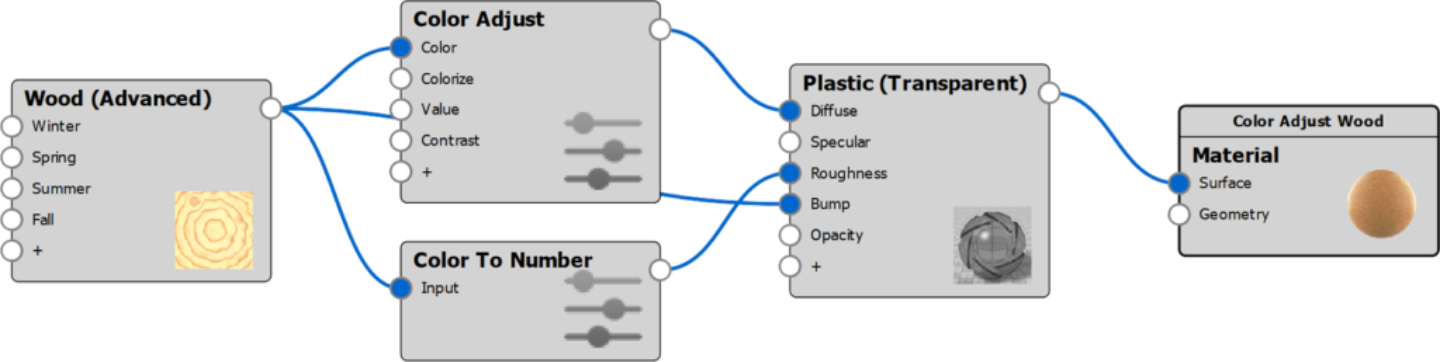
Wood material with procedural wood texture. | The Material Graph structure of this example |
Color Adjusted Examples
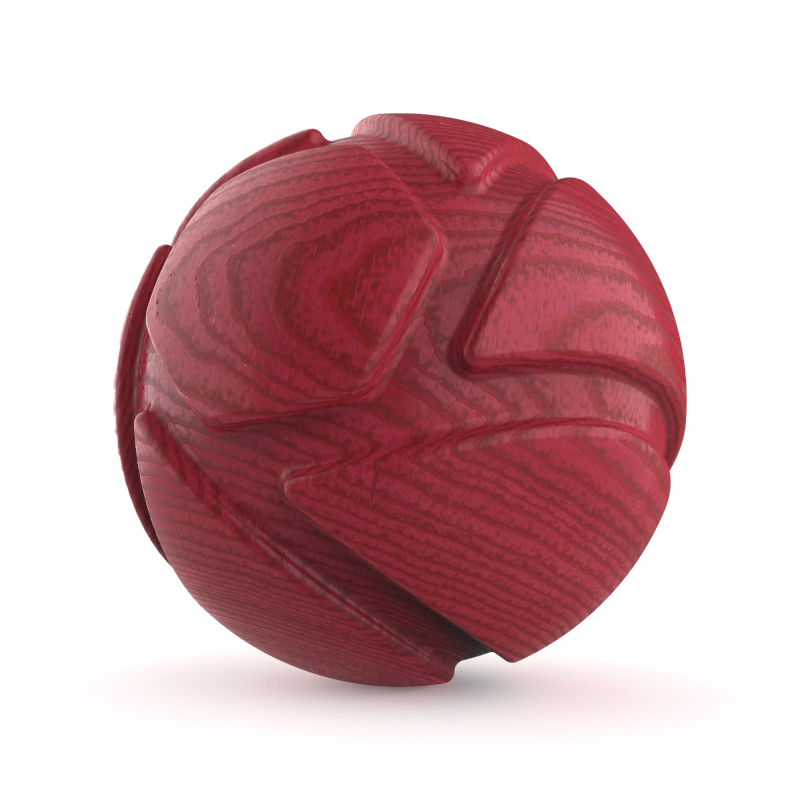
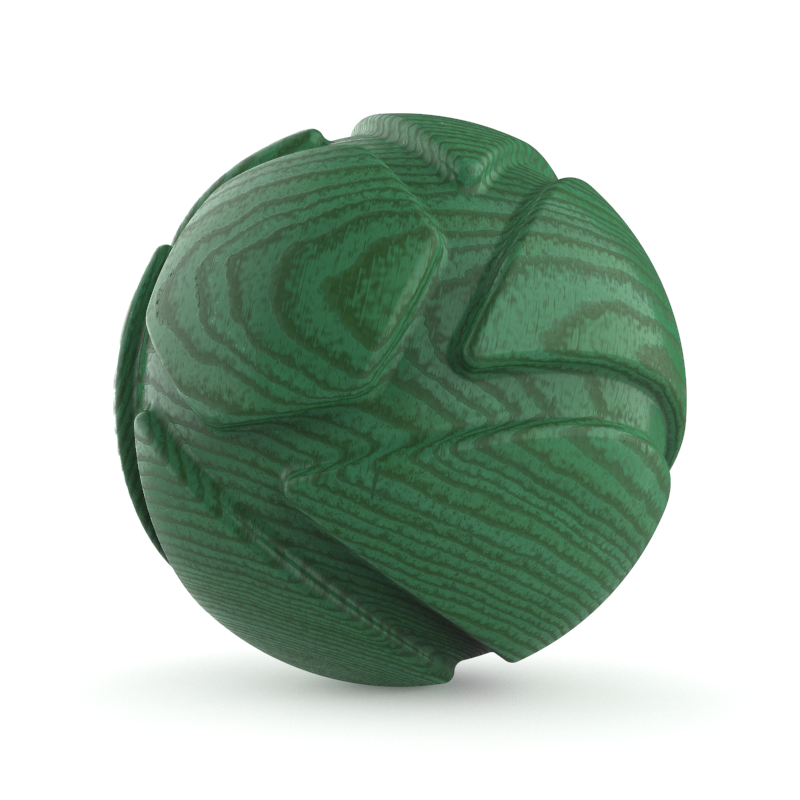
Color Adjust with Colorize with a red color (HSV: 320, 65, 80) | Color Adjust with Colorize with a green color (HSV: 185, 65, 80) |
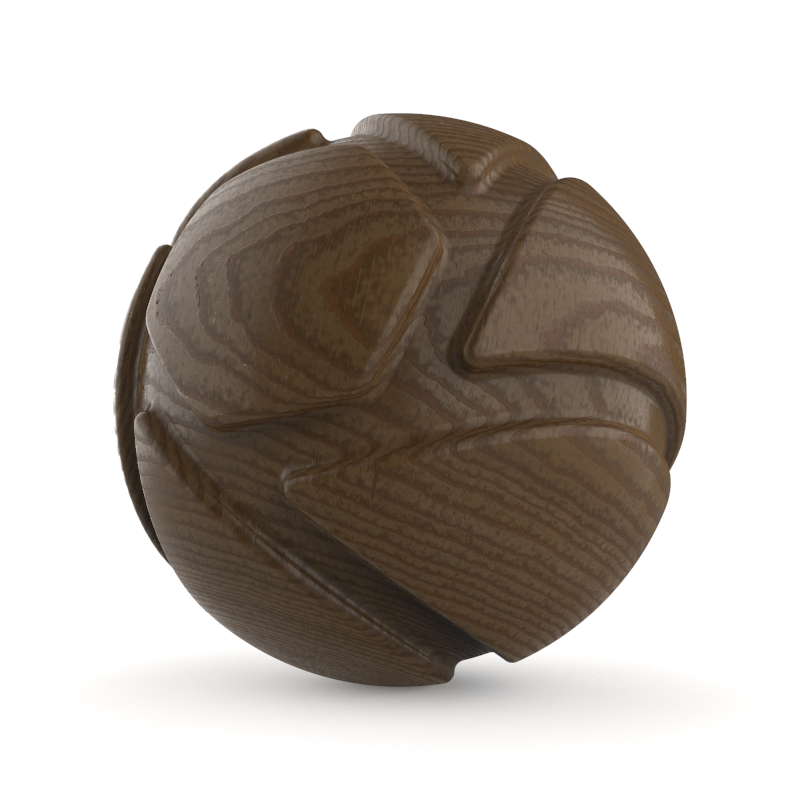
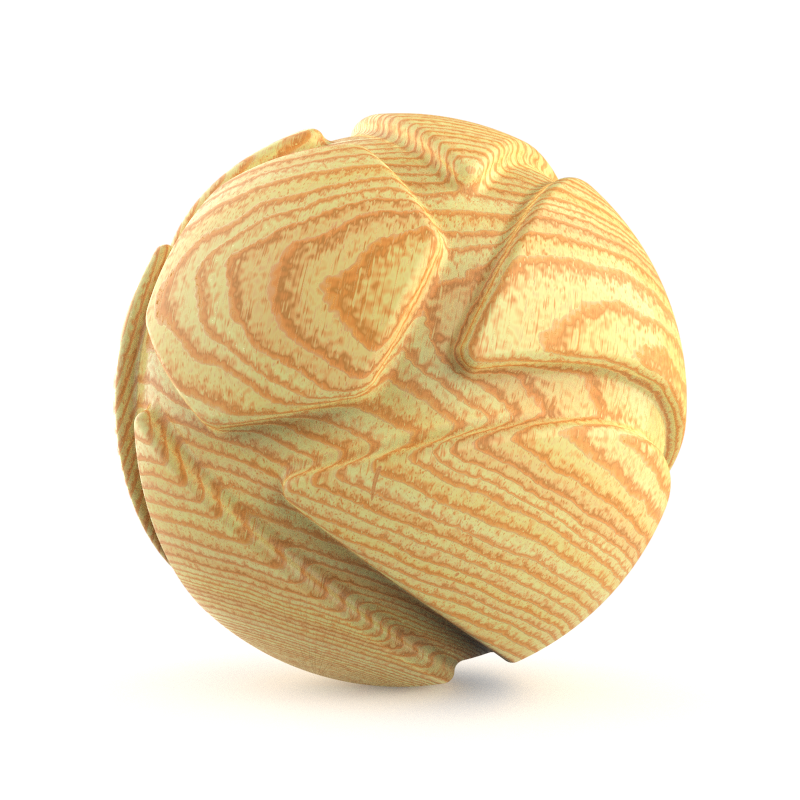
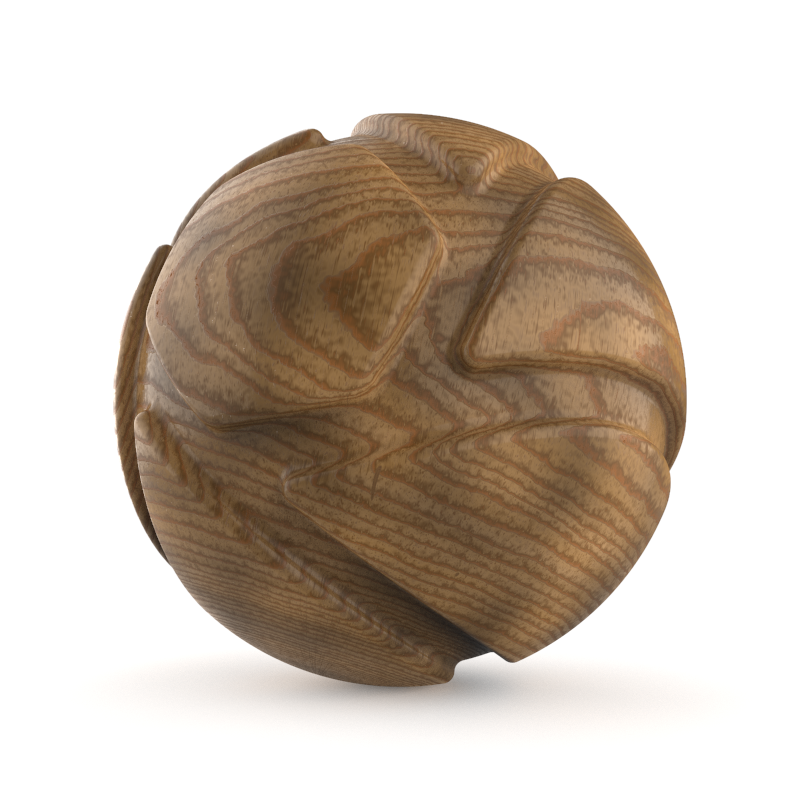
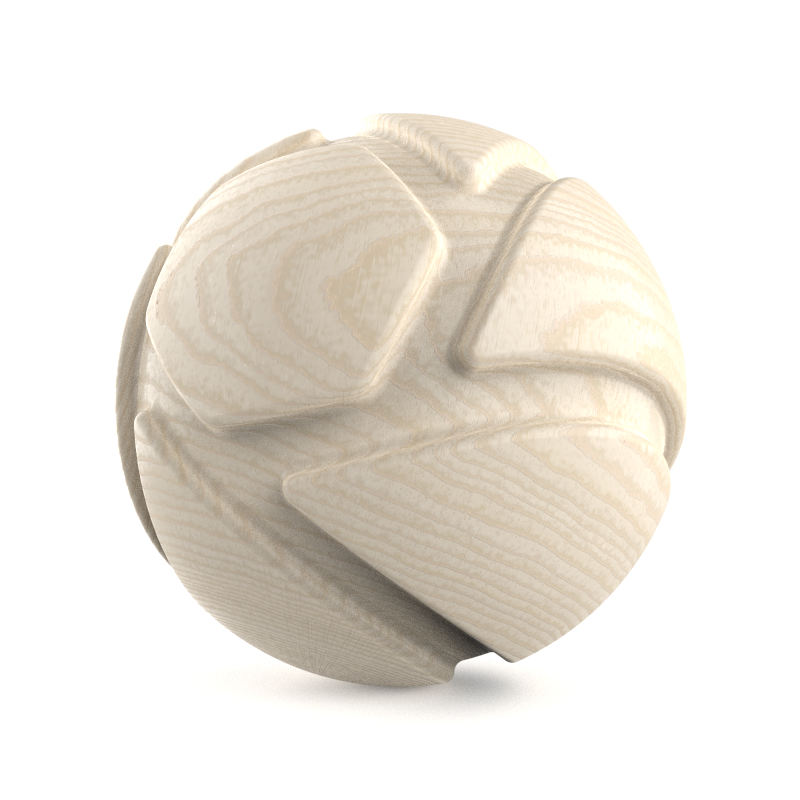
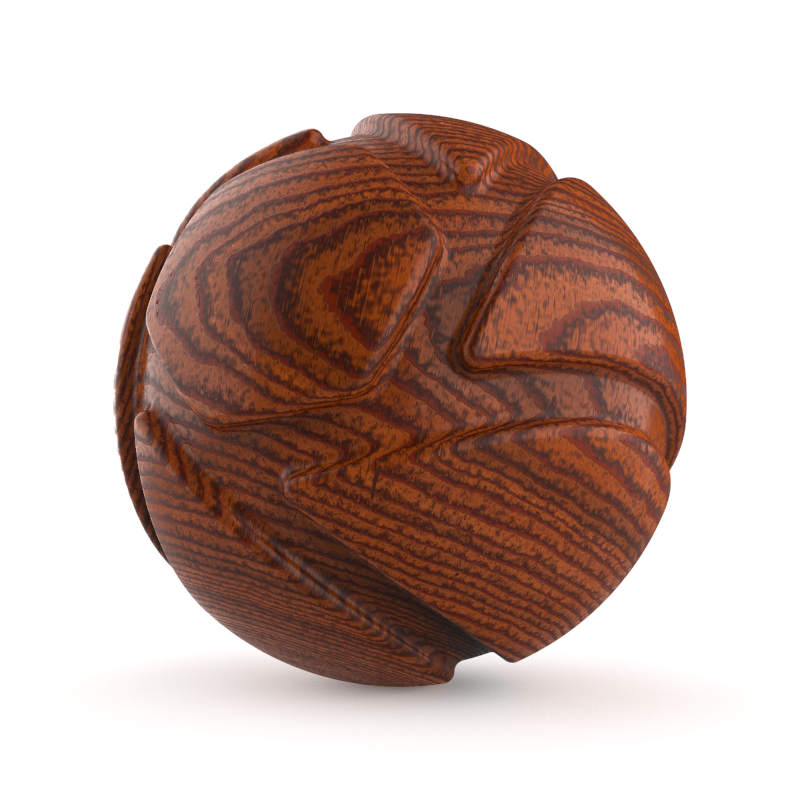
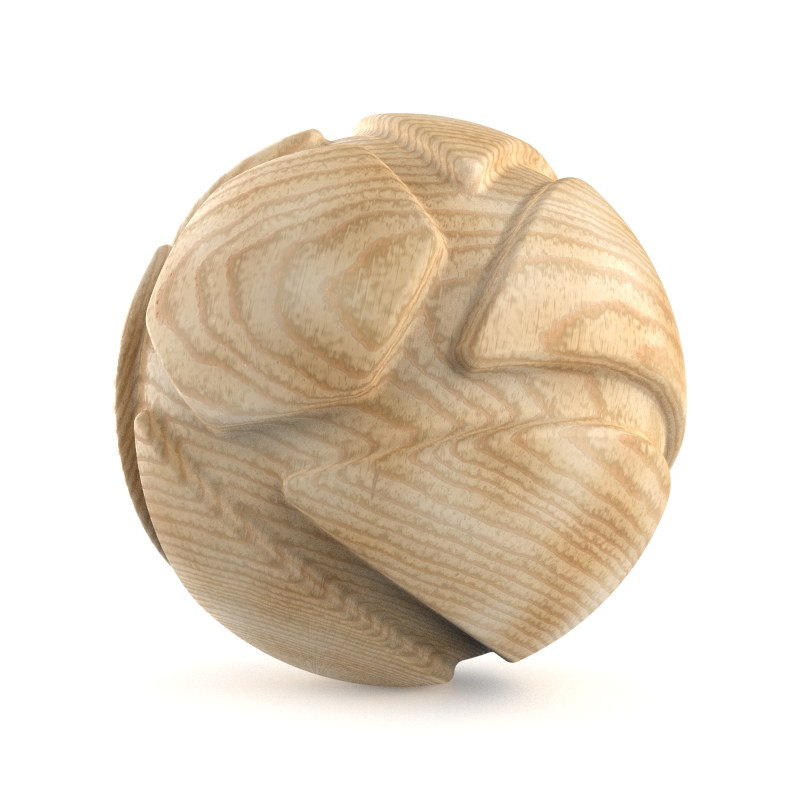
Color Adjust with Value = 0.2 | Color Adjust with Value = 2 | Color Adjust with Value = Noise texture |
Color Adjust with Contrast = 0.2 | Color Adjust with Contrast = 3 | Color Adjust with Contrast = Noise texture |