KeyShot Studio
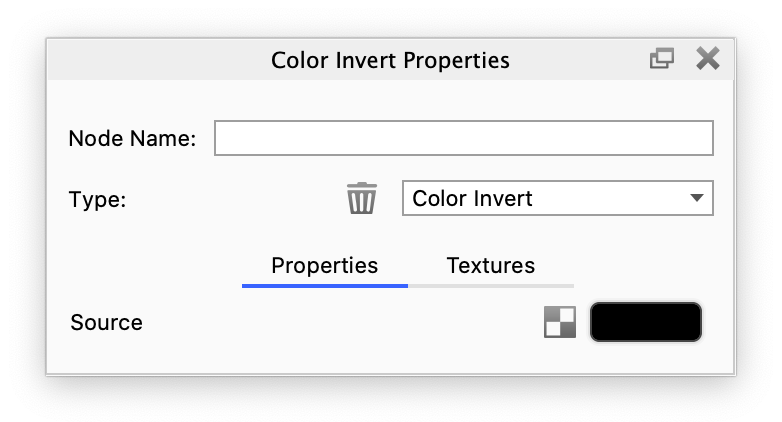
Color Invert
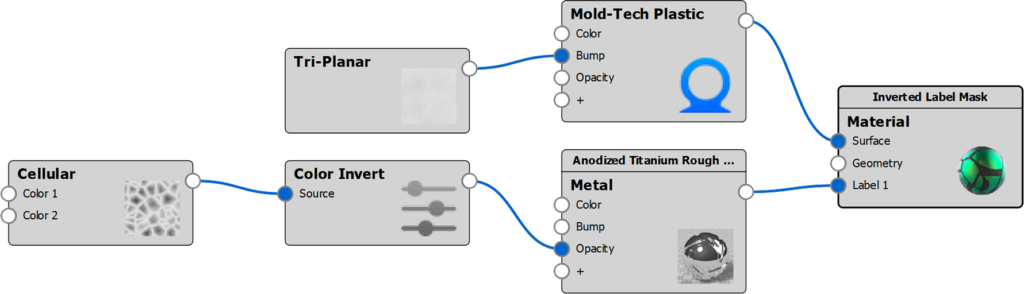
Invert the color of a source texture map or procedural texture. This is commonly done to convert glossiness maps (white = perfectly shiny) to roughness maps (white = maximum roughness), or invert opacity masks.
Last updated 3 August 2026
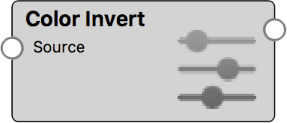
Invert the color of a source texture map or procedural texture. This is commonly done to convert glossiness maps (white = perfectly shiny) to roughness maps (white = maximum roughness), or invert opacity masks.
Color Invert Example with Label Opacity
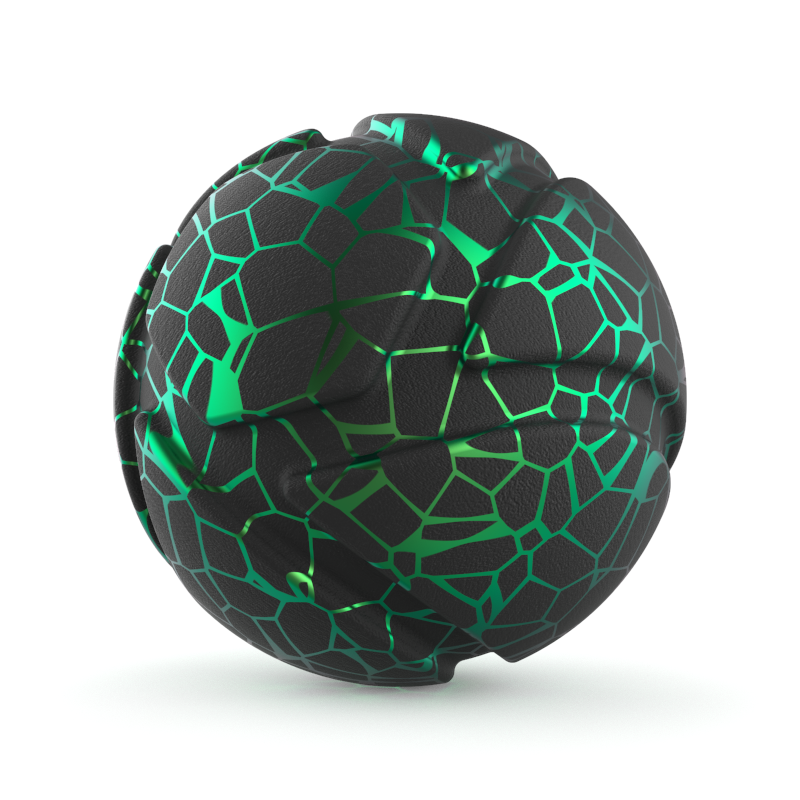
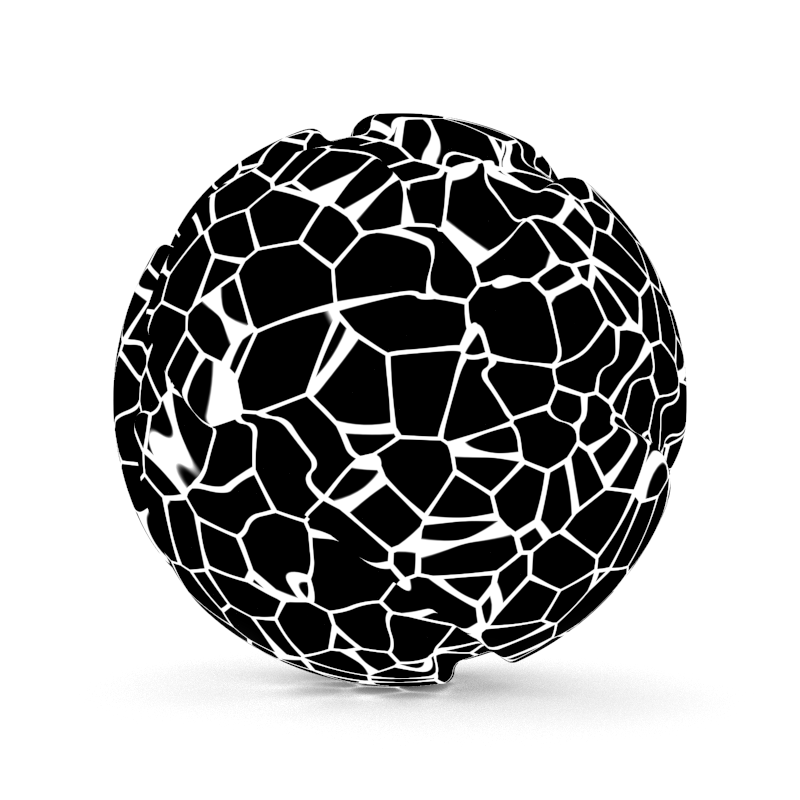
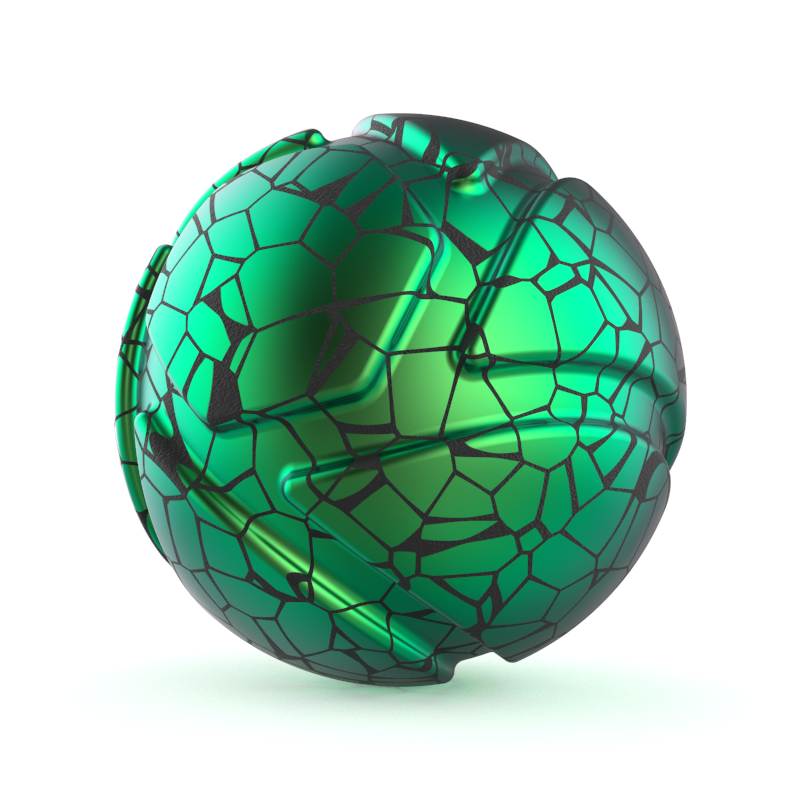
Mold-Tech plastic material with Metal Label. | Mold-Tech plastic material with inverted Opacity for the Metal Label. |