KeyShot Studio
Color Key Mask
Mask a specified color within a texture map or procedural texture. Control the strength of the mask by adjusting Tolerance and Fuzziness.
Last updated 3 August 2026
Mask a specified color within a texture map or procedural texture. Control the strength of the mask by adjusting Tolerance and Fuzziness.
The Invert option allows to easily invert the mask. This effectively turns the Color Key in the unmasked color.
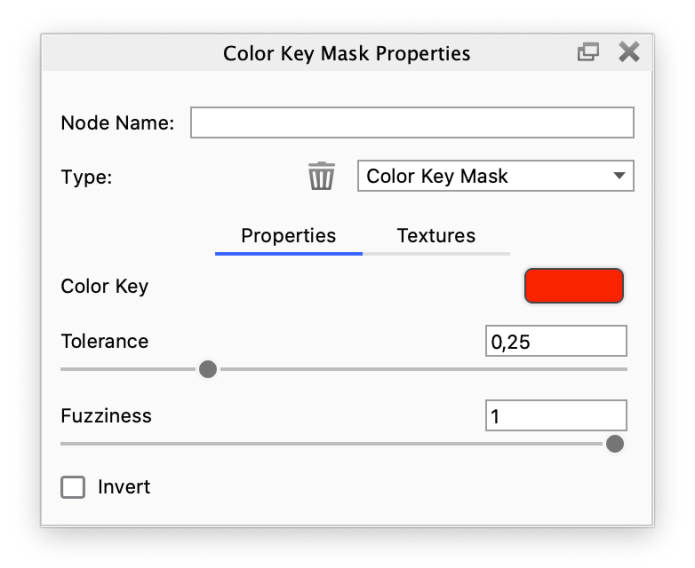
Tolerance and Fuzziness The Tolerance and Fuzziness parameters define the extent of the color mask. Any color in the source texture, at a “distance” below Tolerance from the Color Key color, will completely be included in the mask. Fuzziness gradually (with falloff) includes more colors beyond that, but does not fade the mask inside the tolerance. |
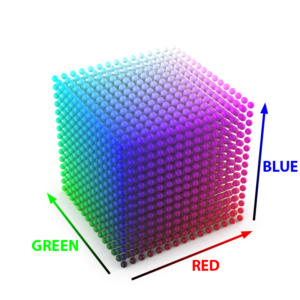
The examples below show a cubic lattice of spheres to illustrate the concepts of Tolerance and Fuzziness.
Metal Label Mask
A Color Key Mask is used to drive the opacity of a Metal label. The Color Key is RGB: 128, 0, 255.
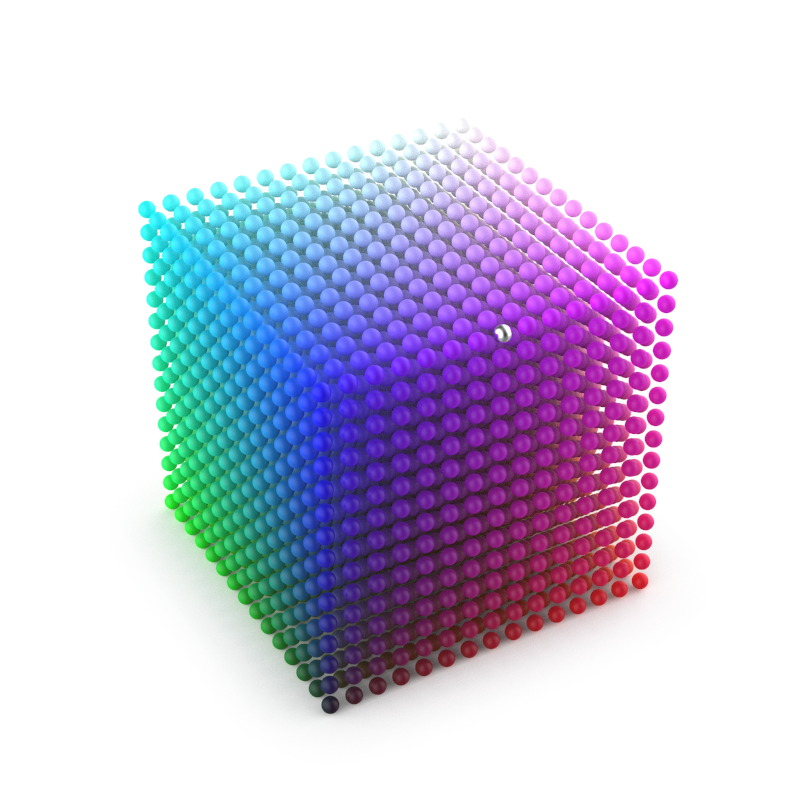
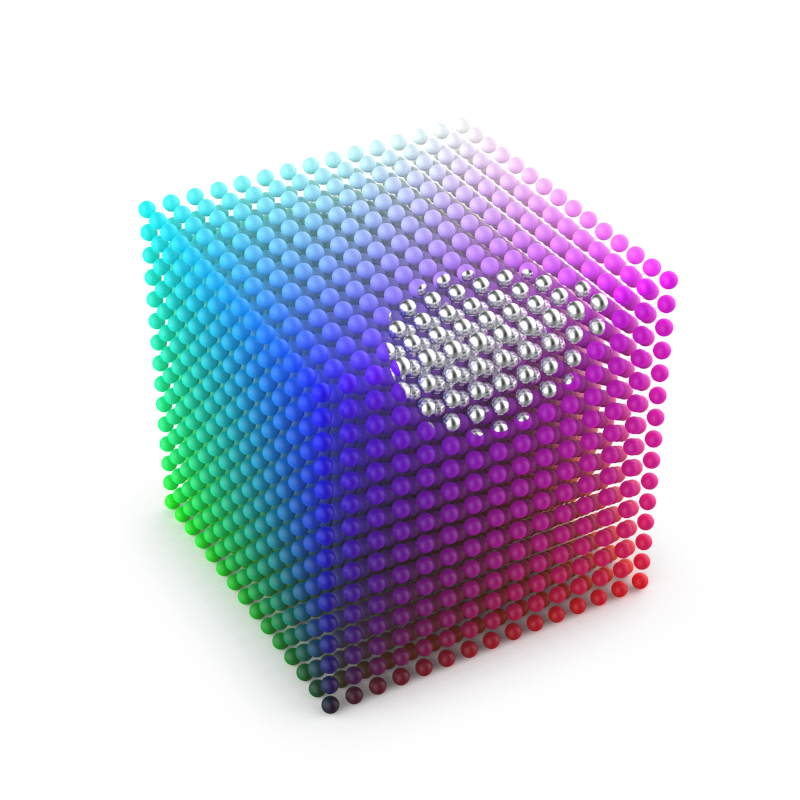
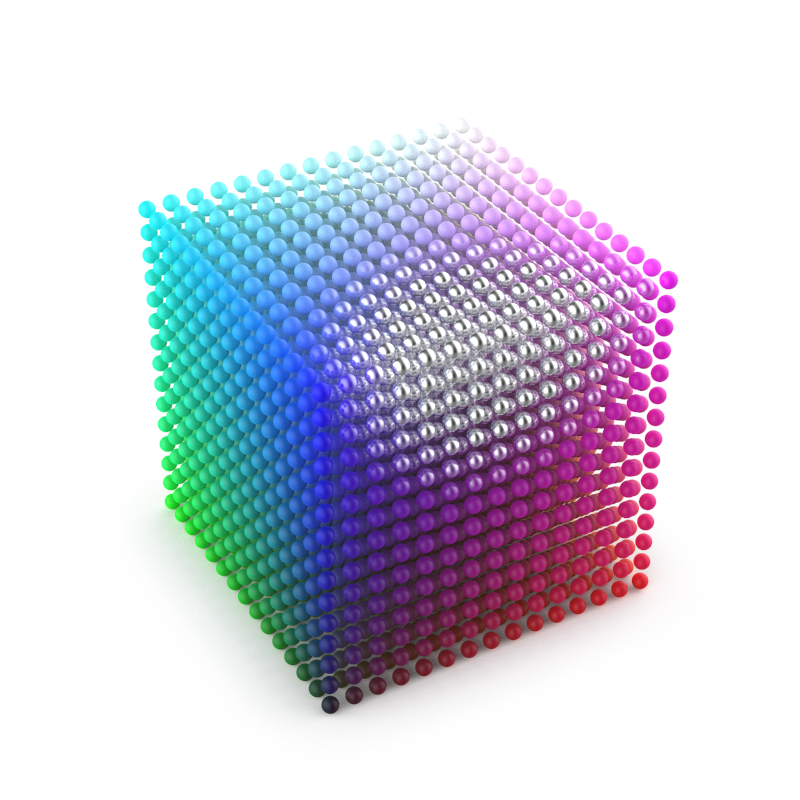
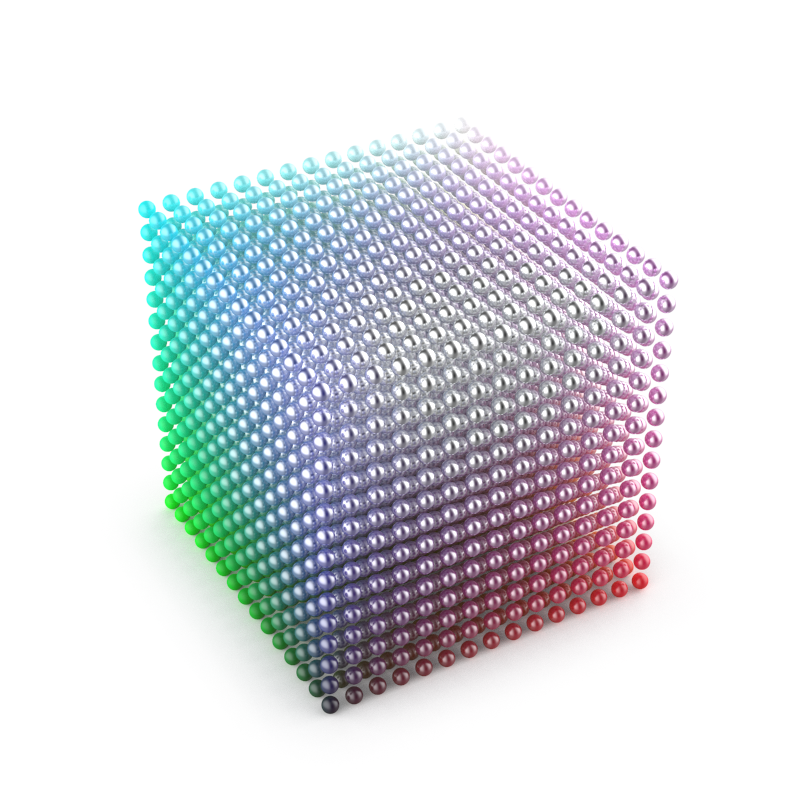
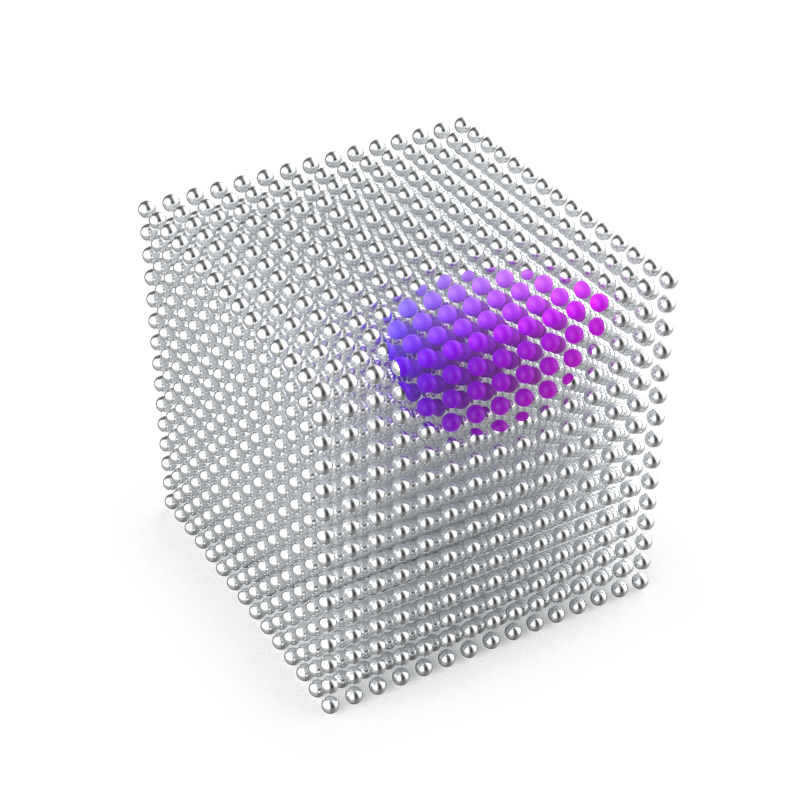
Tolerance = 0.085 | Tolerance = 0.5 | Tolerance = 0.5 | Tolerance = 0.5 | Tolerance = 0.5 |
Color Key Mask Examples
Masking Individual Colors
The first two examples show a model with a Mold-Tech plastic material onto which a solid-colored, old KeyShot logo Label is applied. Color Key Mask nodes can be used to mask out the individual colors.
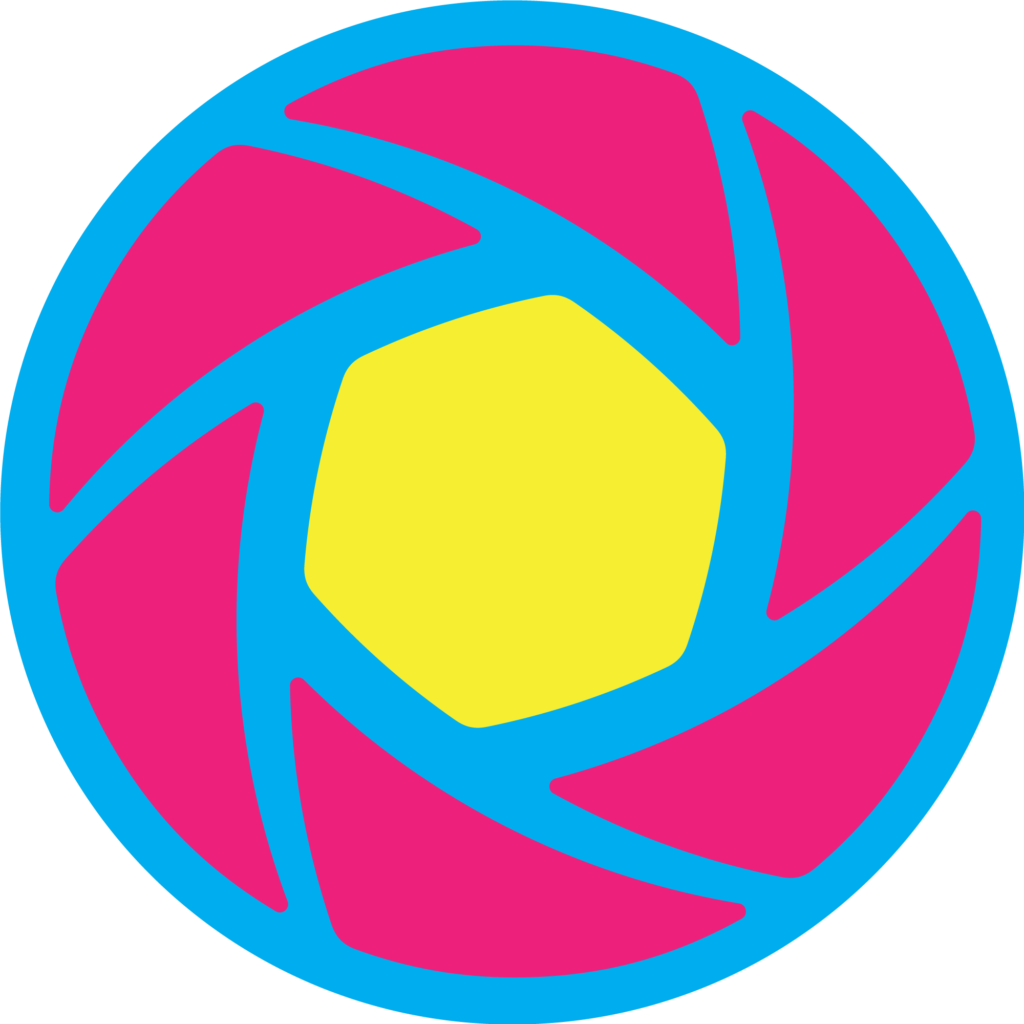
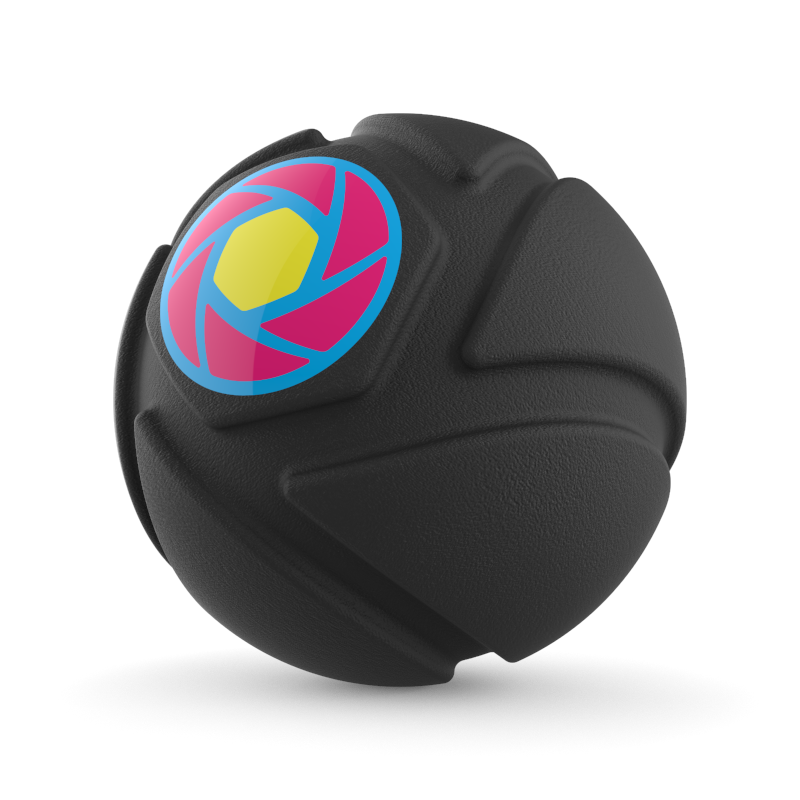

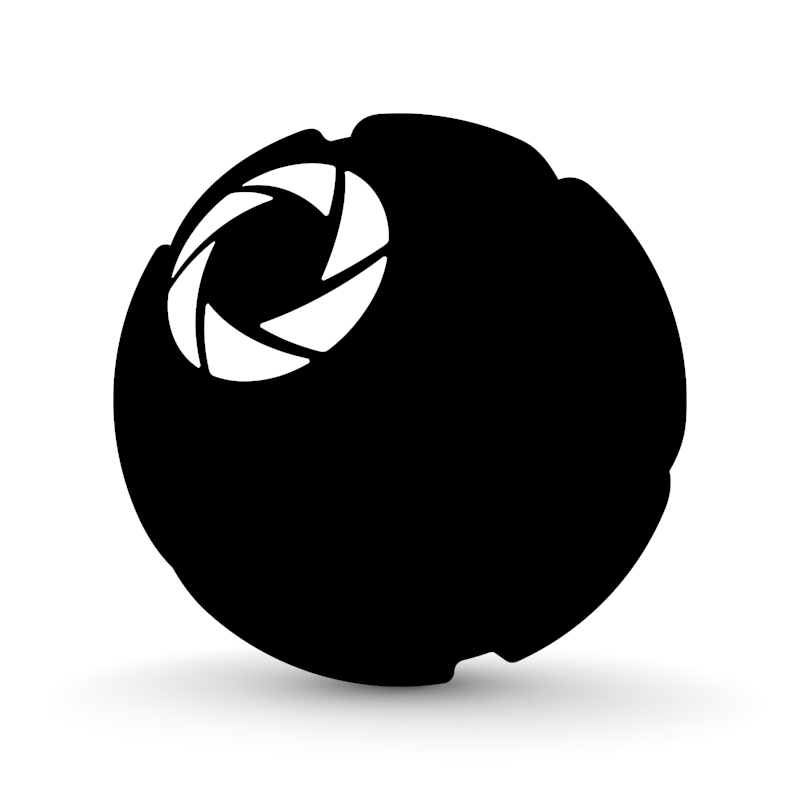
The Label texture that will serve as the source for Color Key Mask. | Left image: Mold-Tech plastic material with Label. | Color Key Mask with Tolerance = 0.25 and Fuzziness = 1 (default values) | Color Key Mask with Tolerance = 0.2 and Fuzziness = 0.4 |
The other two examples show the result of using a Color Key Mask node to mask out the texture’s pink color. For illustration, the output from the Color Key Mask node is connected to the Color parameter of a Flat material.
Depending on a texture’s colors, the Tolerance and Fuzziness values may have to be adjusted in order to achieve a precise and sharp (black and white) mask.

The following two examples show different applications of Color Key Mask.
Label Masks
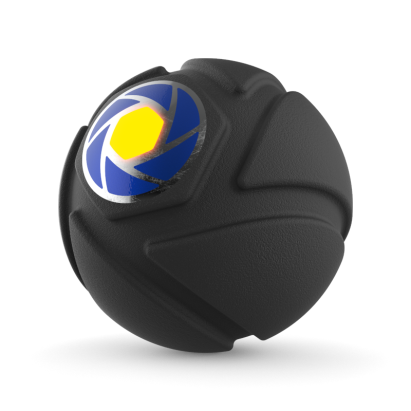
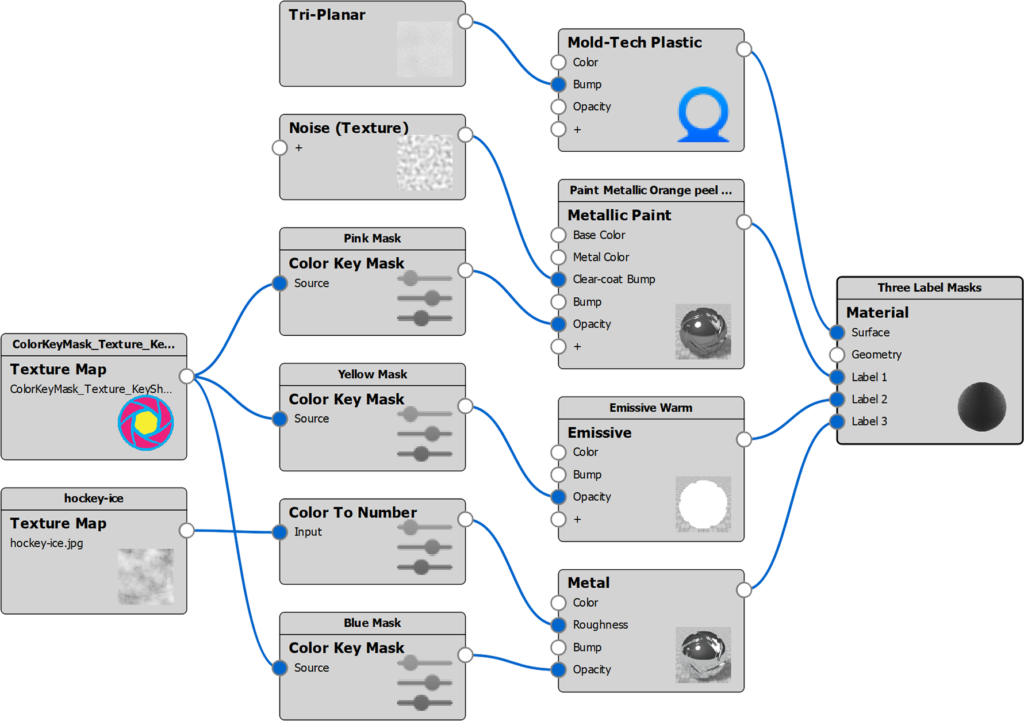
Three Color Key Mask nodes are used to mask out the texture’s three solid colors. The masks are connected to the opacity of three Label materials.
Displacement Mask
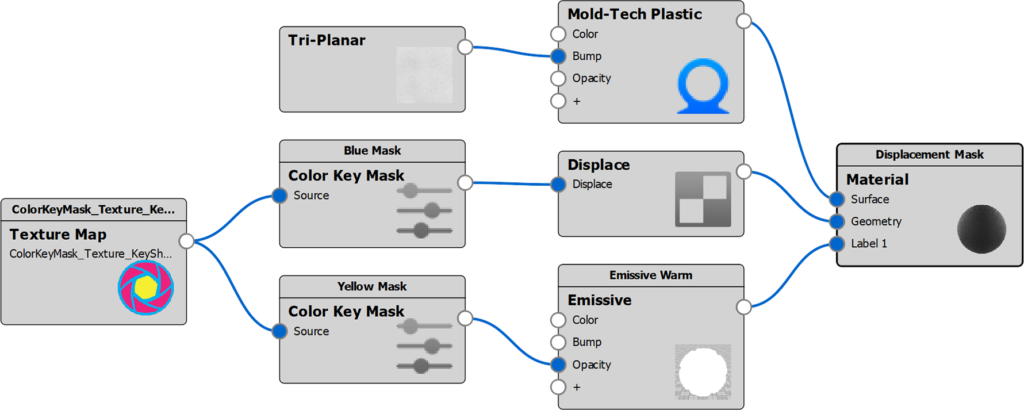
Two Color Key Mask nodes are used to mask out two colors of the texture.
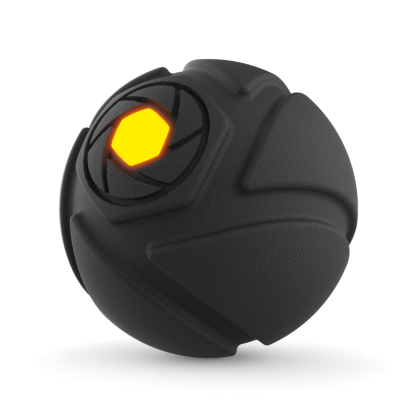
One mask is connected to the opacity of a Label material, the other to a Displace node.