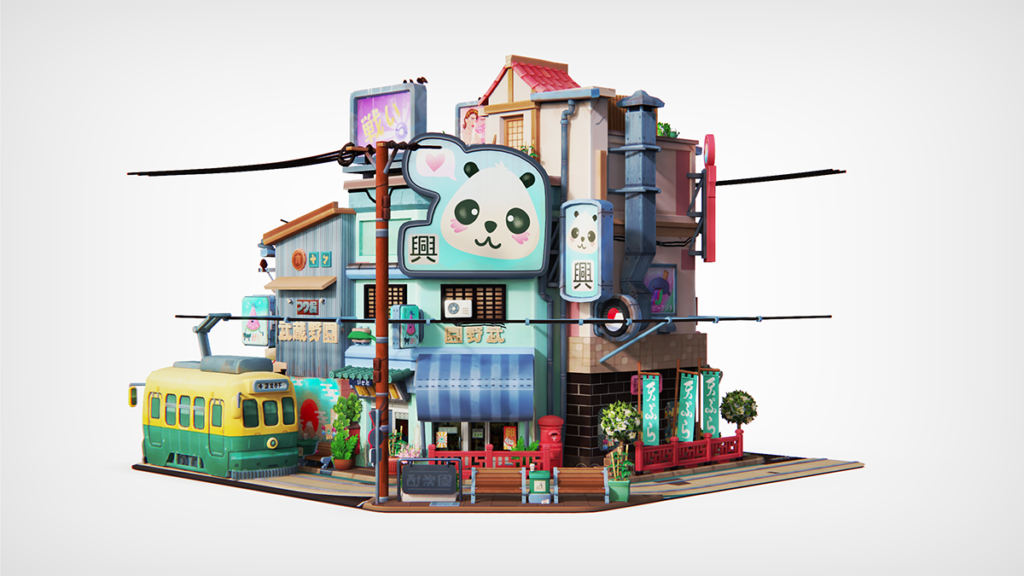
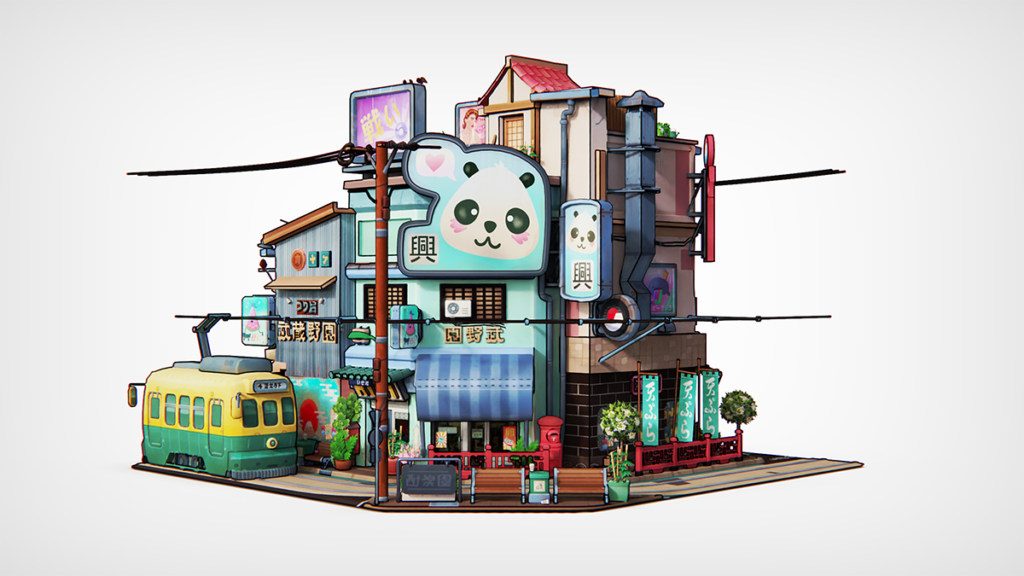
Use the Contour texture in KeyShot to add edge detail to your parts. It works like the Toon material, but you can apply it to any material.
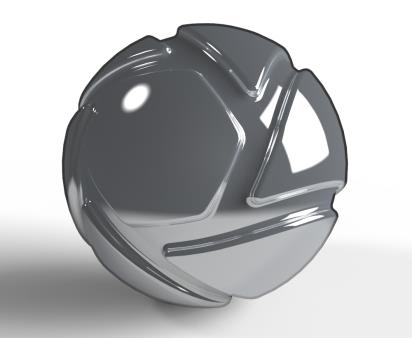
Advanced material with Contour used as a Diffuse texture.
Background: Sets the part's fill colour, replacing the material's main colour.
Color: Sets the contour colour.
Contour Width: Sets the thickness of the contour lines in the current scene units. Enable Contour Width in Pixels below to use pixels instead.
Outline Contour Multiplier: Enable Outline Contour Multiplier to multiply the contour around the parts.
Part Contour Multiplier: Enable Part Contour Multiplier to intensify the contour where parts with this material intersect.
Contour Angle: Sets the angle of curvature where interior contour lines appear on the part. A lower value shows more interior contour lines. A higher value shows fewer. This setting only works when Interior Edge Contour is enabled below.
Contour Quality: Increase Contour Quality for a sharper line.
Material Contour: Shows or hides the contour line between individual parts that have the same material. This setting has no effect if the materials are linked.
Interior Edge Contour: Shows interior angles when enabled. Contour Angle determines where interior edges appear and how many are shown.
Contour Width in Pixels: Enable this setting to set Contour Width in pixels. Otherwise, it uses the current scene unit.
Sync
Textures on this material node with sync enabled scale, move or adjust together.
Examples
The same model without and with the Contour texture. Model by Glen Fox.