The Diffuse parameter appears in many material types.
In KeyShot Studio, think of diffuse as a material's overall colour. Understanding how light scatters or spreads out can also help you create materials.
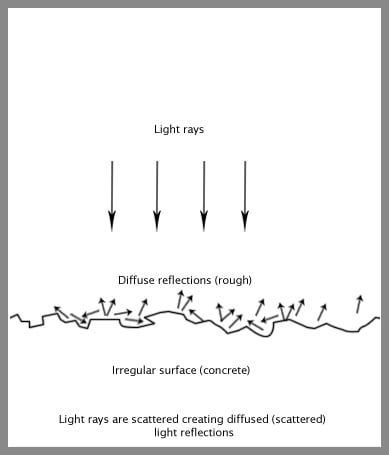
Diffuse describes how light reflects off a material. Light behaves differently depending on the surface. On a surface with few or no imperfections, such as a polished surface, light rays bounce straight off. This makes the surface look shiny or reflective. On a surface with many imperfections, such as concrete, light rays scatter across the surface. This creates a matte appearance, which is why concrete does not look reflective or shiny.
On many materials, the diffuse slider controls the colour of the diffuse rays.