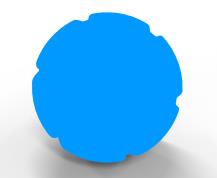
The Flat material applies an even colour across the entire part, with no shading. You can use this material to black out areas behind car grilles or other meshes. You can also create a "Clown Pass" by applying a different flat colour to each part of a model. These solid colours help you select parts in image editing software. See Layers and Passes to create a Clown Pass automatically. |
Color
Click the colour box to open the Color Picker and choose the material's colour. The Flat material has no shading or other surface properties. Your chosen colour appears evenly across the entire part.