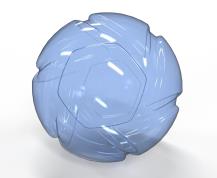
Use this Material Type to create glass materials. Unlike Solid Glass, this Material Type has no roughness or colour density settings. Its two-sided option lets you make a single surface with no thickness reflective and transparent without refraction. This is commonly used for car windshields. |
Color
This sets the overall colour of the glass material. Click the colour box to open the Color Picker and choose a colour.
Refractive Index
This controls how much light bends, or refracts, as it passes through parts with this material. The default value of 1.5 accurately simulates most types of glass. Increase the value for stronger refraction within the surface.
Refractive
Enable this option to make the material refractive. Disable it to keep the surface reflective and transparent without bending light as it passes through. This lets you see objects behind the surface without distortion from refraction.