Skip to content
07-848 2005

KeyShot Studio

Mapping 2D

This node enables you to synchronize and control the position of your textures and labels in one place.

Last updated 3 August 2026
Mapping 2d node

This node enables you to synchronize and control the position of your textures and labels in one place.

Connect the Mapping 2D node to all the textures you want to control with it and make sure the Mapping type is set to Node in the properties of each texture.
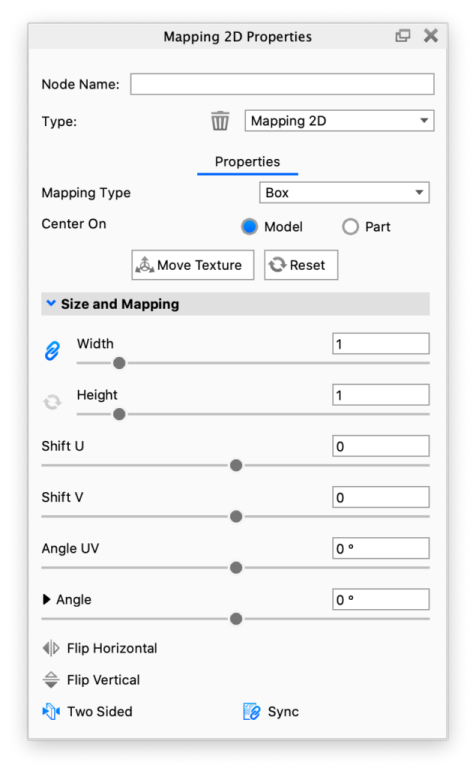
Mapping2D panel

The texture Size and Mapping that is set in the Mapping 2D node is propagated to all textures it is connected to, thus aligning them. When the Mapping Type for the connected textures is set to Node, the Size and Mapping properties of the texture nodes function as offsets from the Mapping 2D properties. For example, Width and Height become scalar (unitless) and are effectively multipliers of the Width and Height set in the Mapping 2D node.

Mapping 2D Example

The examples below shows how a Mapping 2D node can be used to perfectly align multiple Labels.

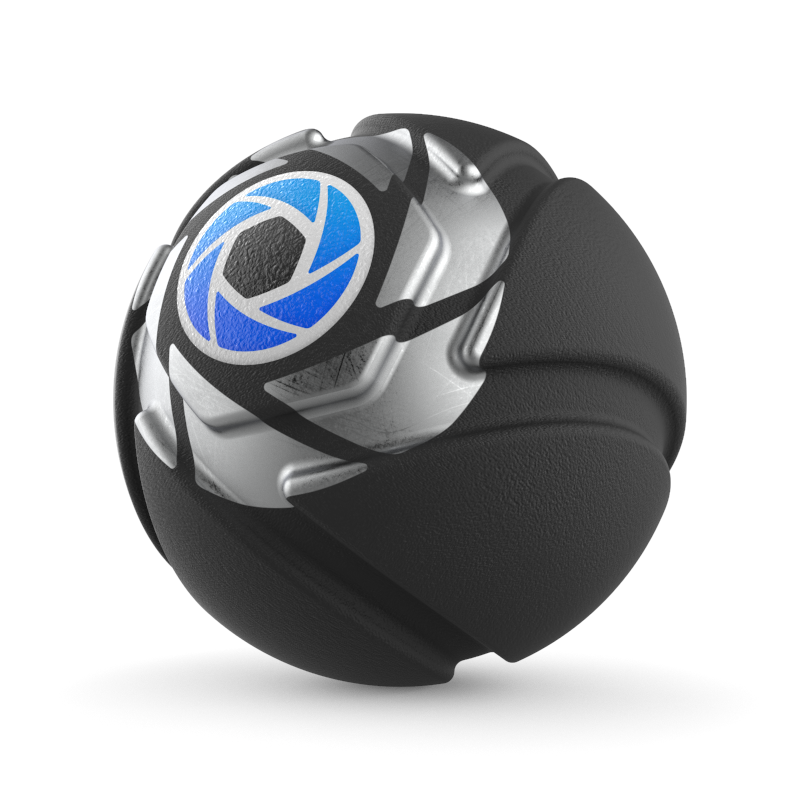
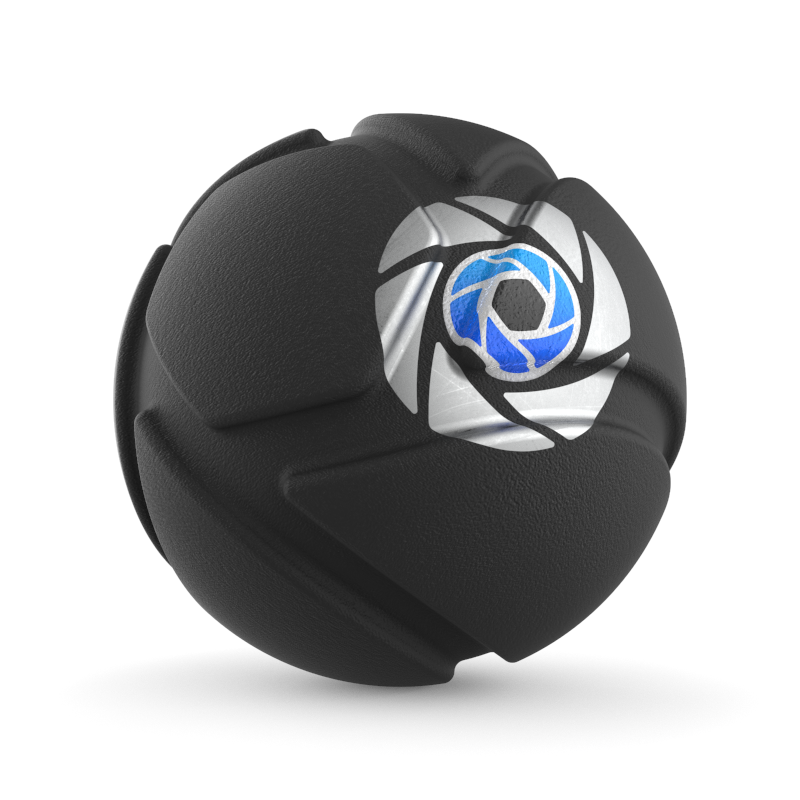
Mold-Tech plastic material with two Labels that should be aligned The Width and Height of the colored ‘KeyShot Icon’ texture is set to 0.02 meter. The Width and Height of the ‘KeyShot Icon White’ texture is set to 0.04 meter. Both textures use Planar mapping and have Repeat disabled.
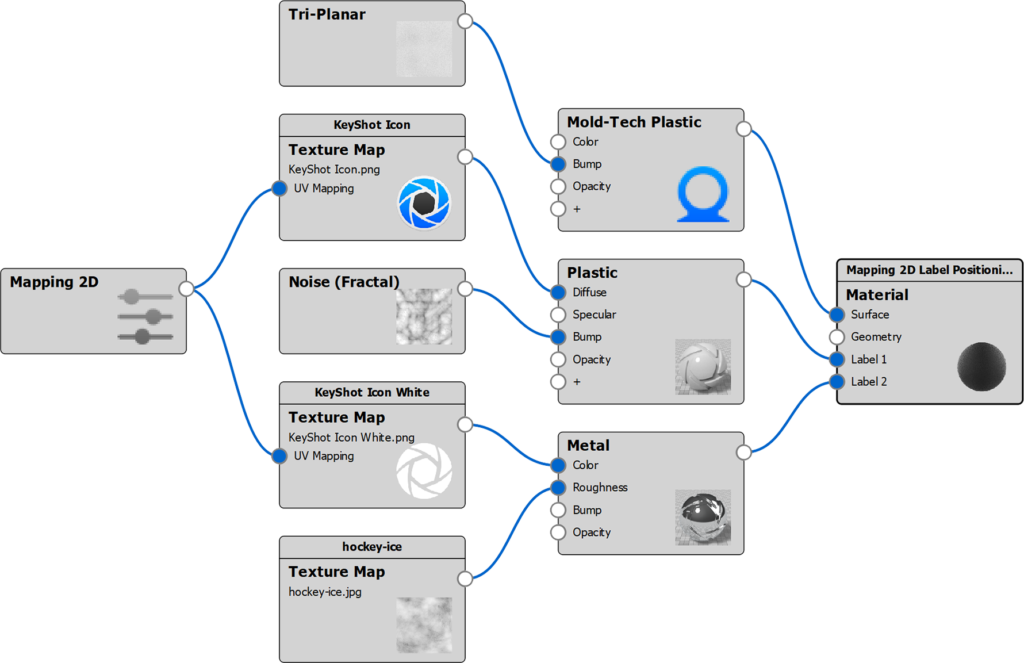
Mold-Tech plastic material with a Mapping 2D node connected to the Label textures. The Mapping Type in the Mapping 2D node is set to Planar. The Width and Height in the Mapping 2D node is set to 0.04 meter. The Mapping Type in both Label textures is set to Node. The Width and Height of the colored ‘KeyShot Icon’ texture is set to 0.5 (effective size = 0.02 meter). The Width and Height of the ‘KeyShot Icon White’ texture is left at 1.

Labels without Mapping 2D

Labels with Mapping 2D

Mapping2D MaterialGraph TwoLabels

The Material Graph structure of this example.
Mapping2D TwoLabels Aligned moved
Mapping2D TwoLabels Aligned resized

The result of using Move Texture inside the Mapping 2D node.

The result of resizing inside the Mapping 2D node.