KeyShot Studio
Material Graph Node Groups
Node Groups are customizable, collapsible node containers, that can help you keep your Material Graph organized and tidy. Node Groups also make it easy to reuse parts of your Material Graph.
Last updated 3 August 2026
Node Groups are customizable, collapsible node containers, that can help you keep your Material Graph organized and tidy. Node Groups also make it easy to reuse parts of your Material Graph.
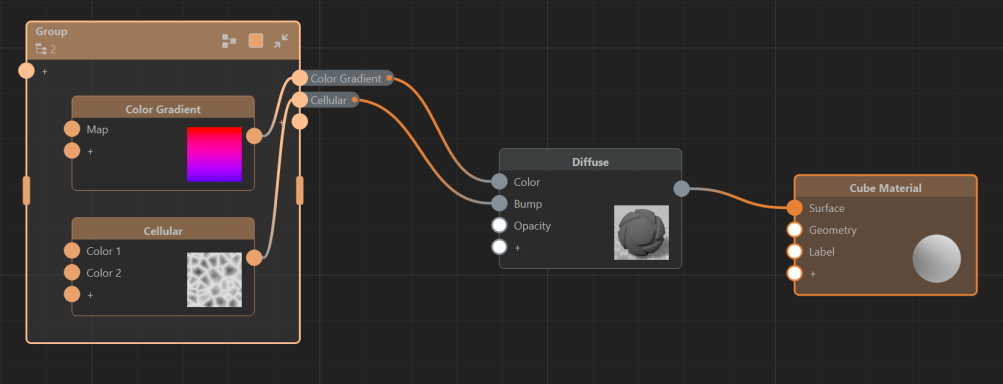
Customize your Group
You can customize your groups by giving them a name, choosing a color, and changing the size of the group container.
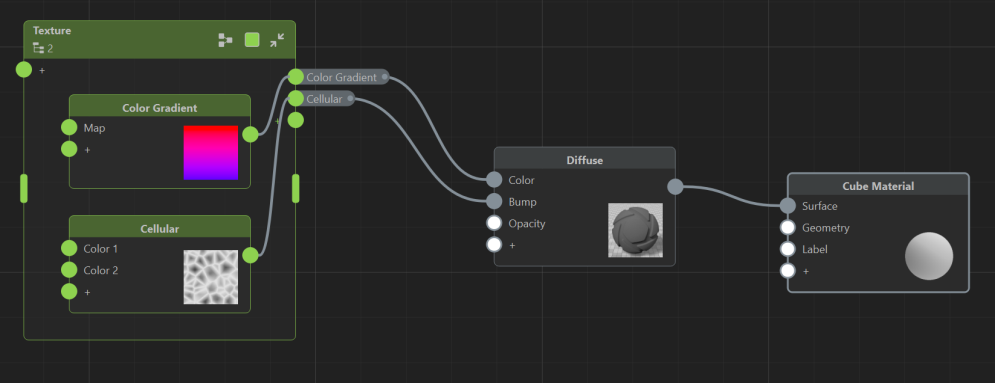
Add to a Group
There are two ways you can add nodes to a group:
- Select or Multi-Select (Ctrl+LMB) your nodes
- Right-Click to open the context menu
- Choose Group
This will create a new Node Group.
To add nodes to an existing group:
- Select or Multi-Select (Ctrl+LMB) your nodes
- Drag and Drop the selected nodes into an existing group.
Remove from Group
To remove nodes from a group you can:
- Select or Multi-Select (Ctrl+LMB) your nodes
- Click the Eject Icon
 in the top right corner of a node.
<![CDATA[ ]]>