Use the Material Graph to create and edit advanced materials. It is only available in KeyShot StudioPro.
Access the Material Graph from the Material Tab in the Project window. Click the  Material Graph button to open it in a separate window. It shows materials, textures, labels and other elements as nodes in a graph, so you can see their connections and relationships within complex materials.
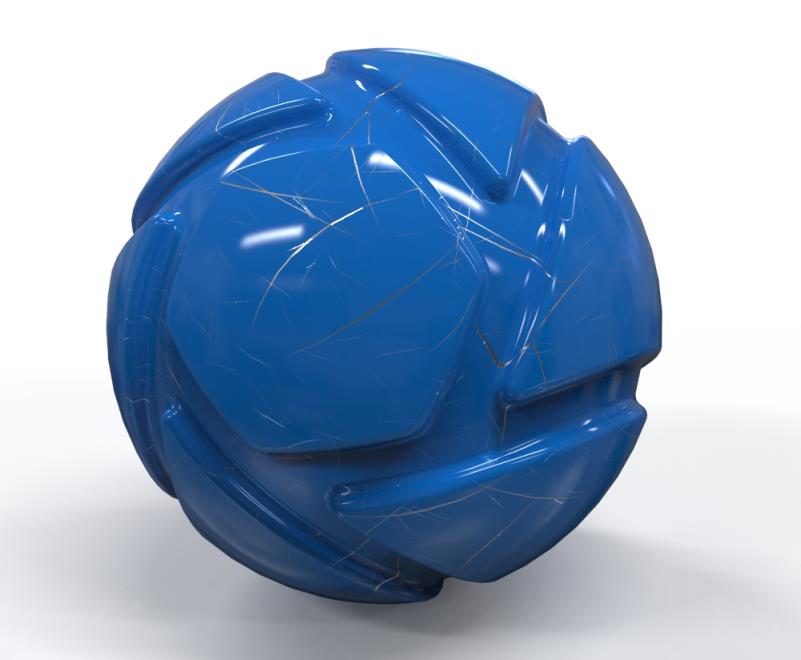
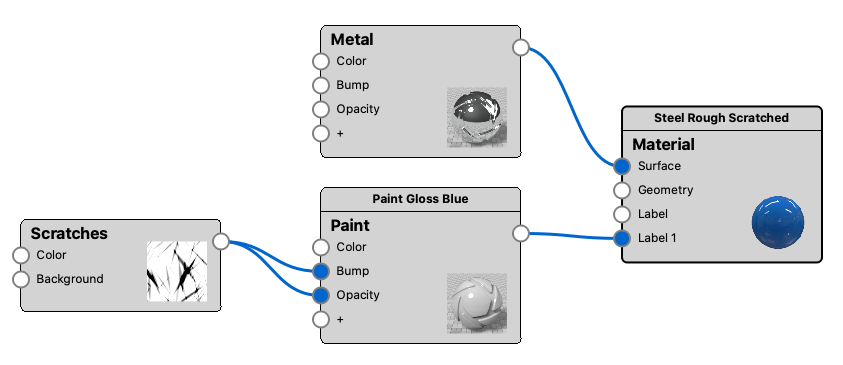
Advanced materials in KeyShot Personal Edition
In KeyShot Personal Edition, you can use advanced materials, such as those in the Library or on KeyShot Cloud. You can make minor edits to these materials, but you cannot create new advanced materials.
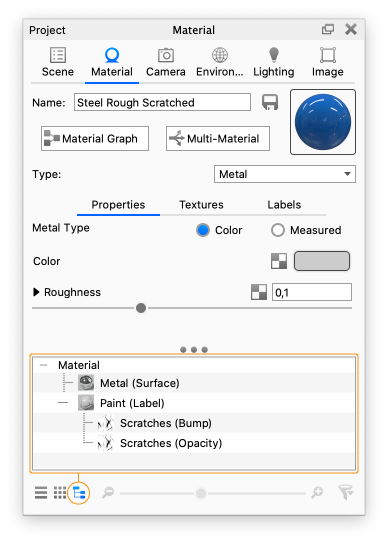
To adjust an advanced material, use the |
 Material View option at the bottom of the Material Panel to access node parameters. When this option is active, a tree view replaces the list of in-project materials. It shows the nodes that make up the current material.