KeyShot Studio
Random Color
Add color randomness to geometry that is assigned a solid color, texture map, or procedural texture. This node allows to randomize hue, saturation and value on a per-curve basis. This can be useful to create additional detail and variation in otherwise homogeneously colored curves.
Last updated 3 August 2026
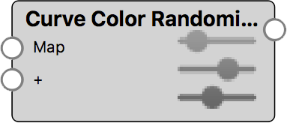
Add color randomness to geometry that is assigned a solid color, texture map, or procedural texture. This node allows to randomize hue, saturation and value on a per-curve basis. This can be useful to create additional detail and variation in otherwise homogeneously colored curves.
These parameters are best changed in moderation, as too high values will lead to unrealistic results. This is especially true for the Hue parameter, where small changes will be highly visible.
With values of 0 the curves’ colors remain unchanged. Use positive values to add color variation.
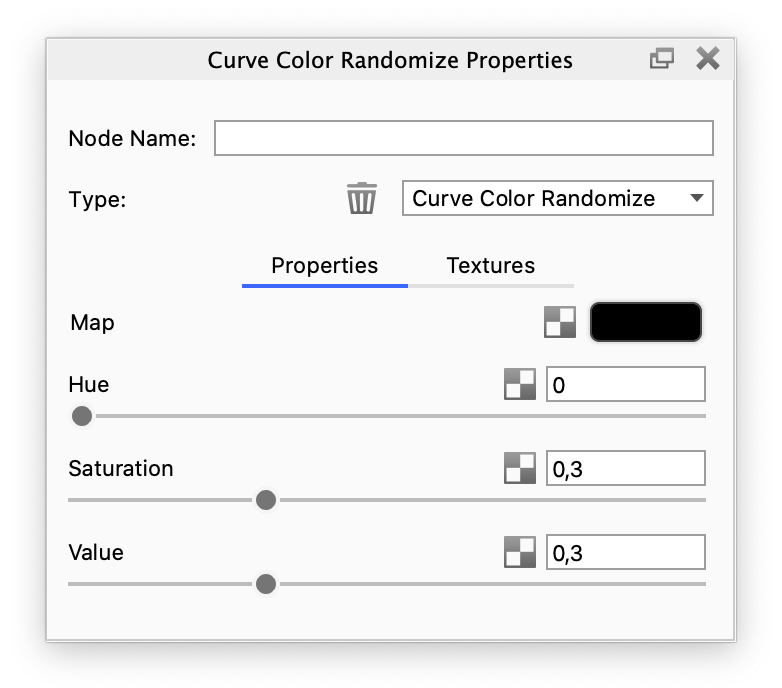
Random Color Example
The examples below show how a Random Color node can be used to easily add variation to the color of curves.
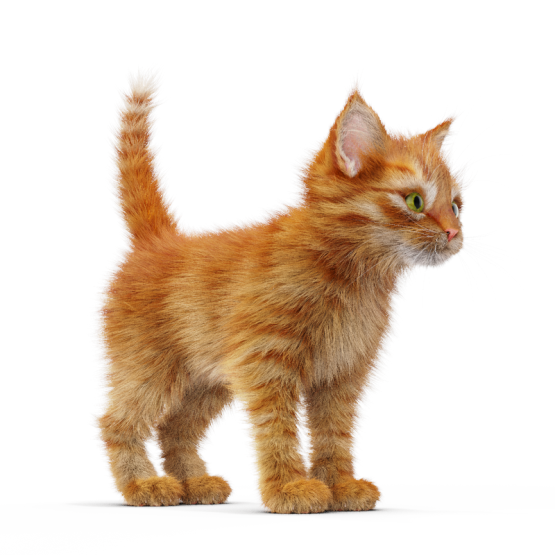

Color Randomized Examples
The default settings of the Random Color node allow to add subtle saturation and value variation to curves.
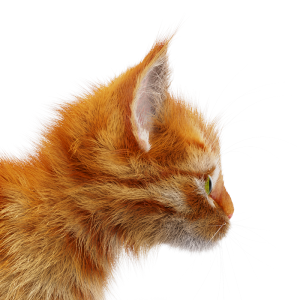
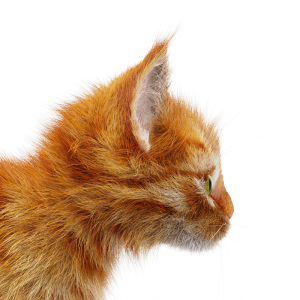
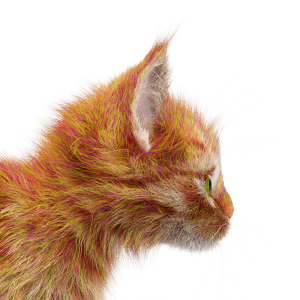
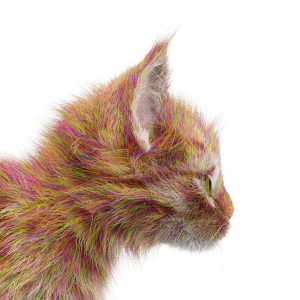
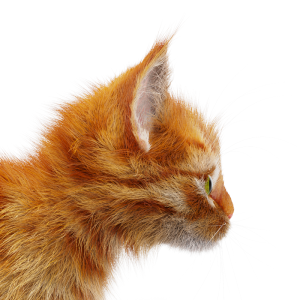
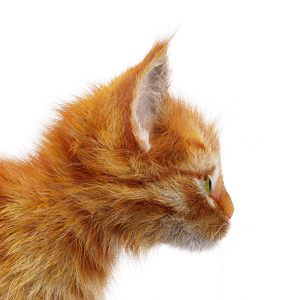
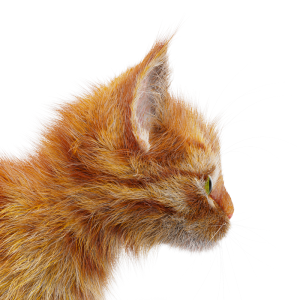
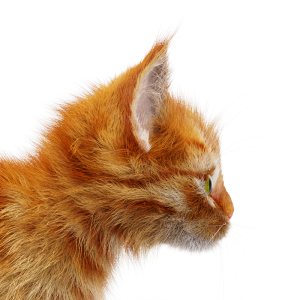
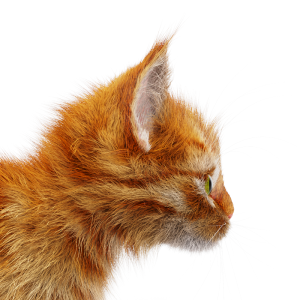
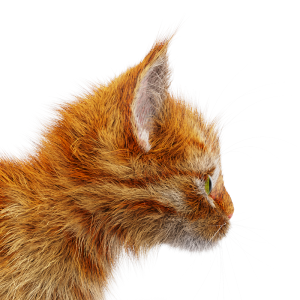
Without Random Color | Random Color with default settings Hue adjustments are highly visible. | Random Color with Hue = 0.25 | Random Color with Hue = 0.5 Adjustments to Saturation and Value are much more subtle. | Random Color with Saturation = 0.25 |
Random Color with Saturation = 0.5 | Random Color with Saturation = 1 | Random Color with Value = 0.25 | Random Color with Value = 0.5 | Random Color with Value = 1 |