KeyShot Studio
Random Value
The Random Value node allows you to randomize most inputs in the Material Graph. You can set a range between a minimum and a maximum value, this will assign each part a random value within that range.
Last updated 3 August 2026
The Random Value node allows you to randomize most inputs in the Material Graph. You can set a range between a minimum and a maximum value, this will assign each part a random value within that range.
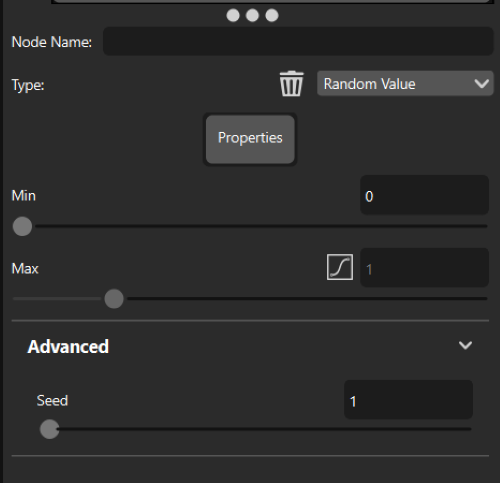
Random Value Example
Below you see multiple examples of different applications for the random node. The examples show, in order from left to right, the randomization of: Roughness, Bump, Cloudiness, Refractive Index, Emissive Intensity.
Min=0 Max=0,25 | Min=0 Max=1 | Min=0 Max=1 | Min=0 Max=1 | Min= 1,1 Max=5 |
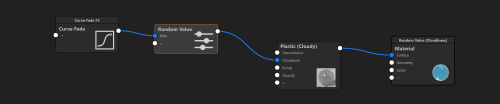
Material Graph Structure for the Emissive Intensity example