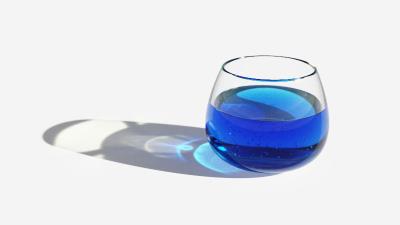
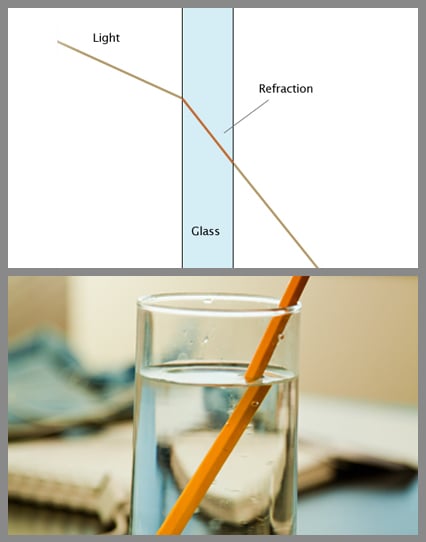
Refractive Index is a parameter in several KeyShot Studio material types. It controls how light bends as it passes through a material. You see refraction when you put your hand in a pool: the light bends, making your arm look broken.
Refraction occurs because light travels at different speeds through different materials. A material's refractive index (or index of refraction) describes how slowly light travels through it compared with a vacuum. Water has a refractive index of 1.33, glass has a refractive index of 1.5 and diamond has a refractive index of 2.4. Light travels through a vacuum 1.33 times faster than through water, 1.5 times faster than through glass and 2.4 times faster than through diamond. The slower light travels through a material, the more it bends.
Look up the refractive index for your material online. Enter the value in the material's Refractive Index property so KeyShot Studio represents its refraction accurately.
Caustics
Caustics are patterns of light and colour formed when light rays bend or reflect. You can see them when you place a glass of water on a table.