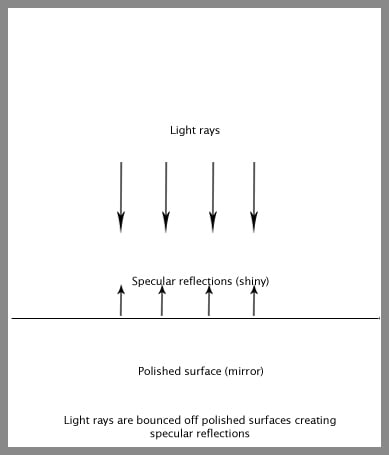
The Specular parameter is available for many material types.
Specular reflections bounce off a material's surface without scattering. A polished surface with few or no imperfections appears reflective or shiny. Setting the specular colour to black removes specular reflections, so the material no longer appears reflective or shiny.
Setting the specular colour to white gives the material 100% reflectivity. Metals have no diffuse colour, so their colour comes entirely from the specular colour. For plastics, set the specular colour to a greyscale value.
Use the specular parameter to control the colour and intensity of specular light reflections on a material.