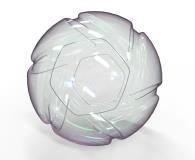
The Thin Film material creates an iridescent effect like a soap bubble. |
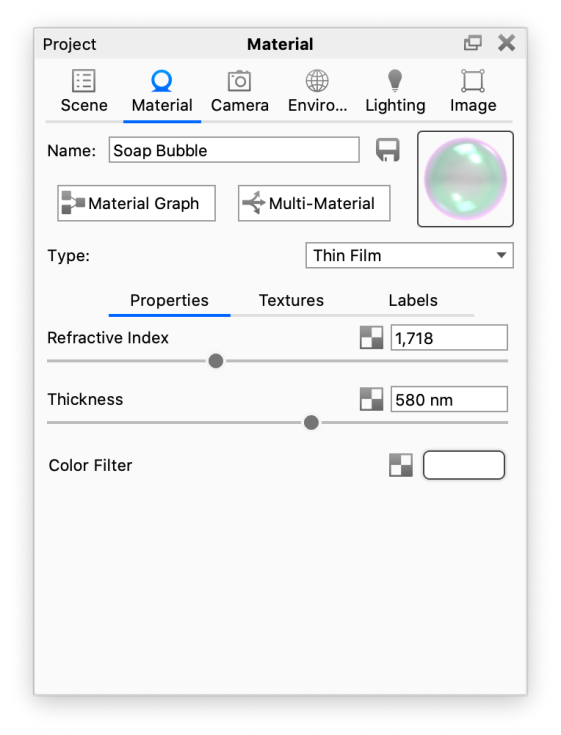
Refractive Index Use Refractive Index to adjust reflection on the Thin Film surface. Increase the value for stronger reflection. This setting also affects the colours you see. Use Refractive Index to get the reflection you want, then adjust Thickness to shift the colours. Thickness Adjust Thickness to shift the colours on the Thin Film surface. Very high values create layers of coloured rings. Keep the value within 100-1000 for most uses. Color Filter The Color Filter setting multiplies the colour of the Thin Film material. When you set Color Filter to white, Thickness determines the material's colour. Less saturated colours add subtle hue shifts. Fully saturated colours have a stronger effect. Apply colour maps to Color Filter to break up the material's appearance, as on solar cells, or add surface imperfections to an optical lens or automotive headlight. |