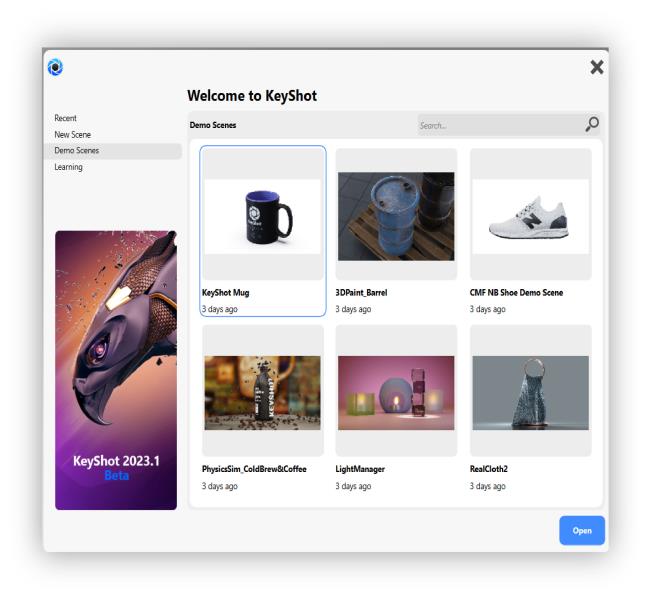
The Welcome Window appears when you launch KeyShot Studio. It includes:
- Recent: Find your recently used scenes.
- New Scene: Create and save scene templates.
- Demo Scenes: Open demo scenes stored on the server. Each scene downloads the first time you open it.
- Learning: Open the manual, forum or KeyShot YouTube channel for help. You can also revisit the Welcome Tour.
Choose whether the Welcome Window appears at startup in Preferences:
- Windows: Open Edit > Preferences. In the General section, clear or select Show Welcome Window at start up.
- Mac: Open KeyShot Studio> Preferences. In the General section, clear or select Show Welcome Window at start up.
Open the Welcome Window at any time by pressing W or selecting Help > Welcome dialog… from the main menu.