Billing and Payment
New Zealand guidance for Billing and Payment: PCS billing and subscription actions, with separate procedures for direct Trimble purchases.
Last updated 17 July 2026
The Account Management Portal is SketchUp’s legacy account management tool. Most subscribers now manage their accounts through the Trimble Admin Console. For more information see Admin Console.
The Trimble Account Management Portal (AMP) helps with access to billing and payment information through the Billing Information and Payment History sections.
Billing Information
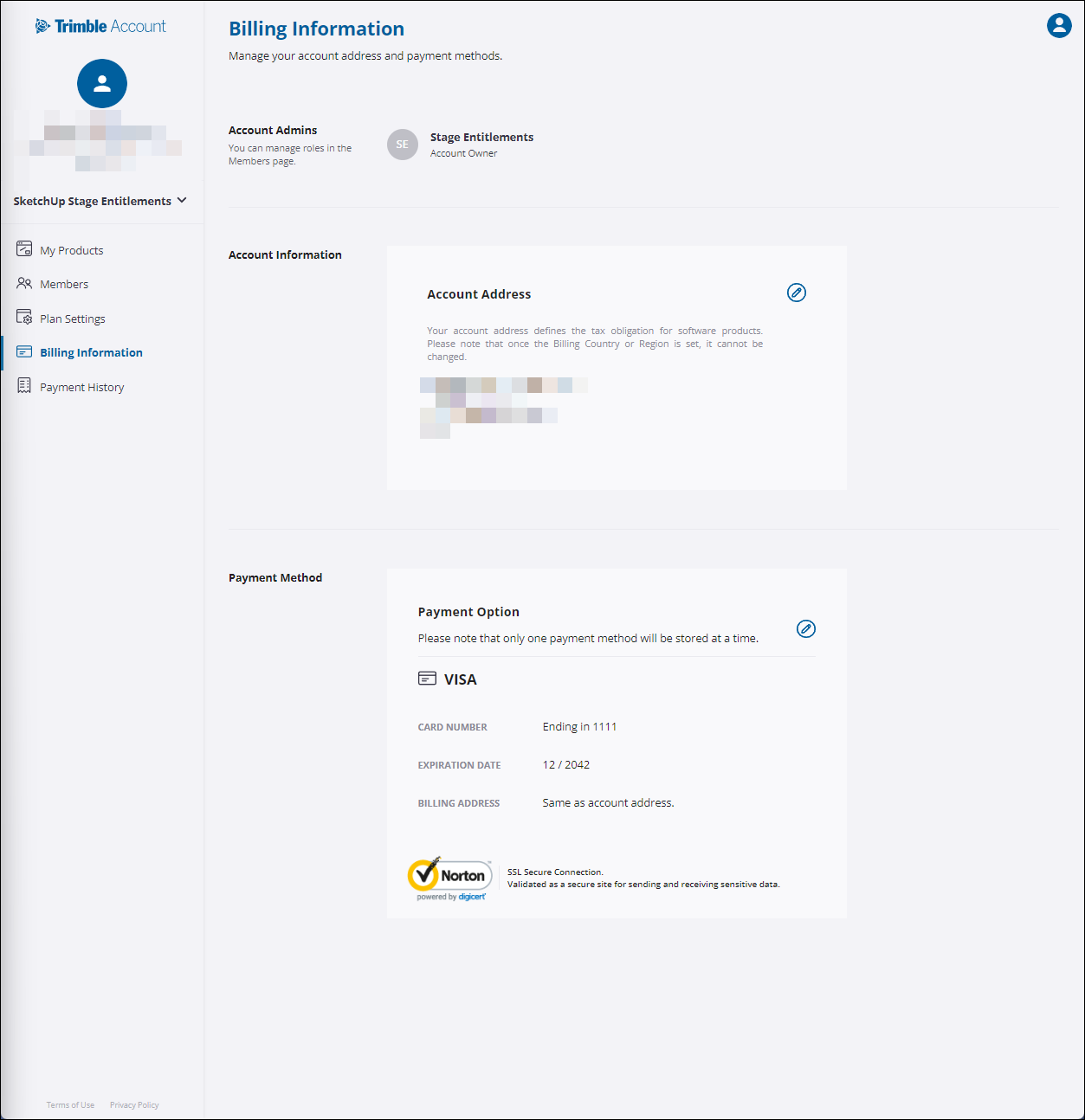
In Account Information, the account owner can edit the address associated with the account. The address listed in the account determines what tax regulations are applied to the total amount due for a subscription.
The Payment Method section provides access to view and edit your payment details. This payment information is used for subscription auto-renewals.
Payment History
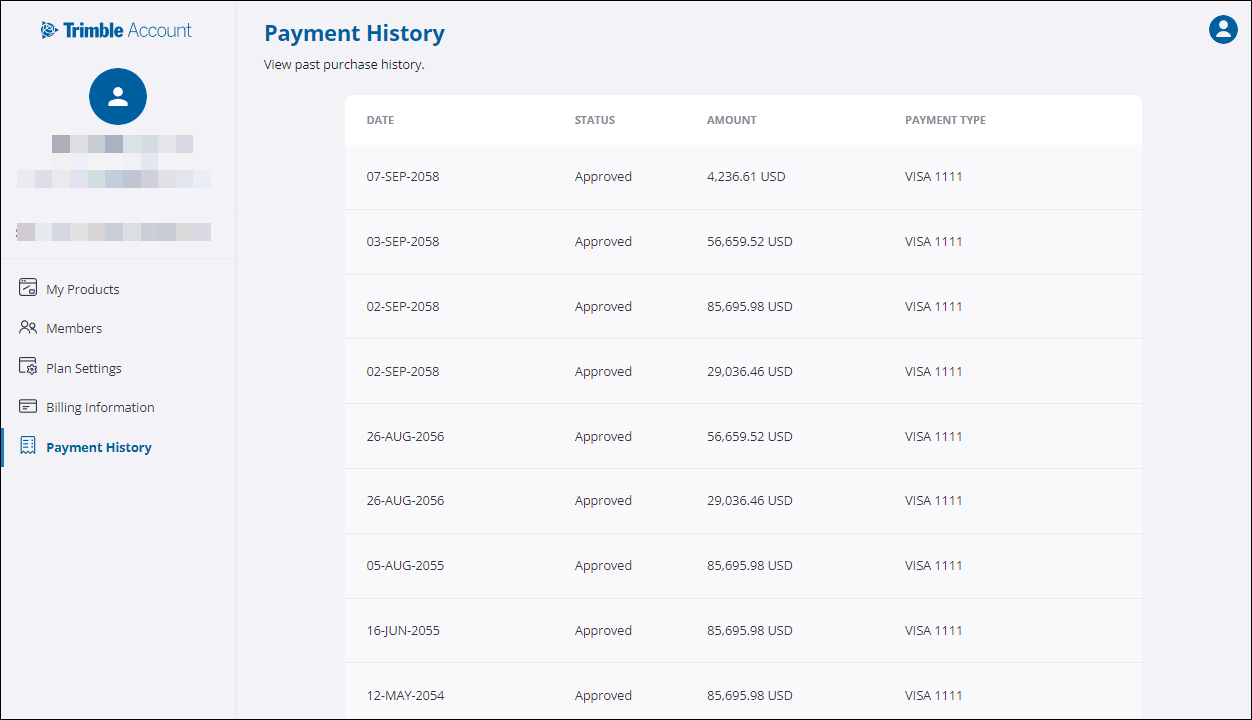
A list of each subscription payment appears in Payment History including:
- The date of the transaction
- If it was approved
- The amount of the transaction
- What payment type was used.
Refund Requests
Refund requests must be made within 14 days of the original transaction. To request a refund, or if you have questions regarding a refund, contact our Support team using our Customer Support contact form. The refund request must come from the same email address or company domain associated with your SketchUp account. Please include the email address used for the transaction, the account number, and the date of the transaction. For more information see Refunds and Cancellations.
Still need help?
Technical support from our New Zealand team is available to customers with a current Procadsys SketchUp Plus subscription: Pro Plus, Pro Scan Plus, Pro Civil Contractor Plus, Advanced Workflows Plus or Studio Plus. Self-help articles are public.
Contact SketchUp support