The Analysis Hub opens in its own SketchUp window. The first time you open it, the available analysis types appear in a grid. Click a tile to choose an analysis type.
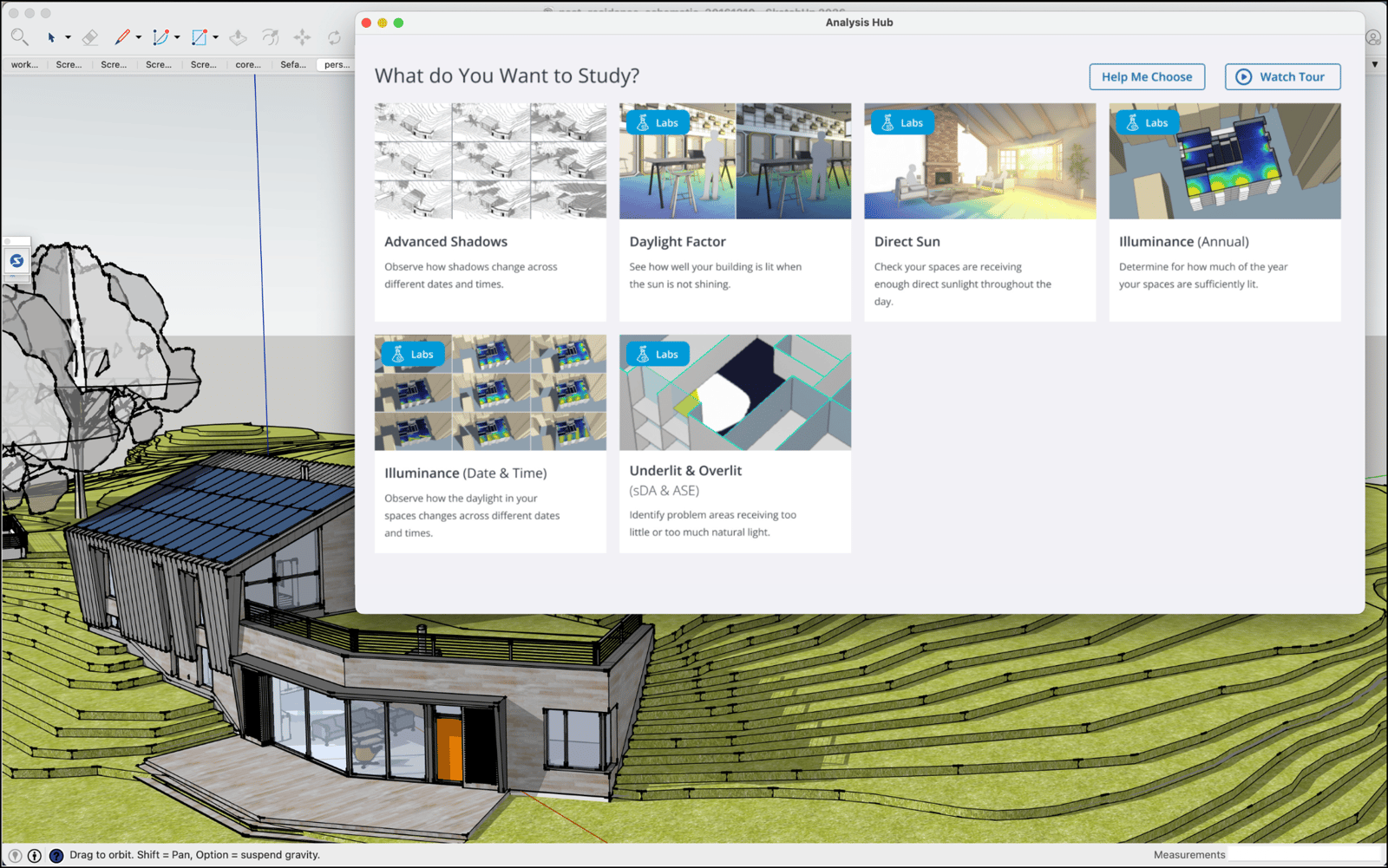
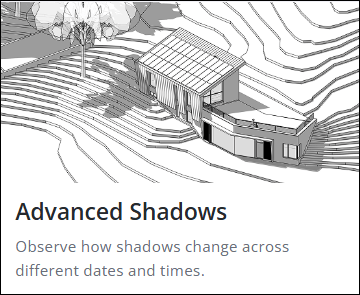
Advanced Shadows is the first analysis type available. Use it to see how shadows change for a solstice or equinox you select. This helps you assess how neighbouring buildings, trees or other structures affect sunlight exposure over time.
After running an Advanced Shadows analysis, review your data in the Analysis Viewer. Its 3D environment has tools to adjust your results, toggle visibility or change analysis settings.
All other analysis types are SketchUp Public Labs features. You can use them, but they are still a work in progress. These analysis types are:
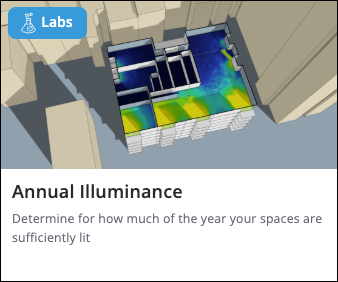
- Annual Illuminance. Assess how well a space is lit throughout the year using specific climate data. The results provide general information about energy efficiency and help you check how your design uses daylight across seasons and conditions.
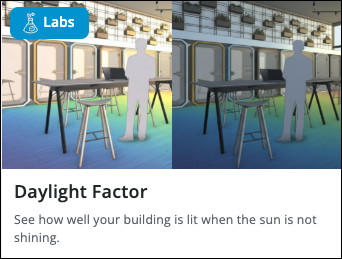
- Daylight Factor. Simulate an overcast sky to measure the ratio of internal to external light, regardless of the sun's position. Use the results to plan adequate natural and artificial lighting.
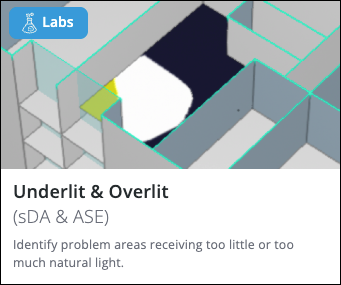
- Underlit & Overlit (sDA & ASE). Identify areas that receive too little or too much light. Underlit areas may need artificial lighting. Overlit areas may need more shading or other design changes.
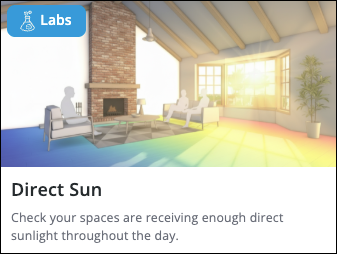
- Direct Sun. Calculate how long an area receives direct sunlight. Use the results to decide where to place windows and solar panels, and how to add shading to your design.
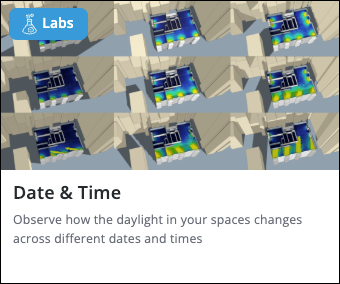
- Date & Time. See how daylight in your spaces changes at specific dates and times.