Getting Started with Sefaira
Getting Started with SefairaTip: If you need some guidance, are running into an issue, or want to learn more about all Sefaira can do, see the dedicated Sefaira Help Center.Using Sefaira with SketchUp starts with the Sefaira plugin. To download the plugin, click one of the following download links:
Last updated 17 July 2026
Getting Started with Sefaira
Using Sefaira with SketchUp starts with the Sefaira plugin. To download the plugin, click one of the following download links:
After the download completes, run the installer, agree to the terms, then start or restart SketchUp. The plugin will appear under Extensions the next time SketchUp launches.
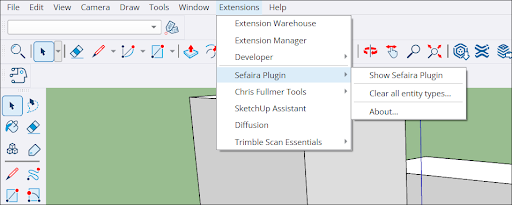
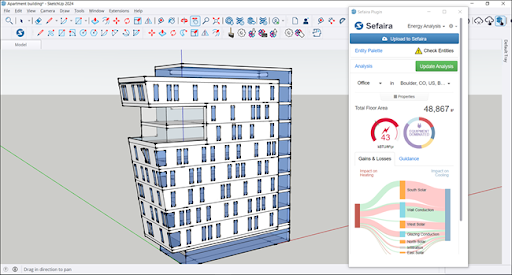
Launching the Sefaira plugin may require logging in again using the Trimble ID associated with the Sefaira subscription. After logging in, the Sefaira plugin will appear in the modeling window.
Still need help?
Technical support from our New Zealand team is available to customers with a current Procadsys SketchUp Plus subscription: Pro Plus, Pro Scan Plus, Pro Civil Contractor Plus, Advanced Workflows Plus or Studio Plus. Self-help articles are public.
Contact SketchUp support