You can use Extension Warehouse within SketchUp to find extensions that help you work.
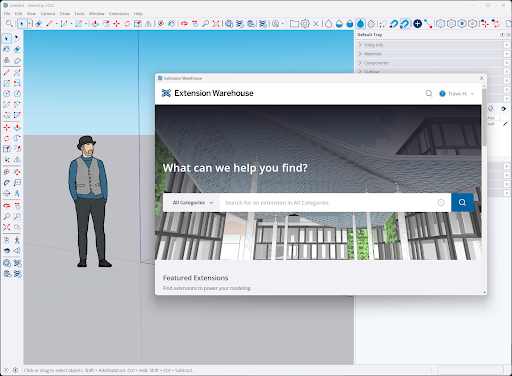
When you open Extension Warehouse from SketchUp, you can add most extensions by selecting Install on an extension's details page. If you use Extension Warehouse in a web browser or add some paid extensions, you may need to follow extra steps.
These articles explain how to add and use extensions:
- Manually Installing Extensions explains how to install an extension you have downloaded to your device.
- Paid Extensions explains paid extensions and how to start using them.
- Loading Policy Preferences explains the policies you can choose to control how extensions load when SketchUp starts.
- Purchased extensions include a licence that lets you use them. Licensing Issues explains common licensing problems and how to fix them.