Get help with PreDesign
Use this guide to find help when:
- You can't sign in to PreDesign.
- PreDesign isn't working.
- You want to report a problem or bug.
- You want to suggest a feature or improvement.
Trouble signing in to PreDesign
If you can't sign in, check the sign-in help page first.
Help options
Open the help widget in the bottom right corner of PreDesign to find contact and help options. The widget has 2 tabs. Feedback and Guides opens the options described below.
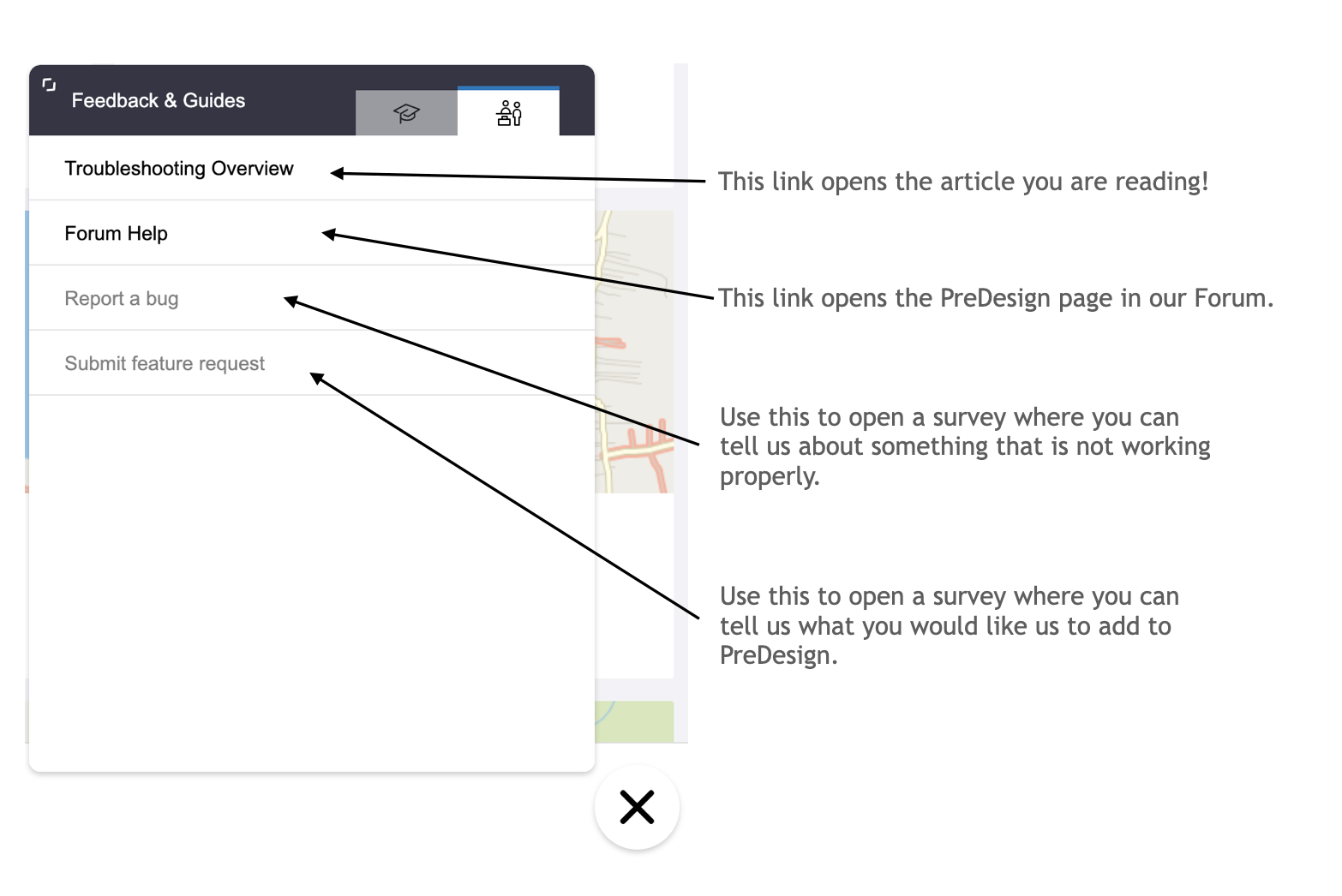
The widget also links to a searchable index of support articles and help content.
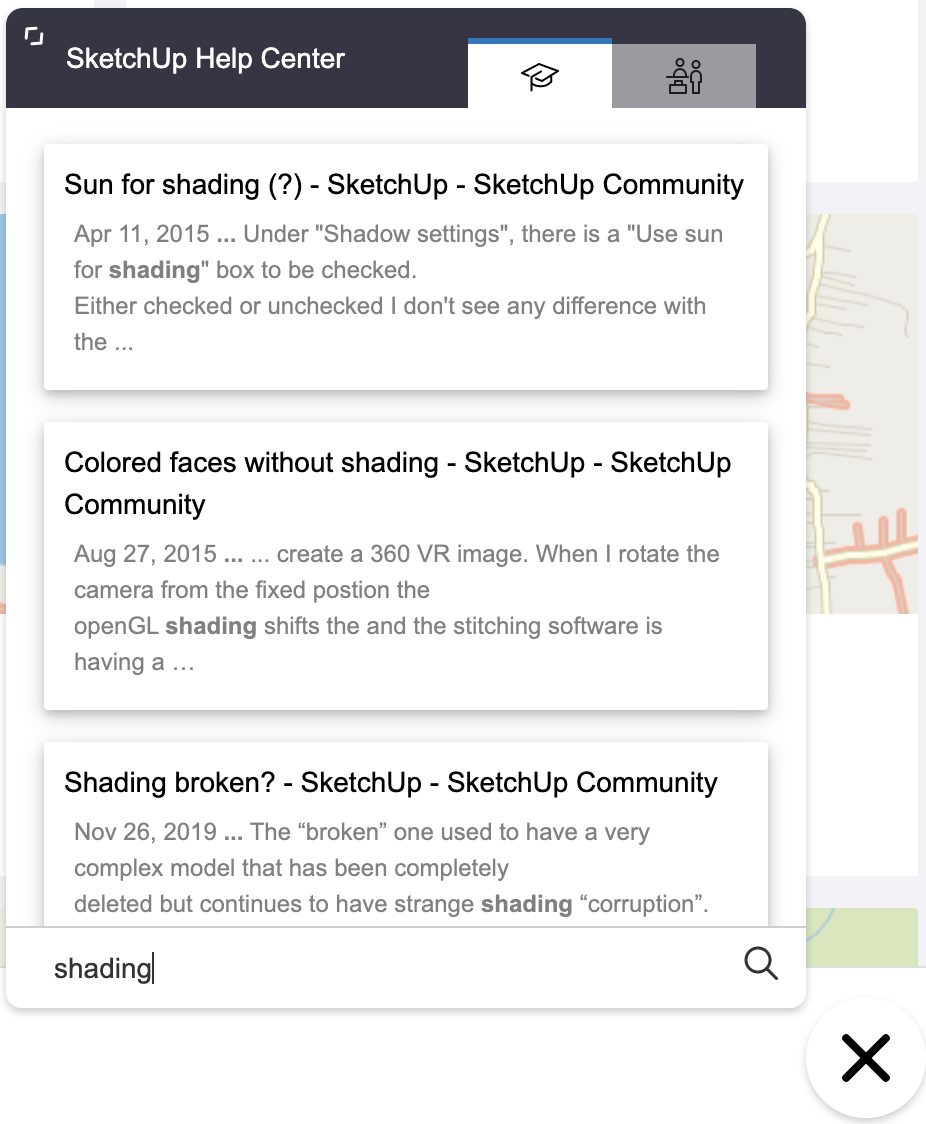
Start with the help centre articles and forum for help using PreDesign or interpreting your results.
PreDesign is not working
If PreDesign is not working at all, check the forum first.
The PreDesign team posts downtime notices in the forum. These should also say when the service is expected to return.
Bug reports
Use Bug Reports to report something that isn't working. The Bug Report form is a survey sent to the R&D team when you complete it. The team reviews reports regularly. Bug reports do not provide direct help with an issue.
You can report anything you think isn't working. Examples include:
- Page loading or access problems that downtime notices do not explain.
- Problems with the screen layout.
- Results you think are incorrect or advice you think is poor.
- Anything in PreDesign that doesn't work as intended.
Feature requests
Use feature requests to suggest things you want PreDesign to do. The Feature request workflow is a survey sent to the Product team when you complete it.
The Product team reviews Feature Requests regularly. As with bug reports, feature requests do not provide direct help with an issue. It may be a week or more before the team reads your request.
You can suggest changes to PreDesign or the studies it provides. Examples include:
- New types of analysis.
- Changes or additions to how information is presented.
- Workflow improvements, such as changes to how PreDesign outputs information.
- Ways to work with other products you use.
The PreDesign Product team is separate from the Product teams for SketchUp's 3D modelling software and other applications.