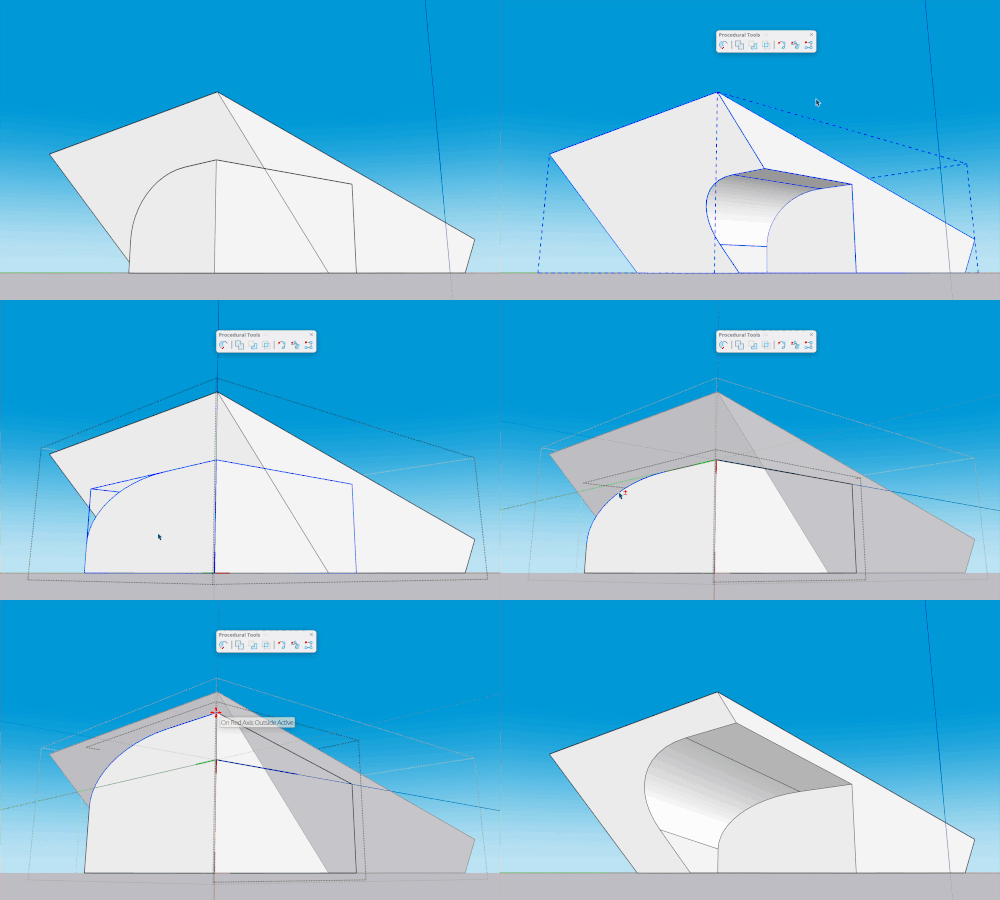
SketchUp Procedures use Procedural Tools to create or edit geometry as non-destructive Procedural Components.
You can edit, nest, and reuse components created with Procedural Tools like other SketchUp components. Make changes to the original drawing or adjust the component in Entity Info.
To access Procedures, select Procedures in the Menu or enable the Procedural Tools toolbar from View > Toolbars. You can dock the Procedural Tools toolbar like any other SketchUp toolbar.
Use these articles to get started with Procedural Tools:
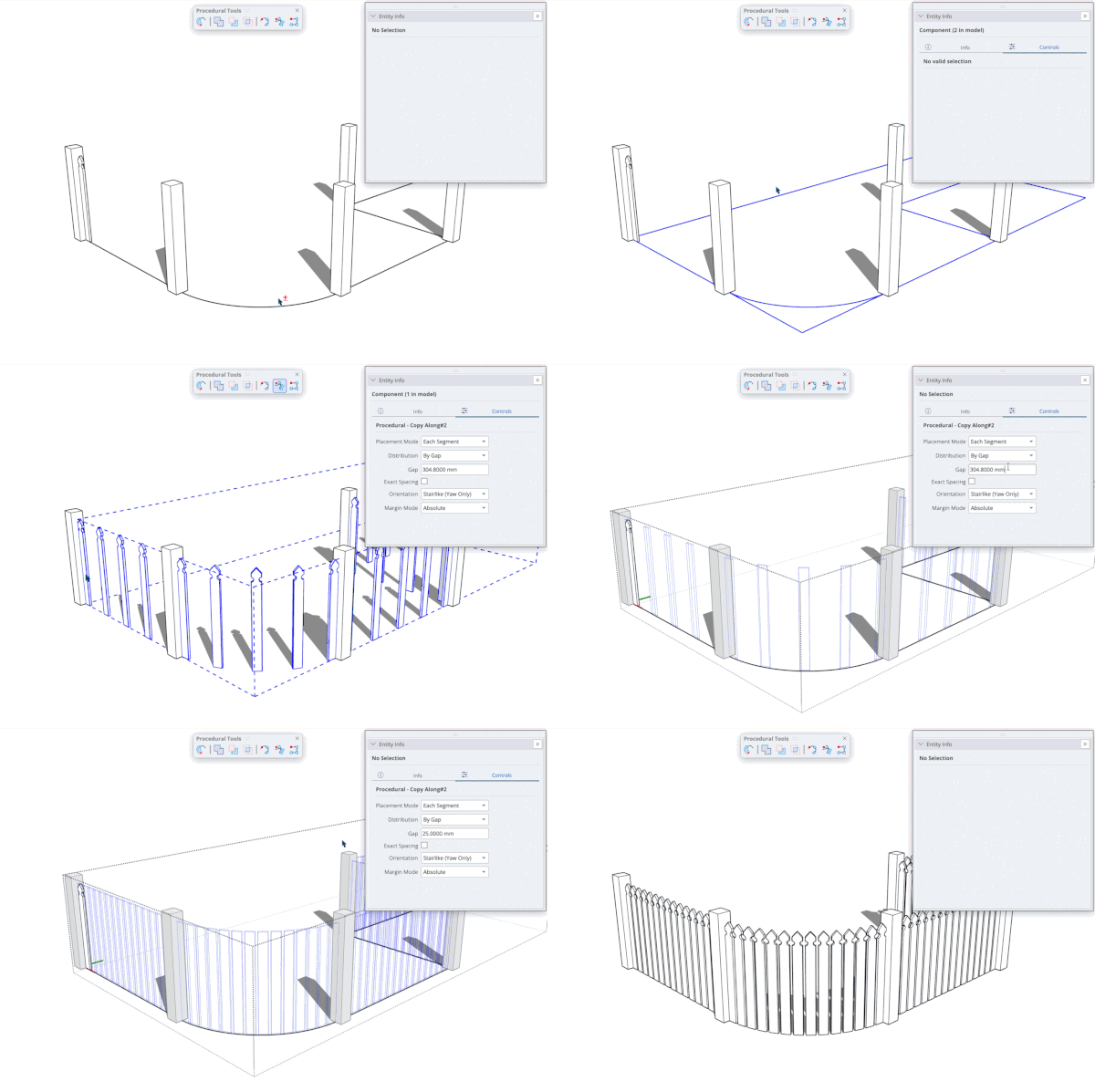
- Duplicating with Copy Along explains how to use Copy Along (icon) to duplicate Groups or Components along a path with adjustable spacing.
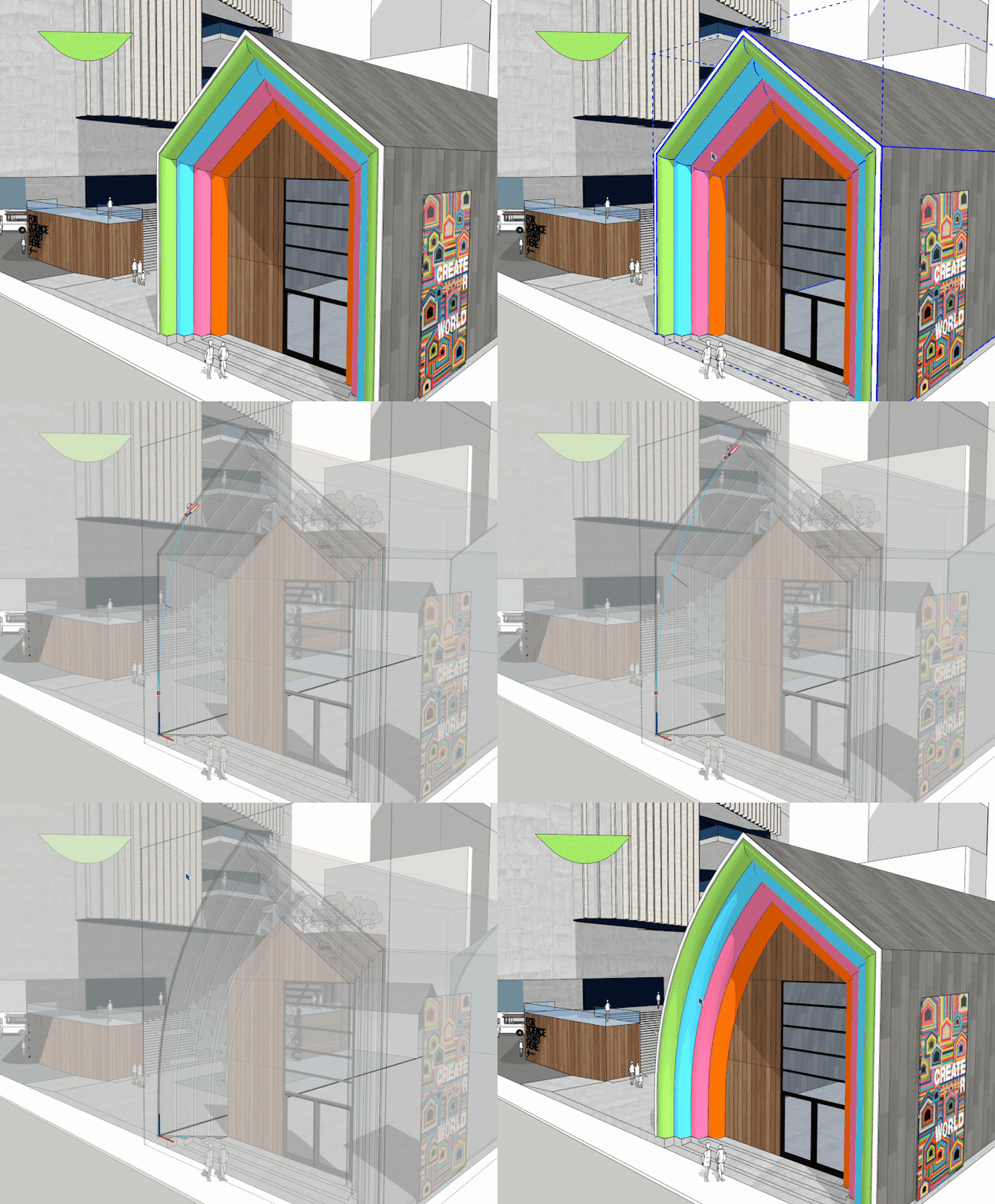
- Extruding with Follow Me explains how to use Follow Me (icon) to extrude a face along a path into a 3D shape while keeping existing Materials and Attributes.
- Modelling complex shapes with Solid Tools explains how to use other solids to add to or subtract from your geometry while keeping the original target's attributes.