Follow these steps to apply materials to your SketchUp model.
- (Optional) Pre-select the faces and edges you want to apply the material to.
- Open the Materials panel or activate the Paint Bucket (
 ) tool. The default shortcut is B.
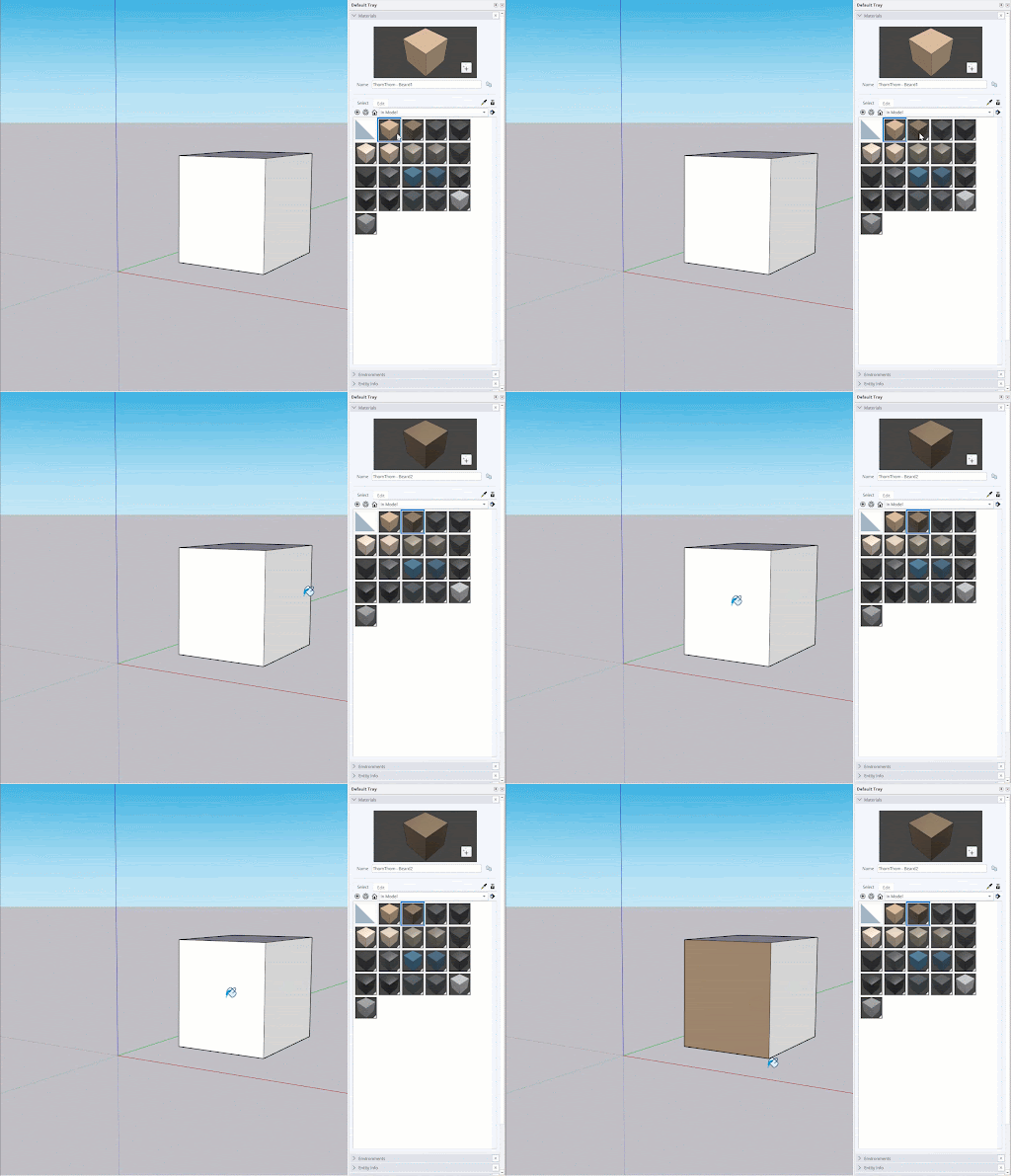
- On the Select tab, browse for a material and select it.
- If you pre-selected faces or edges, SketchUp applies the material to your selection.
- If you did not pre-select anything, click the face or edge you want to apply the material to.
- SketchUp applies the material to your selection.
To restore a face to the default colours, use the Default option at the top of the in-model library.
You can also apply materials to a group or component. Pre-select multiple objects, or click one object at a time to paint it. You can also paint geometry within a group.