SketchUp Assistant for Web
The AI features in SketchUp for Web offer several ways to enhance your existing workflows. With AI Assistant, you can get answers to your SketchUp related questions from AI Help, or create 3D assets with Generate Object.
Last updated 17 July 2026
The AI features in SketchUp for Web offer several ways to enhance your existing workflows. With AI Assistant , you can get answers to your SketchUp related questions from AI Help , or create 3D assets with Generate Object . With AI Render, you can combine an active model’s viewport with a text prompt or preset style to create a new, AI-generated image.
To get started, tap SketchUp AI (  ) in the Menu bar.
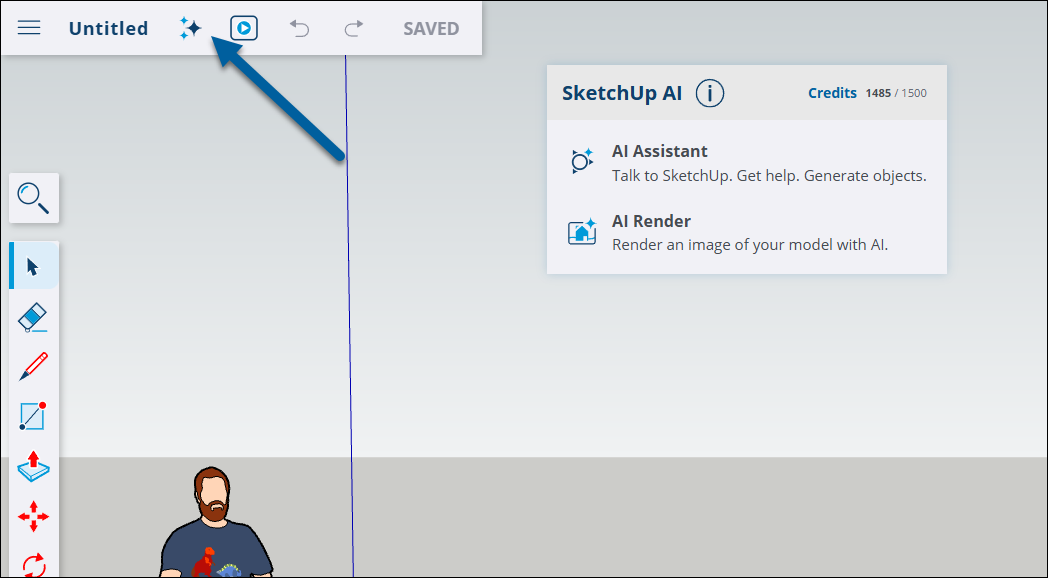
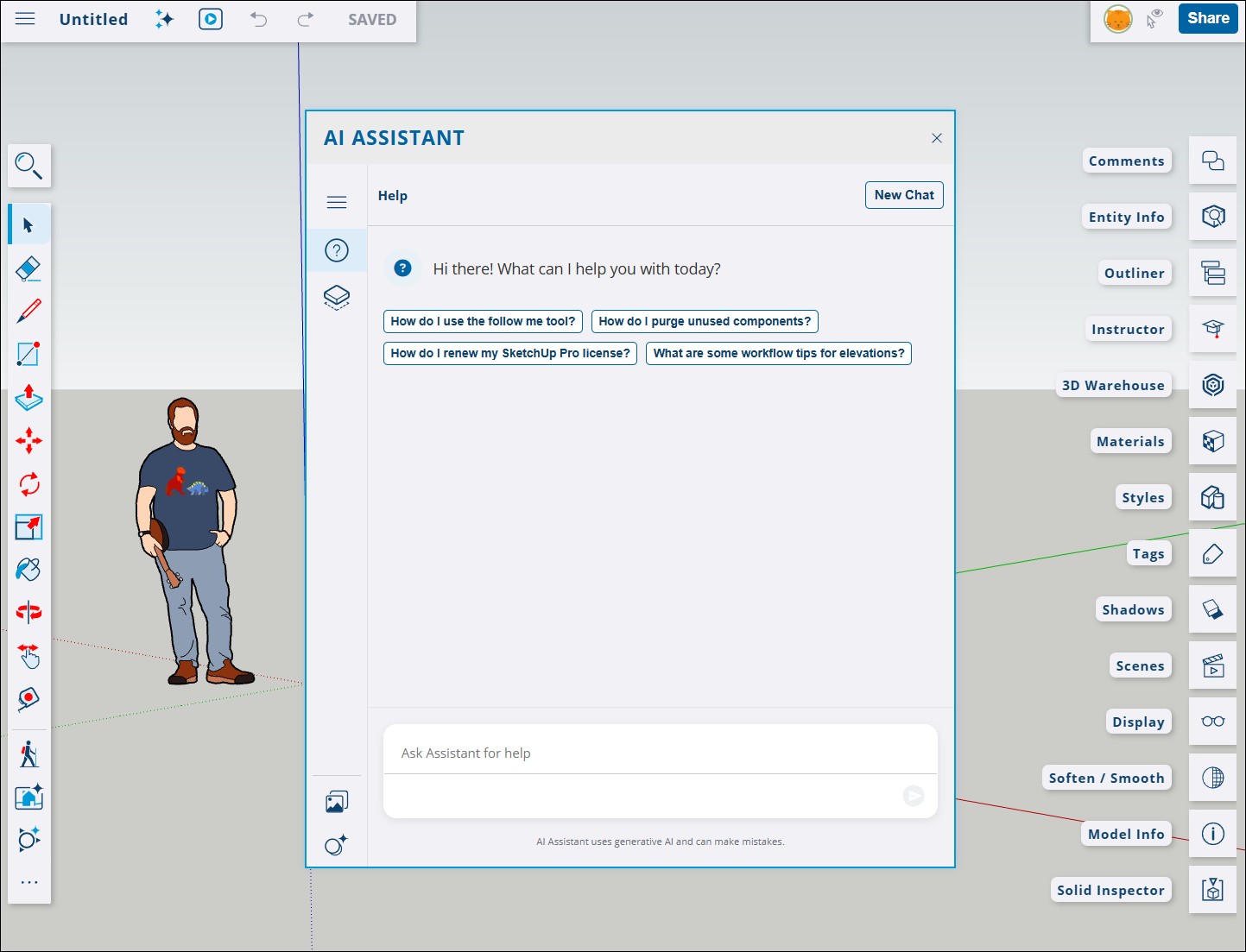
Selecting AI Assistant opens the Assistant modal. Tapping Help (  ) opens the AI Help interface. For details on how it works, see AI Help .
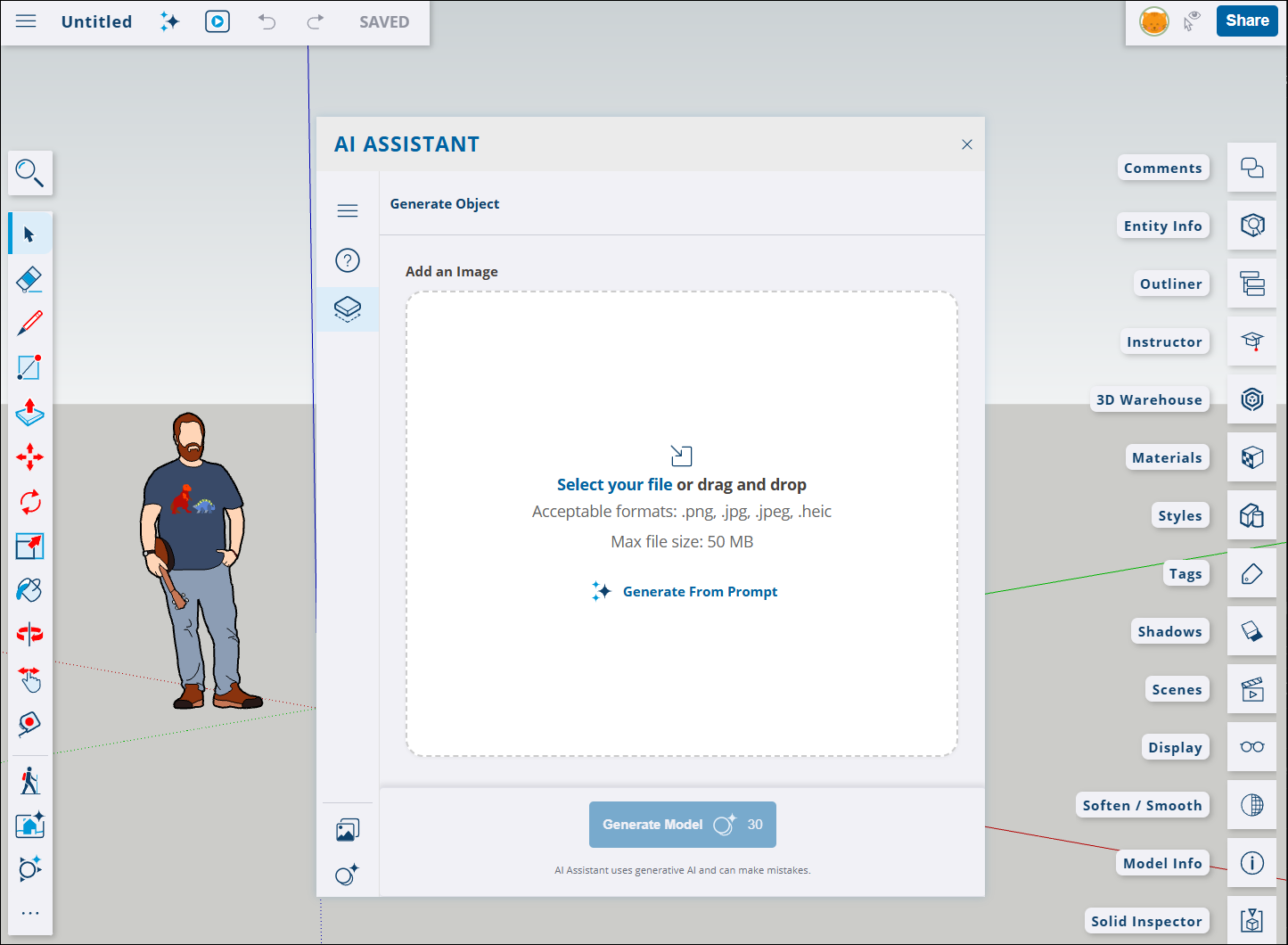
Tapping Generate Object (  ) opens the Generate Object interface. For details on how it works, see Generate Object .
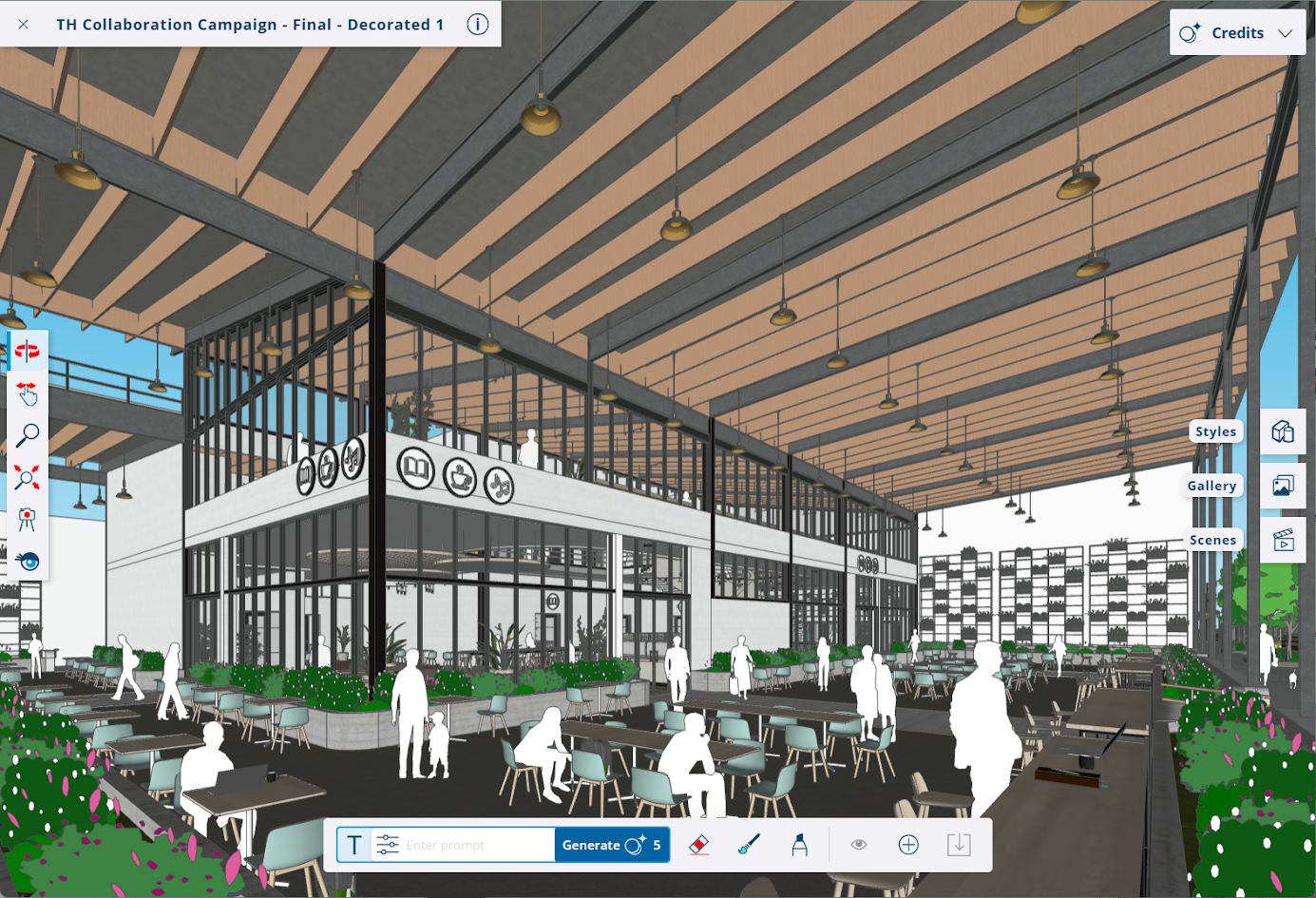
If you select AI Render the AI Render interface appears. For more information on how it works, see AI Render .
Still need help?
Technical support from our New Zealand team is available to customers with a current Procadsys SketchUp Plus subscription: Pro Plus, Pro Scan Plus, Pro Civil Contractor Plus, Advanced Workflows Plus or Studio Plus. Self-help articles are public.
Contact SketchUp support