Skip to content
07-848 2005

Enscape Envision, workflows

Workflows

Find guides for working with Enscape Envision.

On this page
  1. Chaos Academy
  2. Navigation
  3. Importing files
  4. Merging files
  5. Camera workflows
  6. Animation workflows
  7. Material workflows
  8. Anima crowd workflows
  9. Scatter workflows
  10. Chaos AI Enhancer
  11. Chaos Cloud Collaboration
  12. Replacing objects

Use these guides to get started with Enscape Envision.

Chaos logo over a colourful abstract background.

Chaos Academy

View

Envision street view with keyboard and mouse overlays showing navigation controls.

Navigate an Envision project.

View

Envision File menu with Import selected and the Link Scene or Object dialog open.

Importing files

Link files, then embed them in Envision.

View
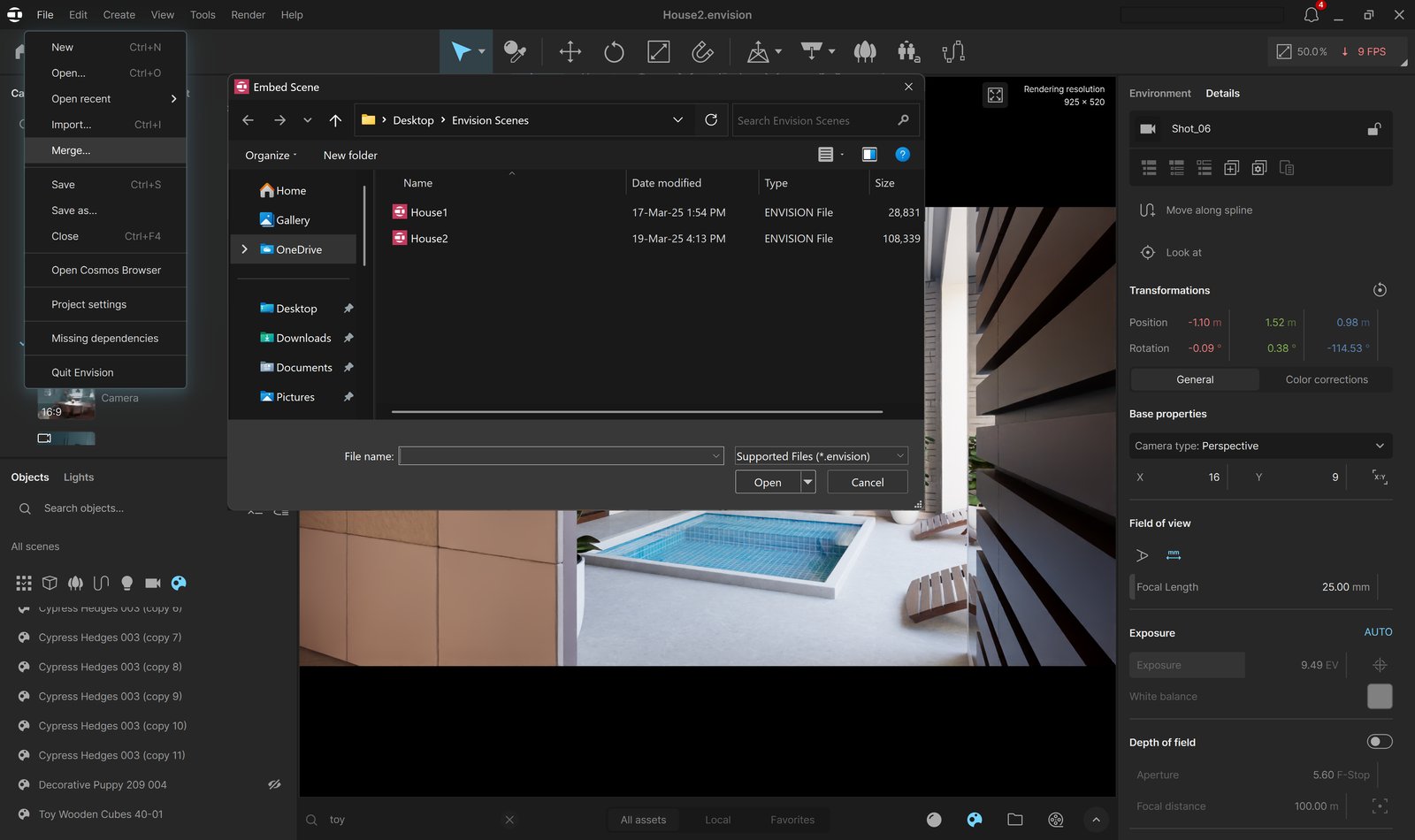
Envision File menu with Merge selected and the Embed Scene dialog listing House1 and House2 files.

Merging files

Merge .envision files into a project.

View

Rendered street scene viewed from a low camera angle, showing an apartment building, cars and landscaping.

Camera workflows

Create, edit and animate cameras.

View

Rendered house scene with two cars and a red arrow pointing towards the foreground car.

Animation workflows

Create sequences.

View
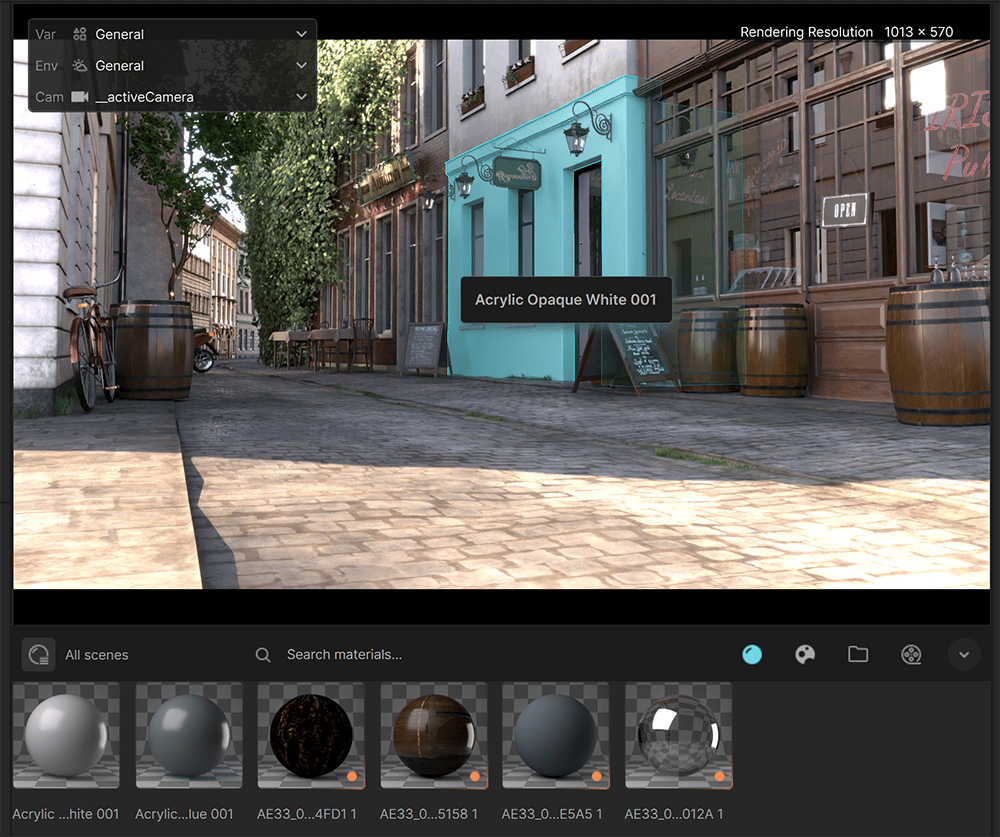
Material browser beneath a street render, with "Acrylic Opaque White 001" highlighted on a shopfront.

Material workflows

Assign and edit materials.

View

Interior render showing a child seated on a patterned rug with stacking rings and wooden blocks.

Anima crowd workflows

Create crowd simulations with anima assets.

View

Lakeside architectural render showing a curved-roof building backed by forest and snow-covered mountains.

Scatter workflows

Scatter objects on surfaces or splines.

View

Split-view comparison of a flowering bonsai render, with a vertical white divider and a blurred pool background.

Chaos AI Enhancer

Improve renders with AI Enhancer.

View
Chaos Cloud icon over a render of a flowering bonsai beside a pool.

Chaos Cloud Collaboration

Send renders to Chaos Cloud.

View

Side-by-side interior renders showing a white vase on the left and a burgundy armchair on the right.

Replacing objects

Replace objects with Cosmos assets.

View

Adapted from Chaos documentation: Workflows. © 2026 Chaos Software EOOD

Procadsys customer support

Still need help?

Licences, renewals and billing

Our New Zealand team looks after your Enscape licences, renewals and invoices.

Monday to Friday, 9:00 am to 4:30 pm NZ time, excluding New Zealand public holidays.

Technical problems

Installation errors, crashes and other technical problems with Enscape are handled by Chaos support.