This page provides information on the key features of Veras in Enscape.
Overview
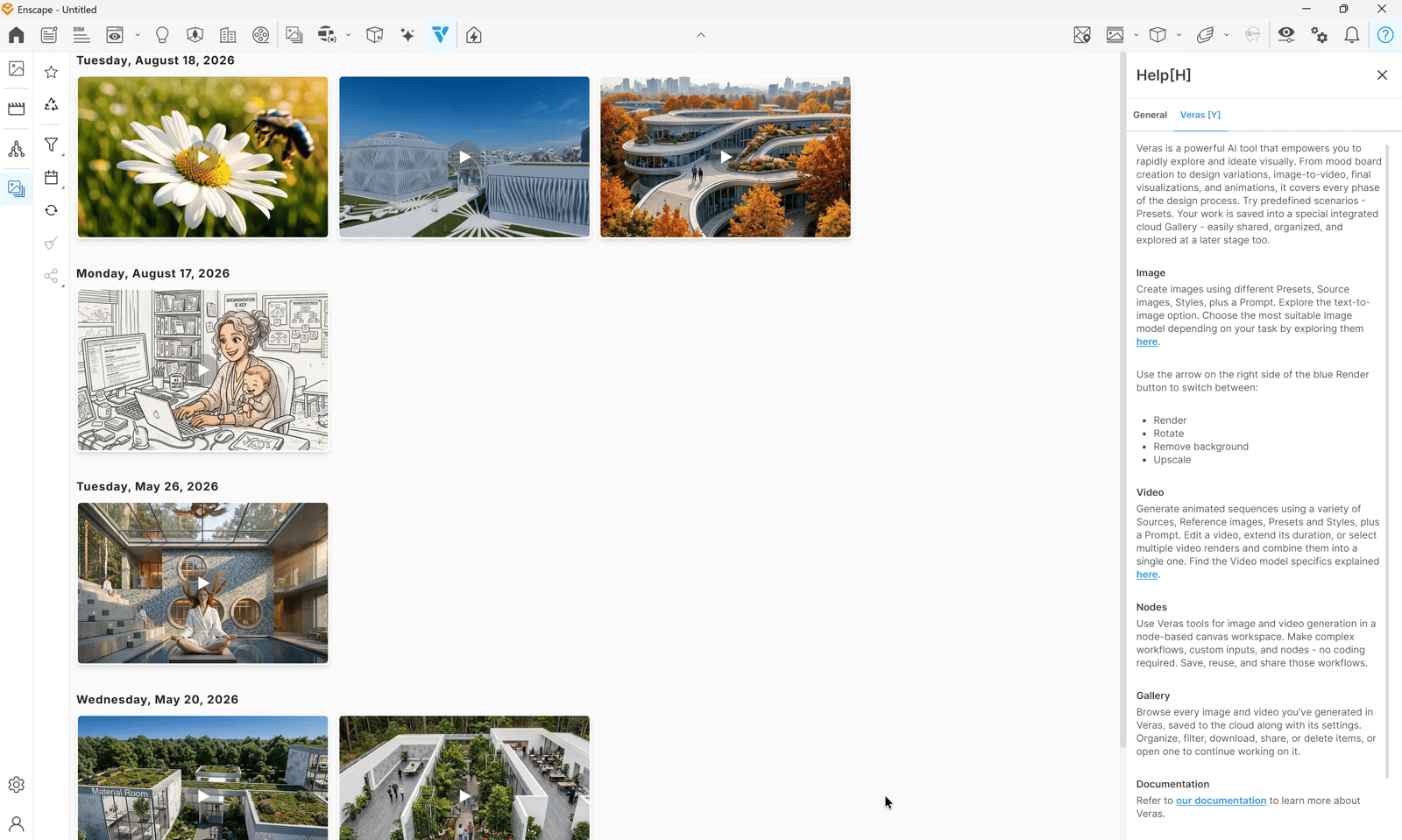
Veras is a powerful AI tool that empowers you to rapidly explore and ideate visually. From mood board creation to design variations, image-to-video, final visualisations, and animations, it covers every phase of the design process. Try predefined scenarios - Presets. Your work is saved into a special integrated cloud Gallery - easily shared, organised, and explored at a later stage too.
Veras Native integration allows opening Veras within the Enscape window. Previously, it opened in a separate window and showed the original Veras UI (similar to the Veras Web version).
Now, the improved UI adopts the Enscape style and uses vertical toolbars to collect Veras tabs.
Open Veras
Find the Veras button in the toolbar at the top of the Enscape viewport.

Toolbar on Windows

Toolbar on MacOS
When opening Veras for the first time, a Chaos Login is required.
Once logged in, Veras viewport will open.
Veras uses your current live view in the Enscape viewport as a base for generating new visuals, also known as the substrate.
If you change your view in Enscape, Veras's substrate updates as well, refreshing to the current live view in the Enscape viewport.

Chaos Login
UI
- Tabs toolbar:
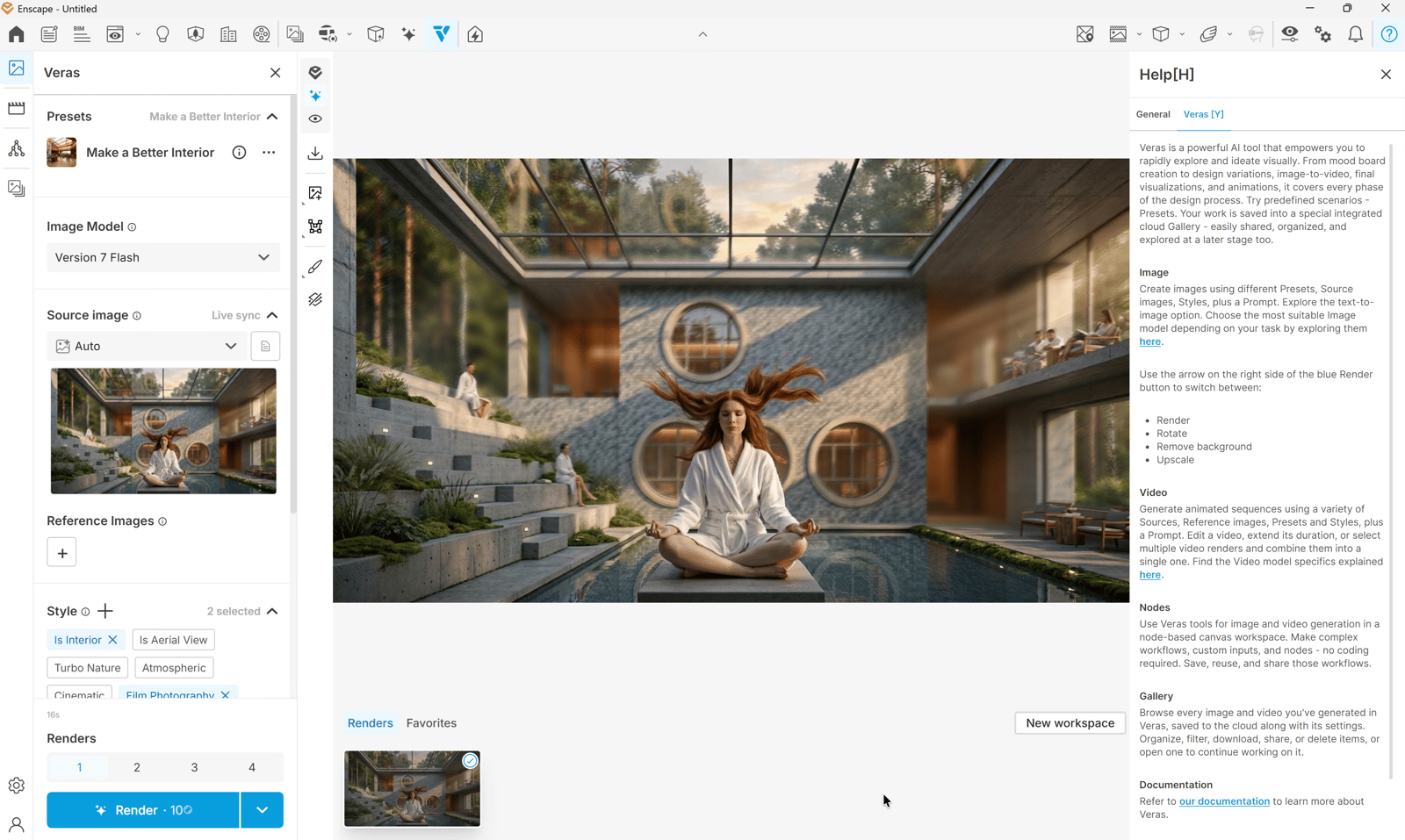
- Image
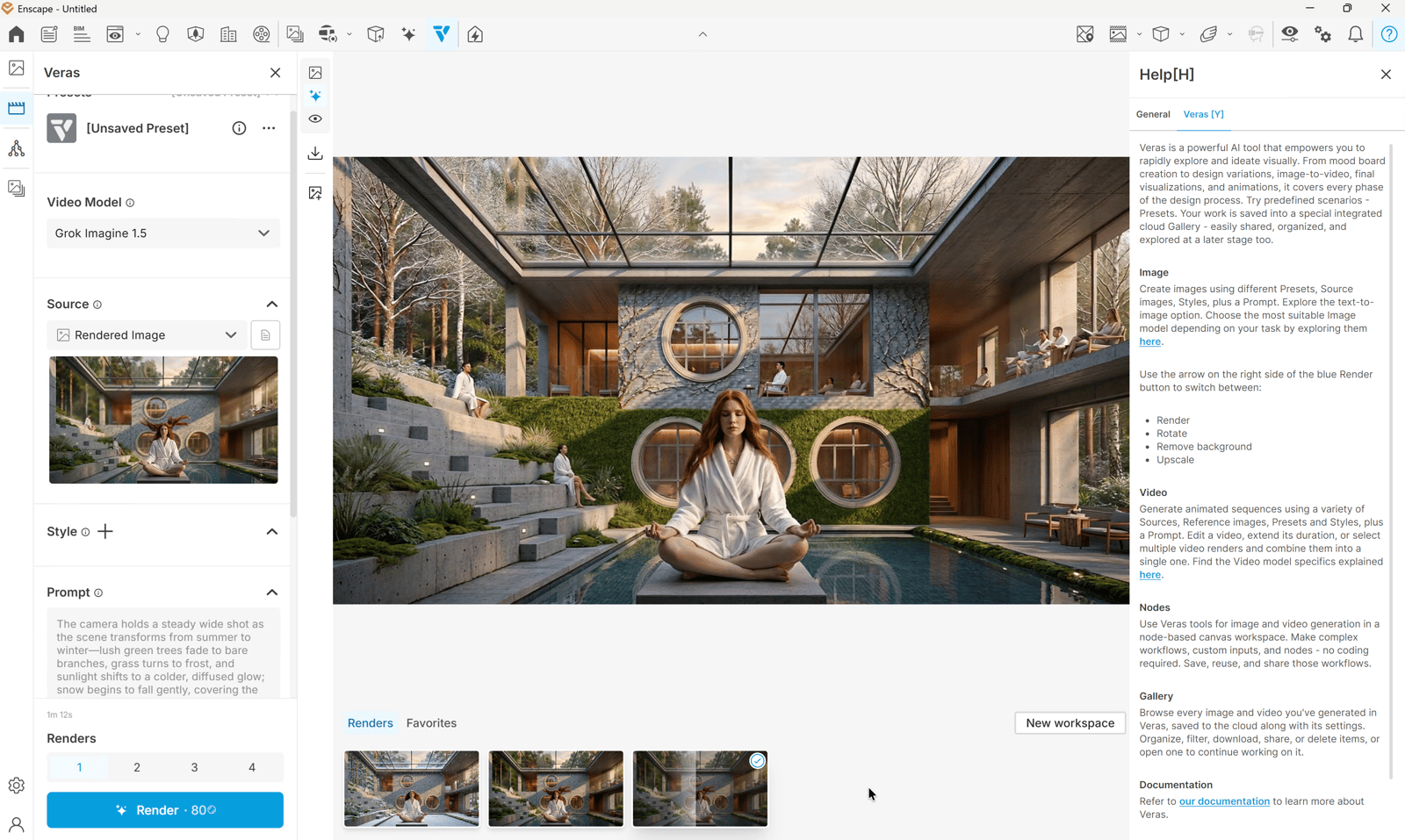
- Video
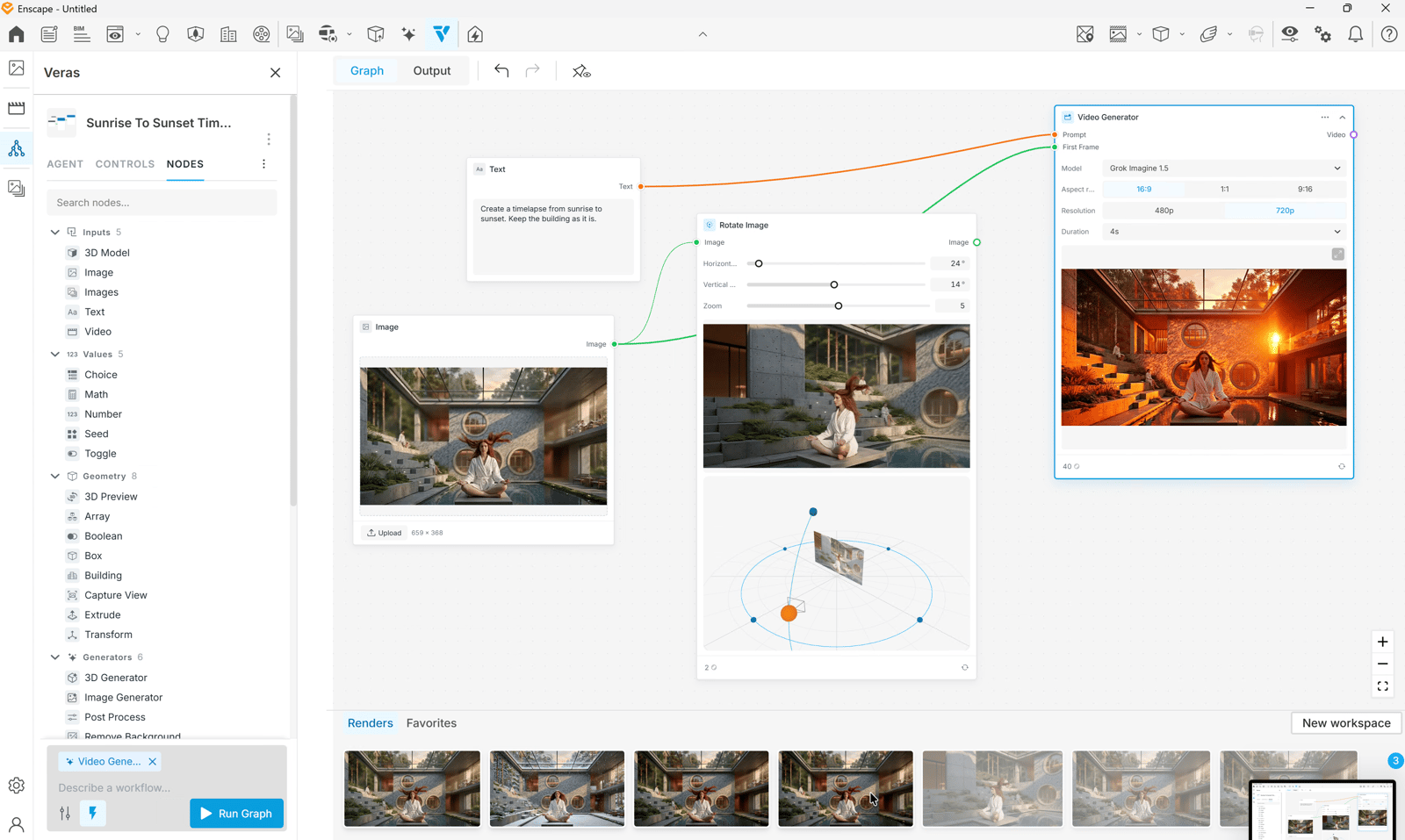
- Nodes
- Gallery
- Detailed options per tab
- Veras settings & Account credits overview
- Guidance and helpful links
- Workspace
- Renders
- Favorites
- New workspace button
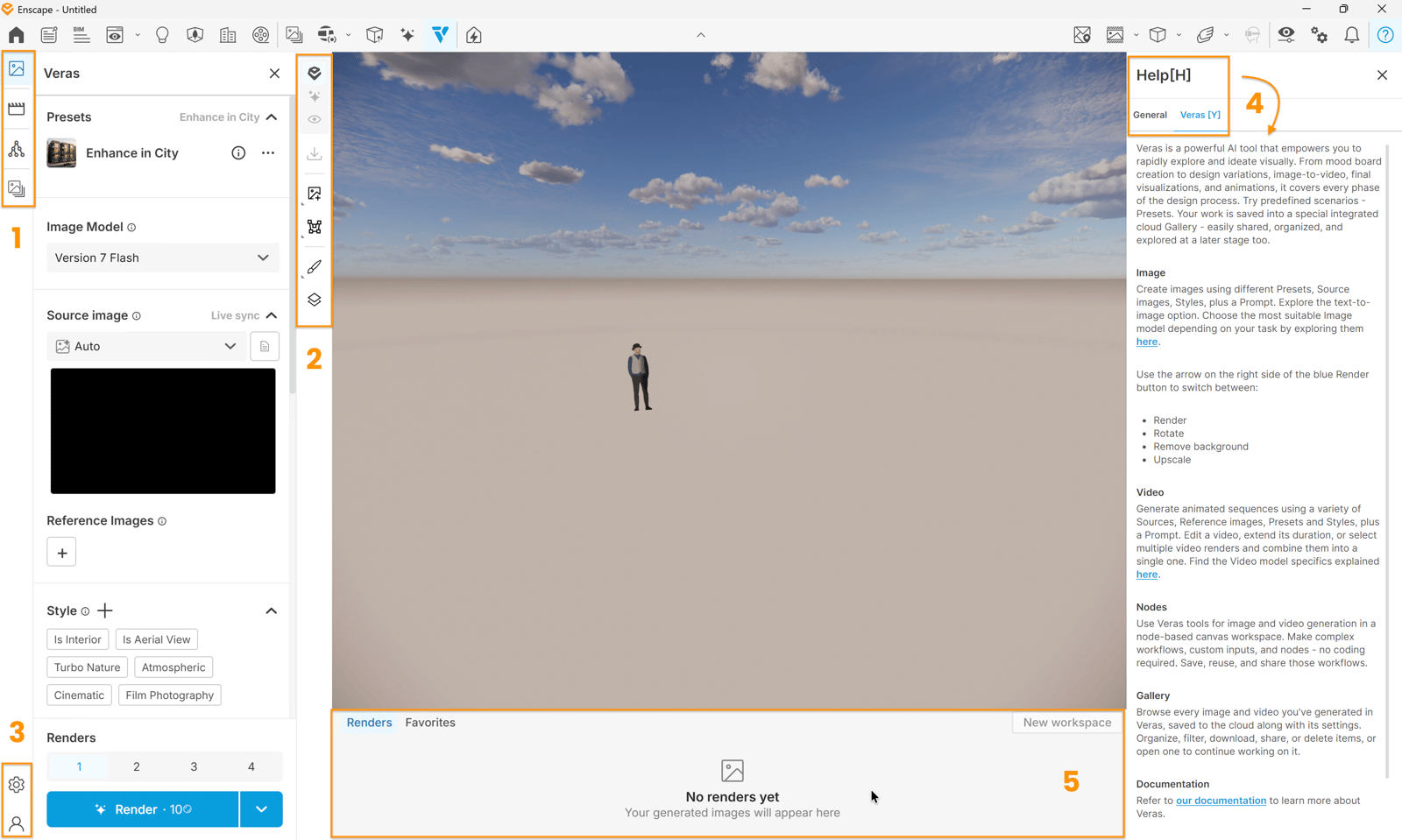
Image tab
Video tab
Nodes tab
Gallery tab