V-Ray for Nuke
Material Preset Utility | VRayMaterialLibrary
This page provides information on the VRay Material Library utility
Last updated 18 September 2025
This page provides information on the VRay Material Library utility
Overview
The VRayMaterialLibrary is a utility node that allows you to create V-Ray Materials with preset values for commonly used situations. This is extremely useful for a compositing artist who may not know all the tricks to getting a 3D material set up just right.

UI Path: ||Toolbar|| > V-Ray menu icon > Utilities > VRayMaterialLibrary
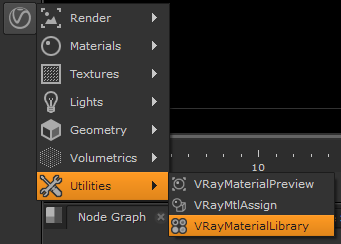
How it works
The Material Library is very easy to use. Once loaded as an additional tab in the Nuke UI, the preset thumbnails can be clicked once to create a V-Ray Material node in the Nuke Node Graph for that given material setup.

Just like other presets, this is just a starting point to help get you to the end results you want faster. The settings for that material node can be adjusted or combined with other materials to create a more complex shader network if needed.
Preset Library

VRayMtl_Blood
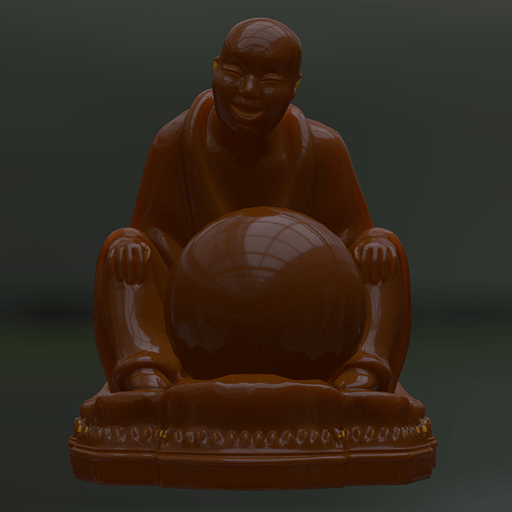
VRayMtl_Caramel

VRayMtl_CarPaint
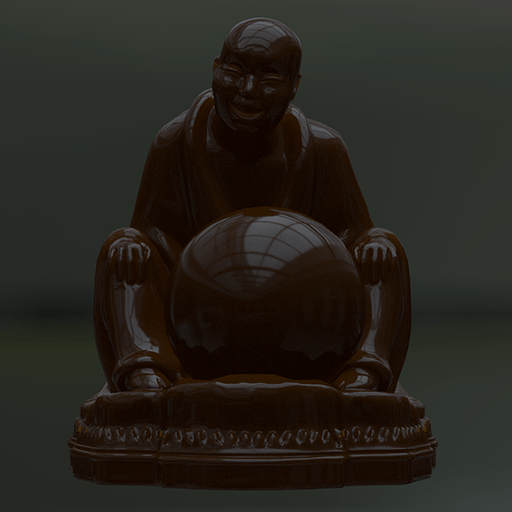
VRayMtl_Chocolate
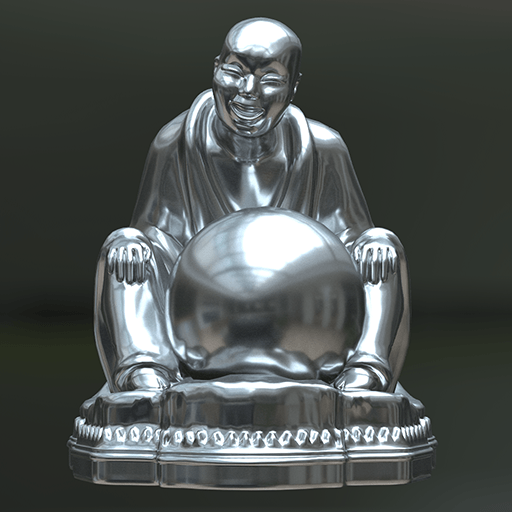
VRayMtl_Chrome 1

VRayMtl_Chrome 2

VRayMtl_DirtyMetal
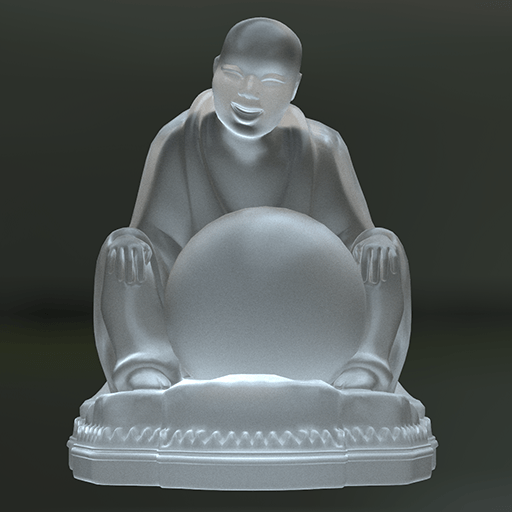
VRayMtl_FrostedGlass

VRayMtl_Glass

VRayMtl_Gold
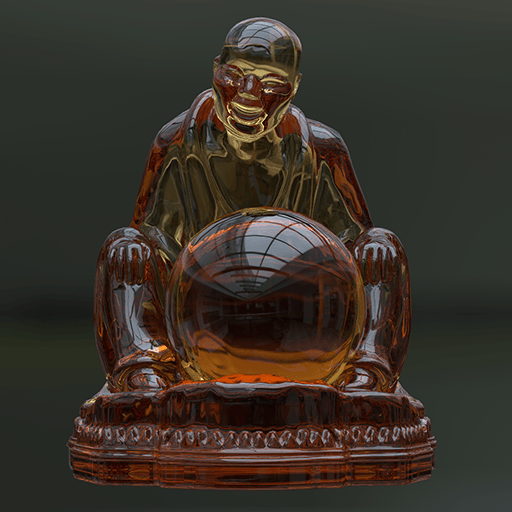
VRayMtl_Honey

VRayMtl_Plastic
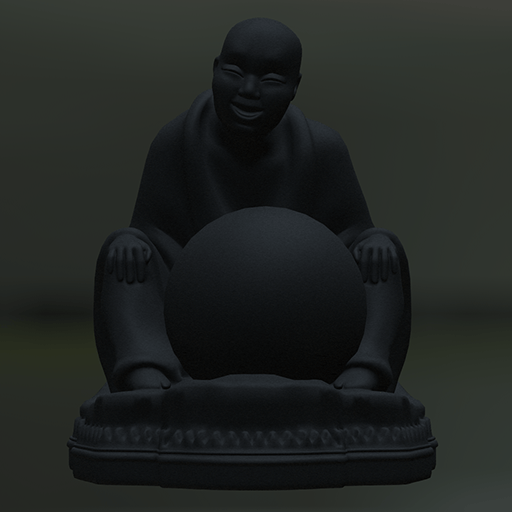
VRayMtl_Rubber
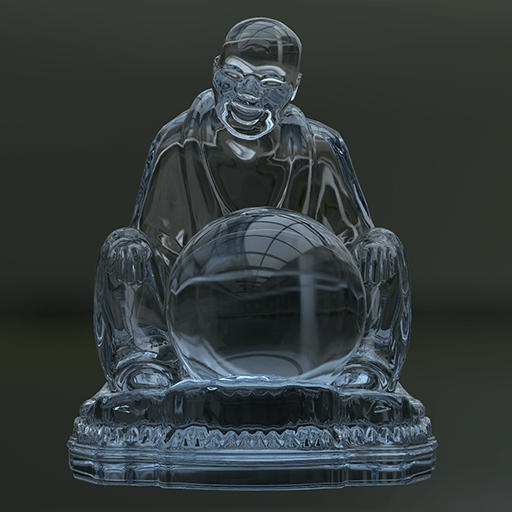
VRayMtl_Water