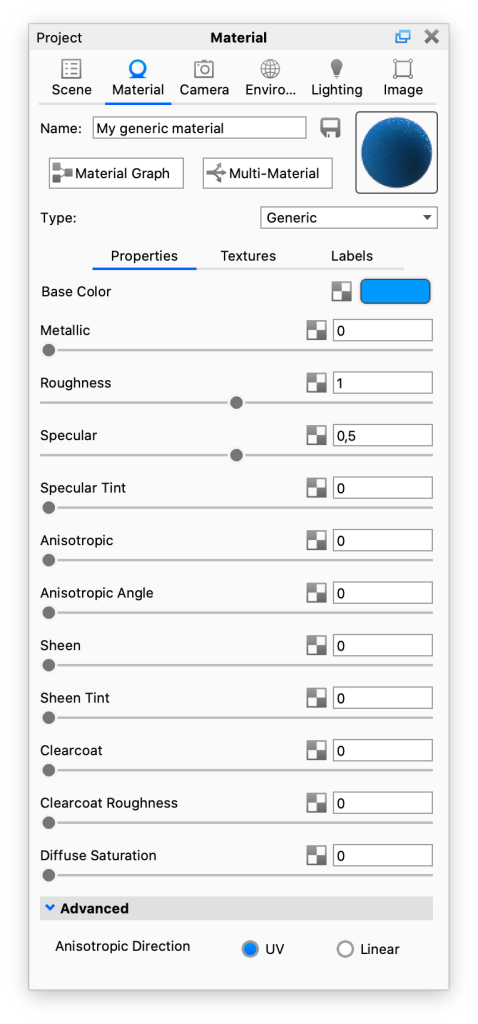
KeyShot's Generic material type uses the Disney BRDF shader. When you import materials such as a Unified 3D Material (.u3m) or Substance Painter Project (.sp) with the Material Importer, their properties map to the Generic material properties.
Base Color Sets the surface colour. You can replace it with a texture. |
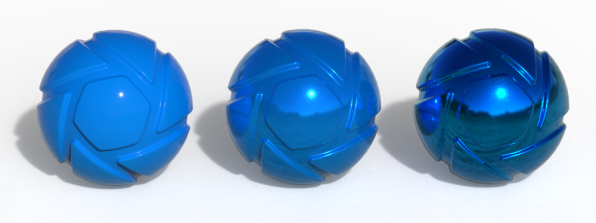
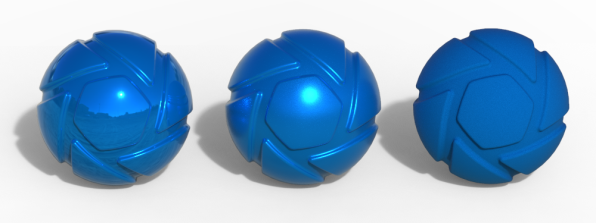
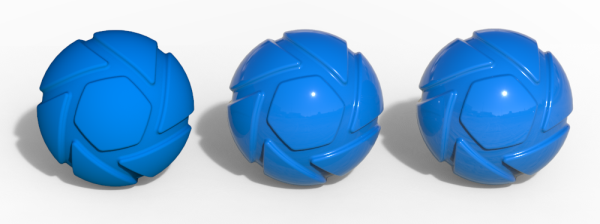
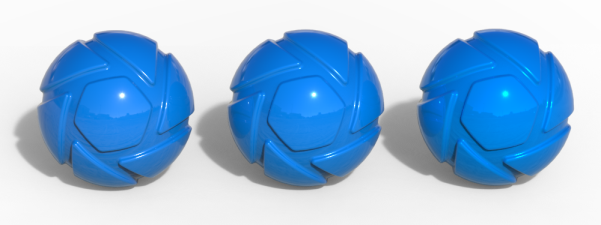
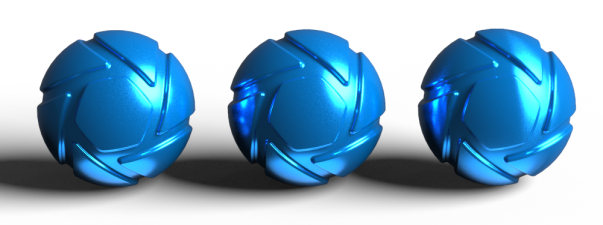
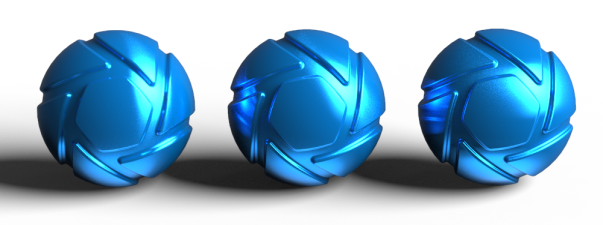
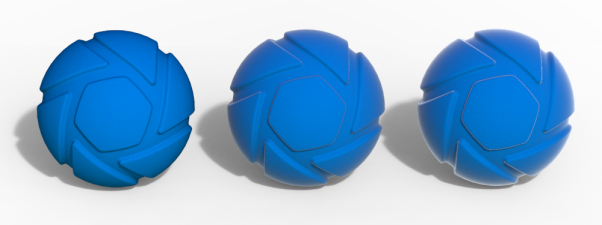
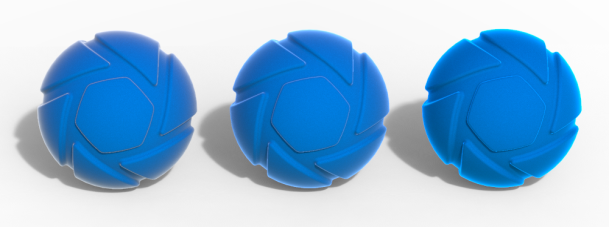
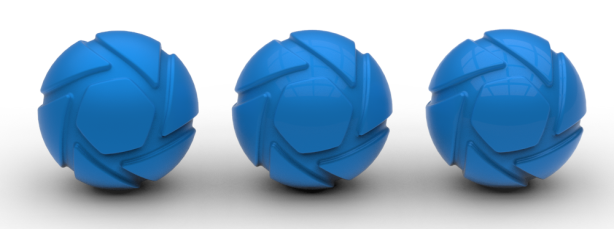
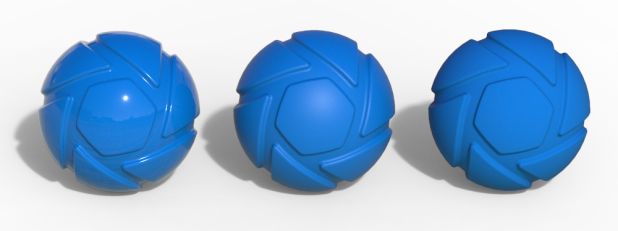
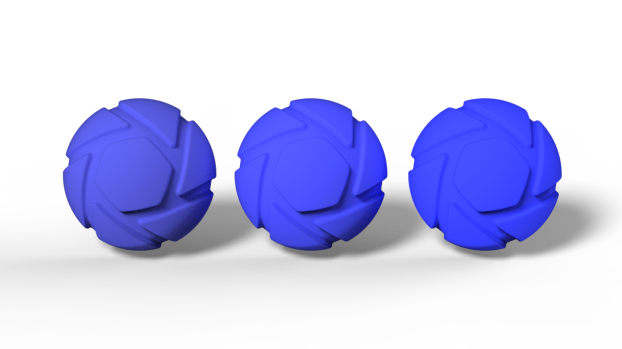
Metallic Controls how metallic the material looks. Increase the value for a more metallic appearance. | Metallic values of 0, 0,5 and 1 |
Roughness Adds microscopic imperfections to the material's surface. At 0, the surface looks perfectly smooth and polished. Increase the value for a rougher surface that scatters light. | Roughness values of 0, 0,5 and 1. |
Specular Controls the intensity of reflections from light sources. | Specular values of 0, 0,5 and 1. |
Specular Tint Controls how much the base colour tints the specular reflection. The value is between 0-1. At 0, the reflection has no colour tint. | Specular Tint values of 0, 0,5 and 1. |
Anisotropic Controls how much the reflections depend on direction, a property called anisotropy. At 0, the surface is isotropic and reflects light evenly. Increase the value to give the reflections a direction. | Anisotropic values of 0, 0,5 and 1. |
Anisotropic Angle Adjusts the angle of the anisotropy. | Anisotropic angles of 0, 45 and 90 degrees. |
Sheen Controls the shine you see at grazing angles to the surface. Increase the value to add sheen. This setting is mainly used for cloth materials. | Sheen values of 0, 0,5 and 1. |
Sheen Tint Controls how much the base colour tints the sheen. The value is between 0-1. At 0, the sheen does not tint incoming light. | Sheen Tint values of 0, 0,5 and 1. |
Clearcoat Adds a clear coat over the material. Increase the value to make the layer more visible. | Clear-coat values of 0, 0,5 and 1. |
Clearcoat Roughness Controls the roughness of the clear coat. At 0, the surface is glossy. Increase the value for a satin finish. | |
Diffuse Saturation Adjusts the material's diffuse saturation. Increase the value to give the material a fluorescent appearance. | Diffuse Saturation values of 0, 0,5 and 1. |
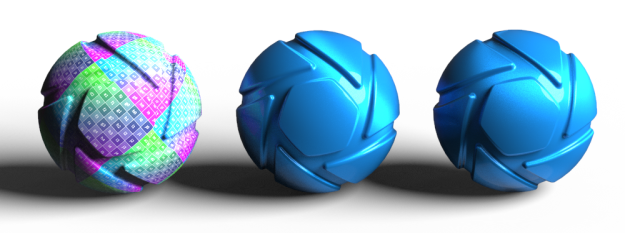
Advanced Anisotropic Directio
| The first material shows the ball's UVs. The 2nd material uses UVs for anisotropy. The 3rd shows Linear anisotropy. |