KeyShot Studio
Link Duplicate Materials
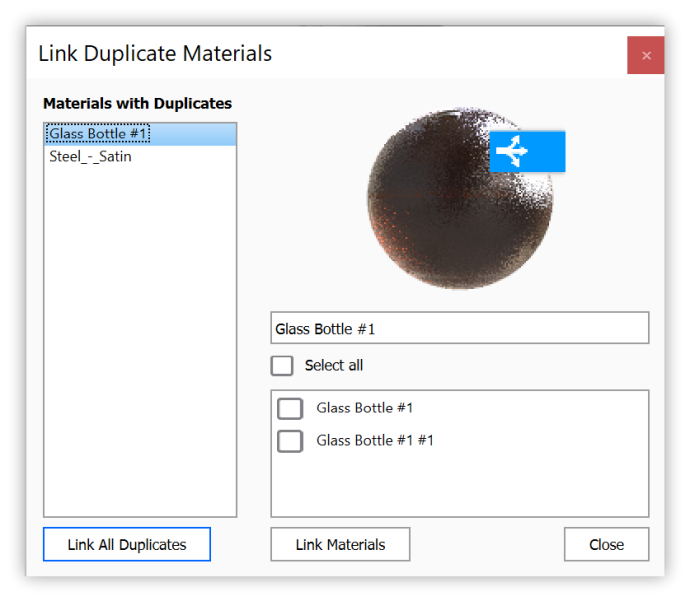
The Link Duplicate Materials feature enables you to quickly locate and link materials from your scene, that are exactly the same. This can be an easy way to help clean up your In-project Library.
Last updated 3 August 2026
The Link Duplicate Materials feature enables you to quickly locate and link materials from your scene, that are exactly the same. This can be an easy way to help clean up your In-project Library.
Right-click in the Material View under Project Window > Scene tab or Project Window > Material tab and select Link Duplicate Materials from the context menu. This will open the Link Duplicate Materials dialog. You can link duplicate Materials in two ways:
|