The SketchUp End User License Agreement (EULA) limits installations and authorisations for each application in your subscription to two instances or devices. If you install and authorise an application on a third device or open a third instance, you see the message "You have exceeded your allowed activations."
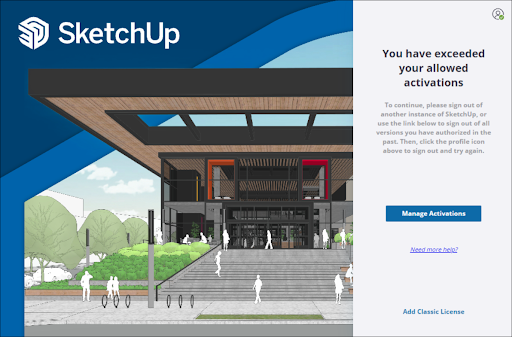
You may also see this message if you install multiple versions of SketchUp on one device.
Deauthorise a device or sign out of an application before you authorise a new one. Select Manage Activations in the message, or sign out of your SketchUp account on the device or application you want to deauthorise. If you cannot access that device or want to remove authorisation from all your devices, use the account management tools.
If you manage your account through SketchUp's Account Management Portal (AMP), follow Deauthorizing Devices in the AMP.
If you manage your account through Trimble's Admin Console, follow Deauthorizing Devices in the Admin Console.