Use SketchUp's Analysis Hub to assess natural light in your design. Aim for enough light spread evenly across internal and external spaces, with fewer areas that are too bright or too dark. Poorly lit spaces can be less practical or appealing.
SketchUp's Analysis Hub provides lighting data to help you make design decisions.
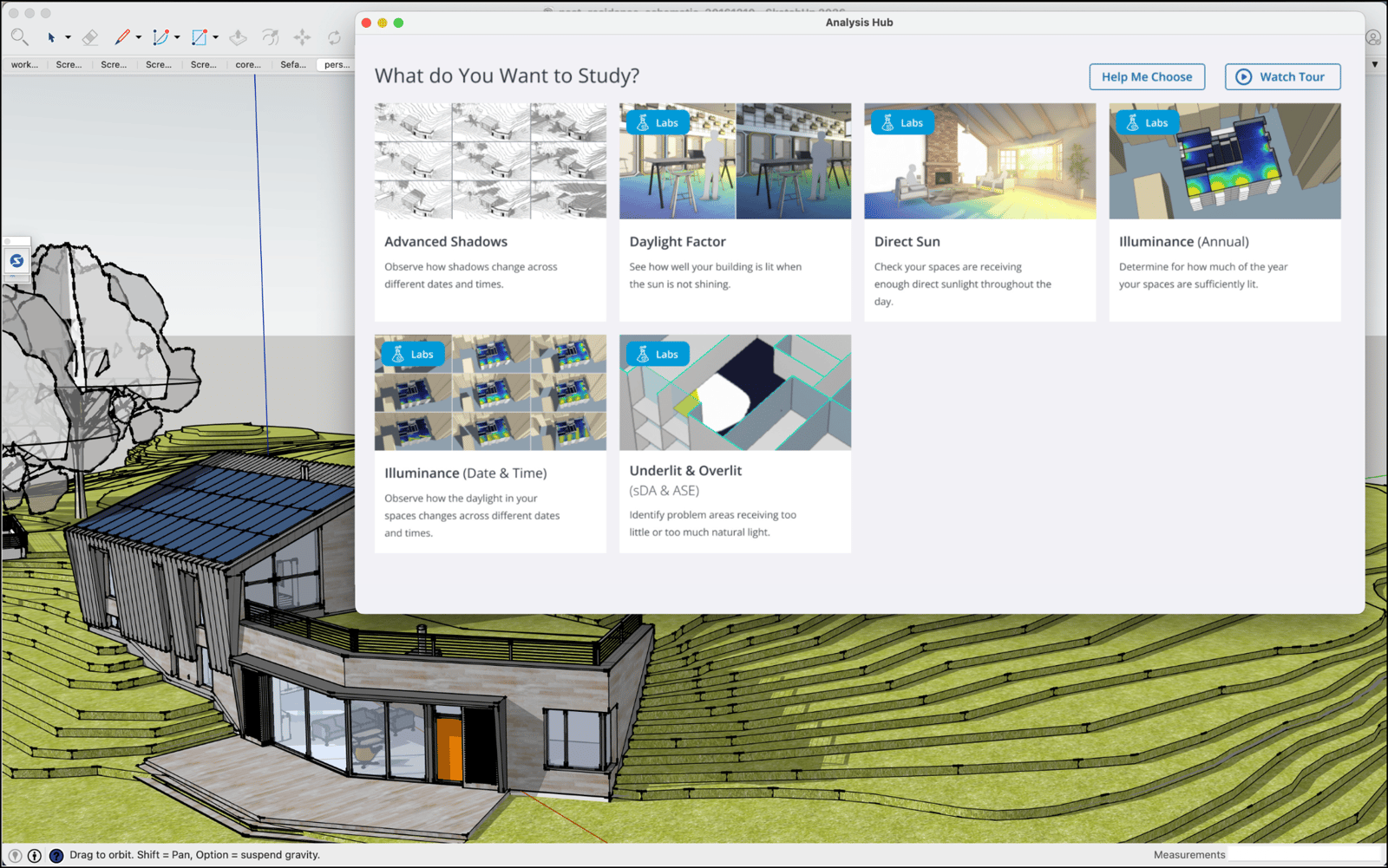
Advanced Shadows is the first official Analysis Hub feature. It shows how shadows change based on the solstice or equinox you select. Use it to identify how neighbouring buildings, trees or other structures affect sunlight exposure over time.
To open the Analysis Hub, select Analysis Hub from the list of extensions under the Extensions menu, or click Analysis Hub in the Shadows panel.
Use the Analysis Hub tools to visualise and measure real-world data based on a Scene in your model. The following articles explain how to use the Analysis Hub:
- Designing an Analysis Ready Model explains how to model for analysis or prepare a Scene in your model for the best analysis results.
- Choosing an Analysis Type explains the different analysis types.
- Performing an Analysis explains the Daylight Analysis tools and the types of analysis you can perform.
- The Analysis Viewer explains how to navigate the Analysis Viewer and review the results of each analysis.
- Using the Analysis Hub Dashboard explains how to manage each analysis in the Analysis Hub dashboard.