Getting Started with AI Render
System RequirementsSketchUp AI Render is available on SketchUp for Desktop, SketchUp for iPad, and SketchUp for Web. AI Render requires:An active SketchUp Go, Pro, or Studio subscriptionAn internet connectionGenerating output with AI Render costs SketchUp AI credits each time you use it.
Last updated 17 July 2026
System Requirements
SketchUp AI Render is available on SketchUp for Desktop, SketchUp for iPad, and SketchUp for Web. AI Render requires:
- An active SketchUp Go, Pro, or Studio subscription
- An internet connection
Generating output with AI Render costs SketchUp AI credits each time you use it. A set number of these credits are included in your SketchUp subscription. For more information on AI credits, including how many your subscription offers each month, see SketchUp AI Credits .
SketchUp for Desktop
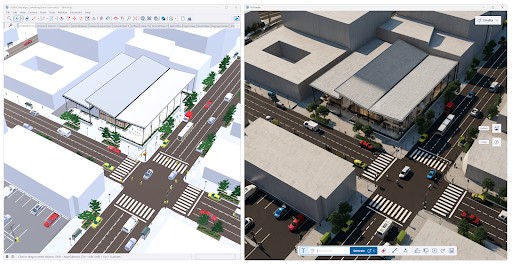
In SketchUp for Desktop, AI Render is an extension. That means you'll need to update it using the Extension Manager to make sure you are using the latest version. AI Render works best with the most current, supported versions of SketchUp and is not compatible with SketchUp versions older than SketchUp 2024.
To install AI Render on SketchUp for Desktop:
- Launch SketchUp for Desktop.
- Open Extension Warehouse and search for AI Render .
- Click Install .
- Close and restart SketchUp.
- The AI Render toolbar is now available.
- Click the AI Render (
 ) to open the AI Render window.
SketchUp for iPad
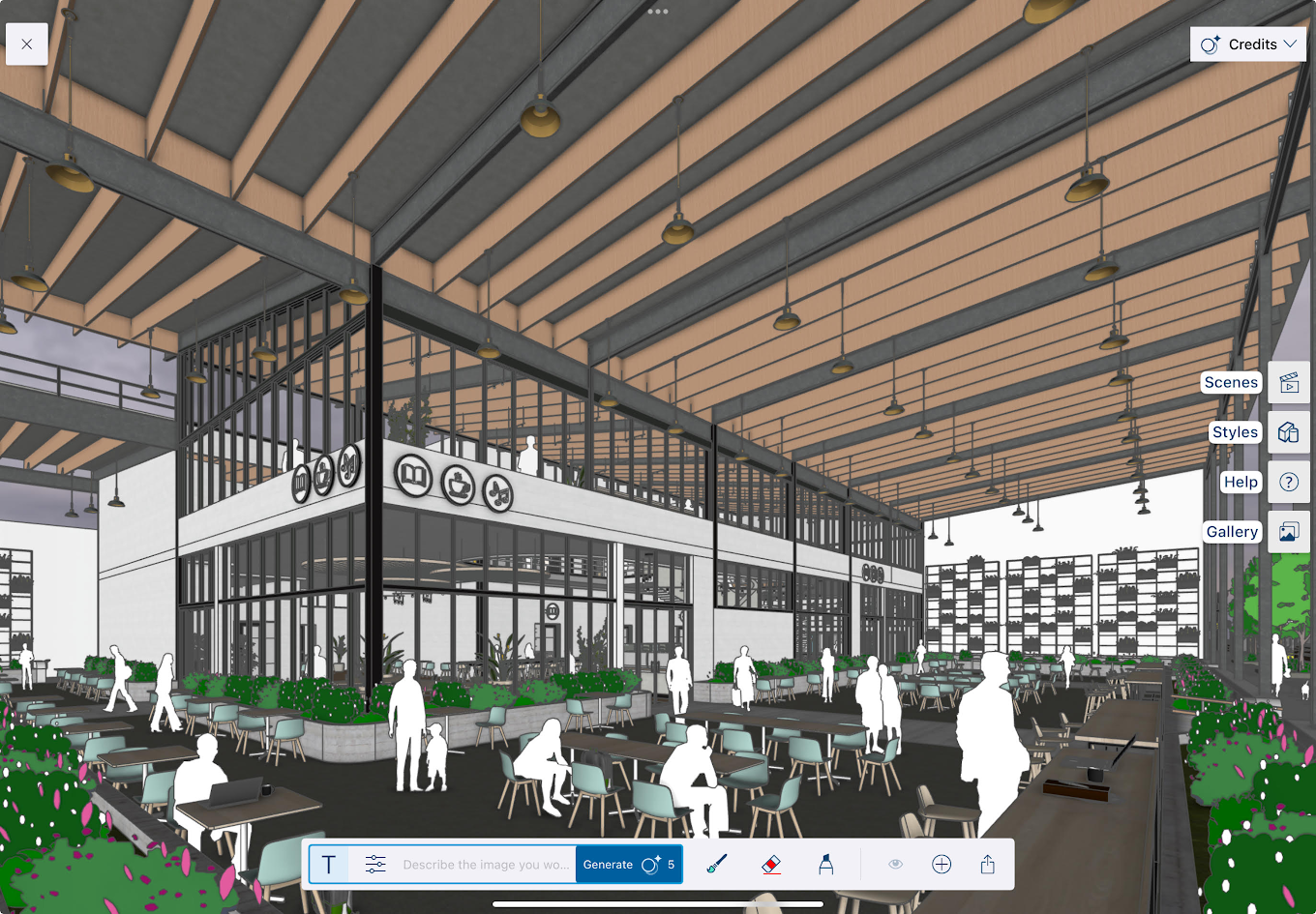
Introduced in version 6.4, SketchUp for iPad includes AI Render as part of the Expanded Toolset. Click or tap AI Render ( ) to open the AI Render interface.
SketchUp for Web
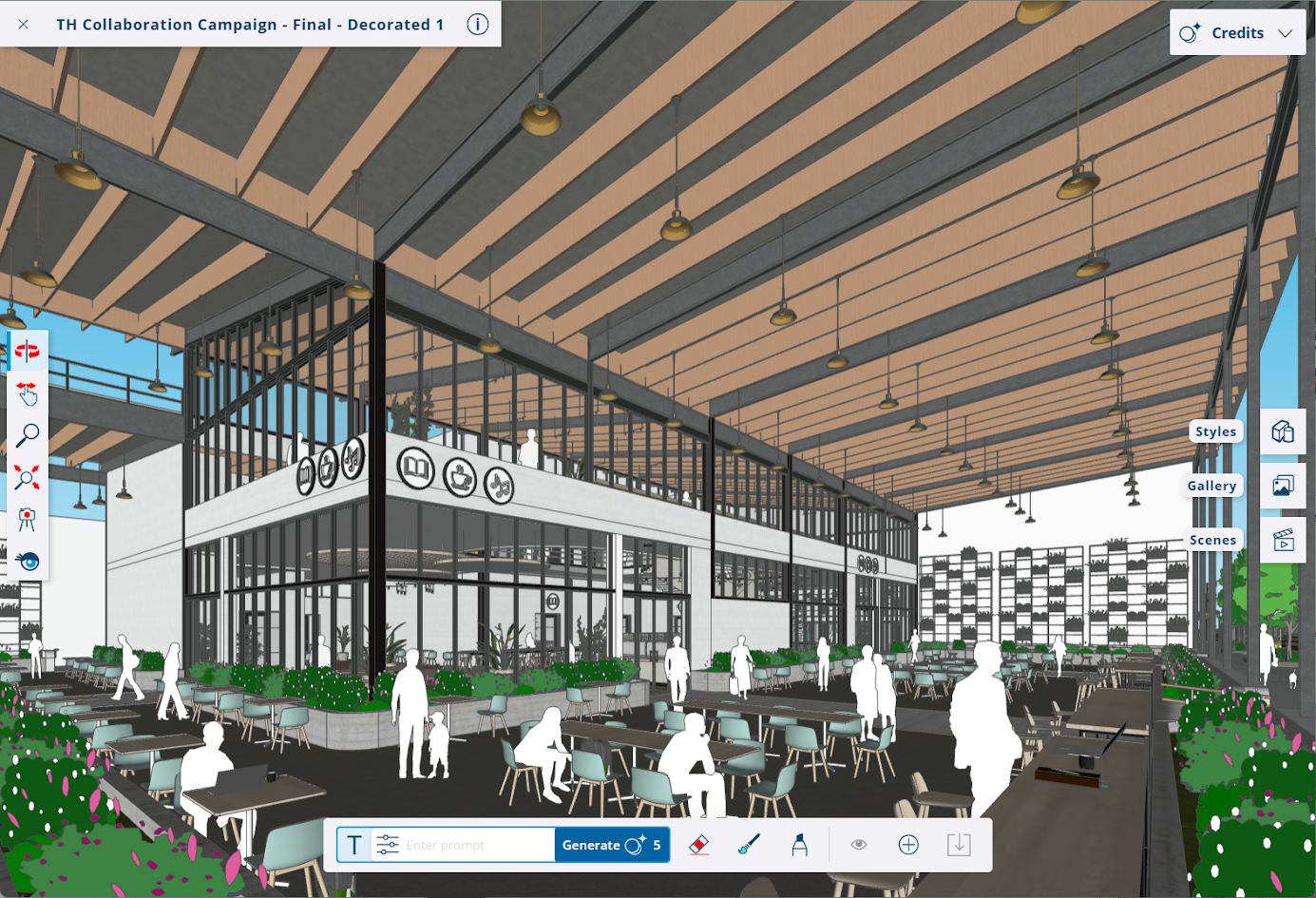
SketchUp for Web includes AI Render in the Expanded Toolset (  ). Click the AI Render icon ( ) to open the AI Render interface.
Still need help?
Technical support from our New Zealand team is available to customers with a current Procadsys SketchUp Plus subscription: Pro Plus, Pro Scan Plus, Pro Civil Contractor Plus, Advanced Workflows Plus or Studio Plus. Self-help articles are public.
Contact SketchUp support