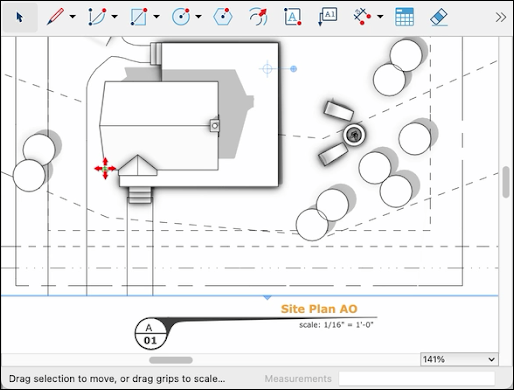
An inference point is another point in your document that guides you when you draw or move an object. LayOut's inference engine is similar to SketchUp's, but some behaviour differs.
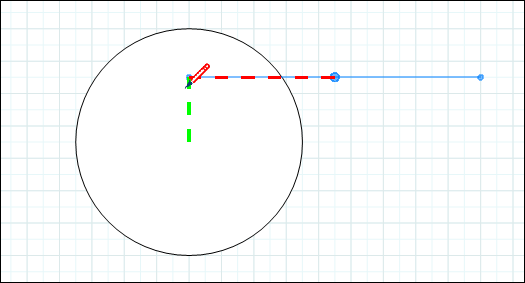
On-screen tips help you identify significant points. Dashed coloured lines show the axis position of a shape or line relative to other objects in your document. When you move or create an object, press Shift or use the arrow keys to lock it to an axis. The dashed coloured lines become solid when the axis is locked. The default colours are:
- Green indicates Vertical (Up Arrow).
- Red indicates Horizontal (Right/Left Arrow).
- Magenta indicates Diagonal (Down Arrow).
When you move or copy an object, LayOut highlights available inferences under your cursor. Your first mouse click limits inferences to that location. LayOut then tries to use the closest available inference point.