V-Ray for 3ds Max
Materials
This page introduces the different material types in V-Ray for 3ds Max.
Last updated 23 April 2026
This page introduces the different material types in V-Ray for 3ds Max.
Overview
There are a number of different materials for use with V-Ray for 3ds Max. These materials are quite versatile and each can be used in a number of ways to achieve different looks as needed from simulating simple surface properties like plastics and metals to complex uses such as translucent objects, subsurface materials such as skin and even light emitting objects.
For more details on each material, please see the dedicated pages.
UI Path: ||Material Editor|| > Material/Map Browser > Materials > V-Ray

V-Ray Materials
VRayMtl
View

VRay2SidedMtl
View

VRayALSurfaceMtl
View

VRayBlendMtl
View
VRayBumpMtl
View

VRayCarPaintMtl
View

VRayCarPaintMtl2
View

VRayFastSSS2
View
VRayFlakesMtl
View

VRayFlakesMtl2
View

VRayGLSLMtl
View

VRayHairNextMtl
View

VRayLightMtl
View
VRayMDLMtl
View
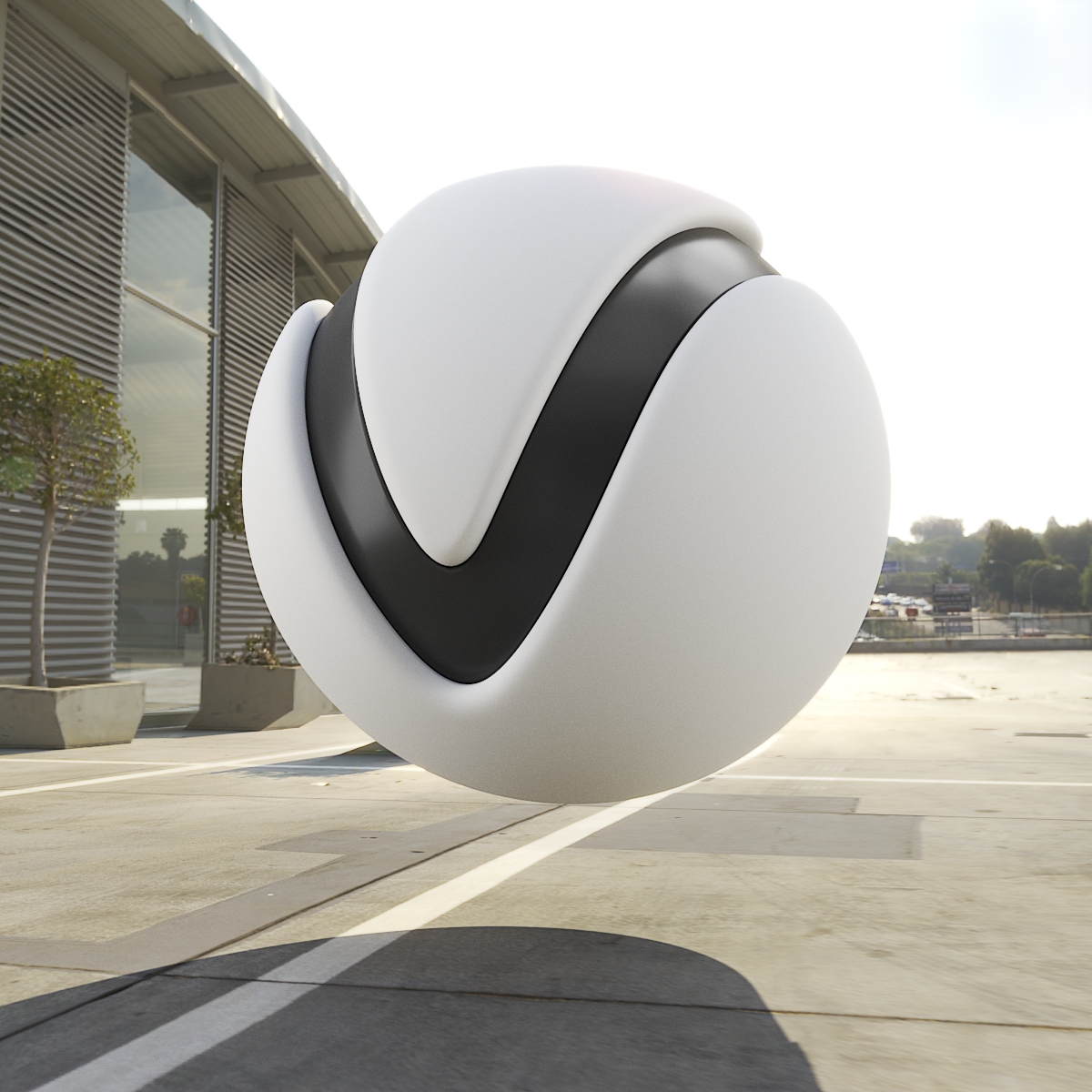
VRayMtlWrapper
View

VRayOSLMtl
View

VRayOverrideMtl
View
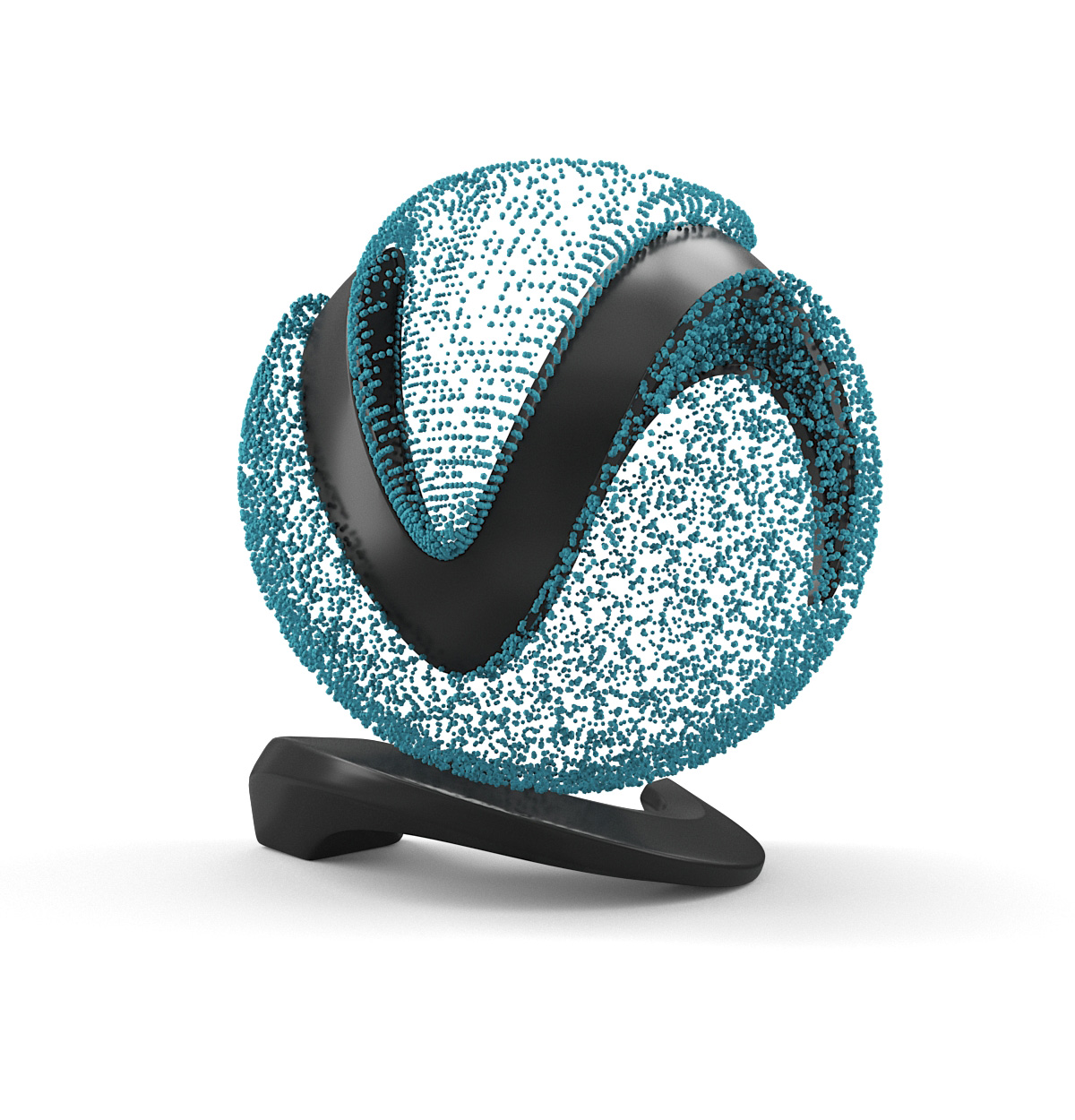
VRayPointParticleMtl
This page provides information on the Point Particle Material. Overview The VRayPointParticleMtl material is specifically designed for rendering particles coming from Alembic or .vrmesh files when the particle render mode in the VRayProxy object is set to Point. Parameters Diffuse color – Specifies the color of the particles. Diffuse map – A te
View

VRayScannedMtl
View
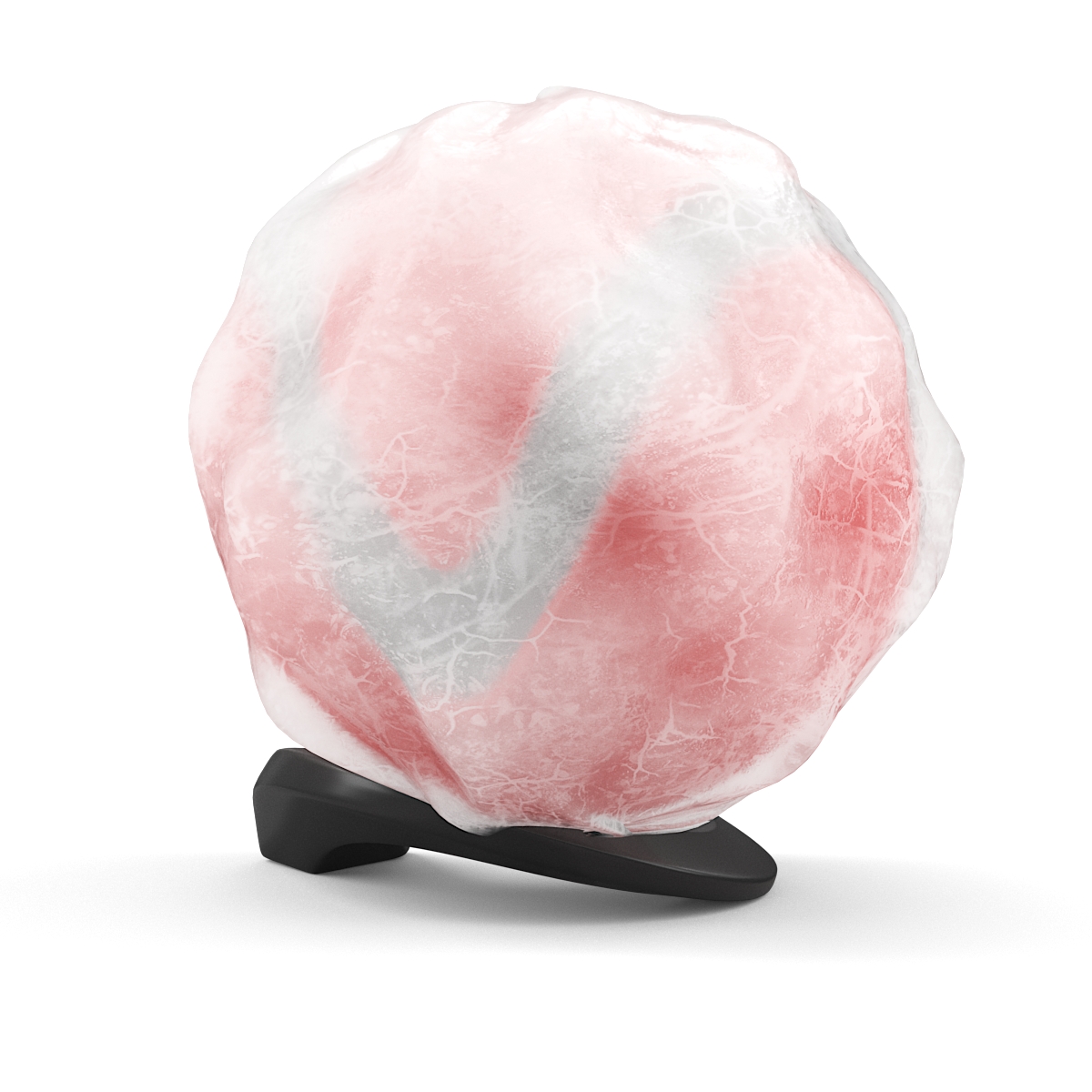
VRayScatterVolume
View
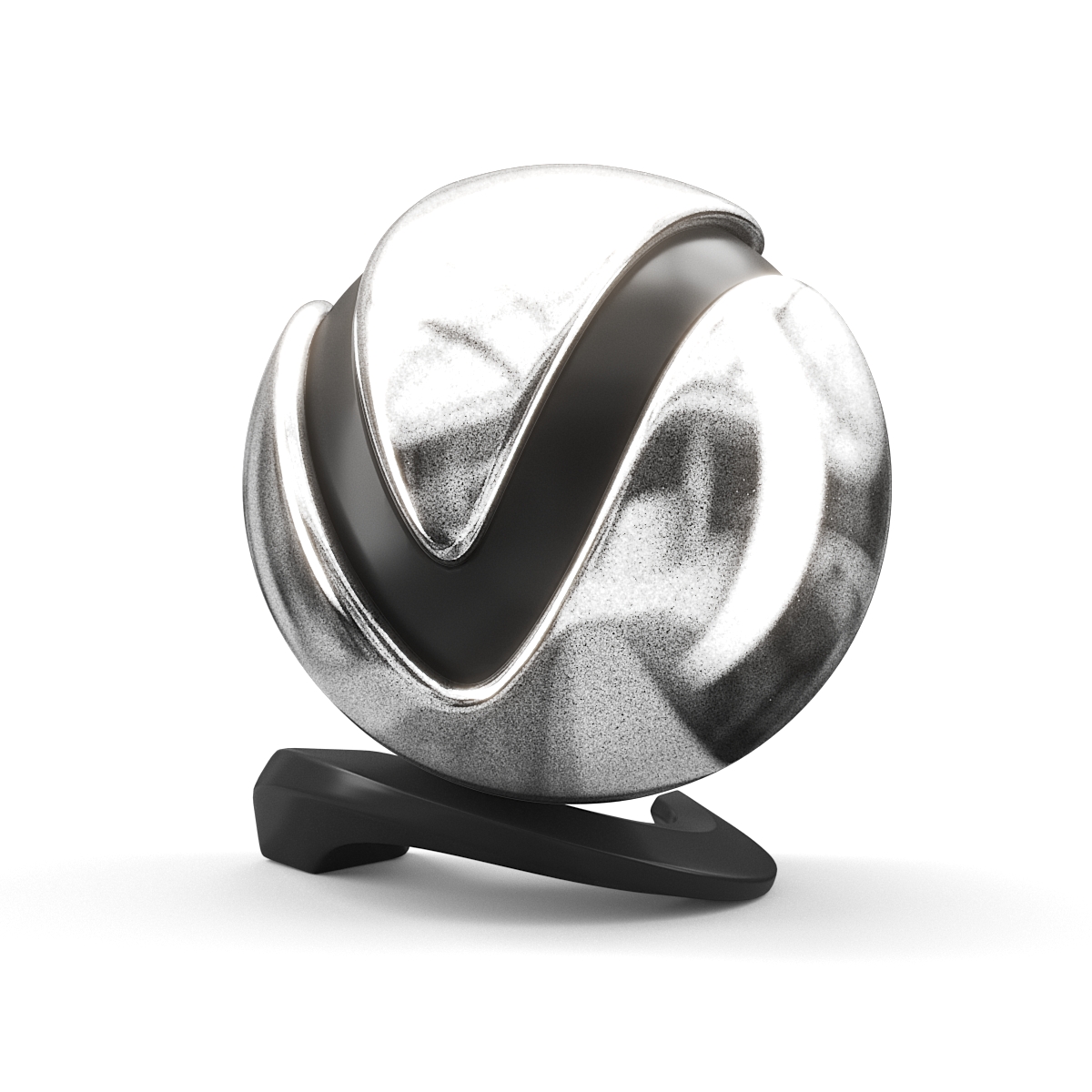
VRayStochasticFlakesMtl
This page provides information on the Stochastic Flakes Material. Overview The VRayStochasticFlakesMtl material can be used to simulate car paints, snow and other glittery materials. It works by simulating at render time the aggregated effect of a large number of mirror-like flakes scattered over the surface of an object. The material is somewhat s
View

VRaySwitchMtl
View

VRayToonMtl
View

VRayVRmatMtl
View
Tools and Utilities
Additionally, V-Ray provides a number of utilities and standalone tools for working with materials:
- Bake Vector Displacement – A utility material that allows you to generate displacement maps for Vector displacement when used along with texture baking. It requires that you have a low poly base geometry and a high poly target geometry. You can then generate a map that when used with vector displacement turns the base geometry into the target geometry. Vector displacement, unlike standard displacement which displaces only in a positive or negative direction from the surface of the low poly base, allows displacement to occur in all 3 axes. Thus instead of just being in a positive or negative direction, displacement can occur in many combined directions.
- .vrmat exporter – The .vrmat exporter can be used to export materials in 3ds Max to .vrmat files which can be loaded later using the VRayVRmatMtl material. Earlier V-Ray versions also use the VRmat converter.
- VRayParticleColor – It is an operator that creates additional color information for particles. It's only used in the shading of Metaballs surfaces defined by the particles. It can be added to any Particle Flow event.