V-Ray for 3ds Max
Textures
This page provides links to the textures available with V-Ray for 3ds Max.
Last updated 25 April 2026
This page provides links to the textures available with V-Ray for 3ds Max.
Overview
V-Ray for 3ds Max adds a number of textures specifically for use with V-Ray Materials.
See the links below for more information on specific textures.
UI Path: ||Material Editor || > Material/Map Browser > Maps > V-Ray

V-Ray Textures
The textures found in V-Ray for 3ds Max can be divided in groups based on the purposes they serve.
General Textures

VRayBitmap
View

VRayColor
View

VRayNoiseTex
View
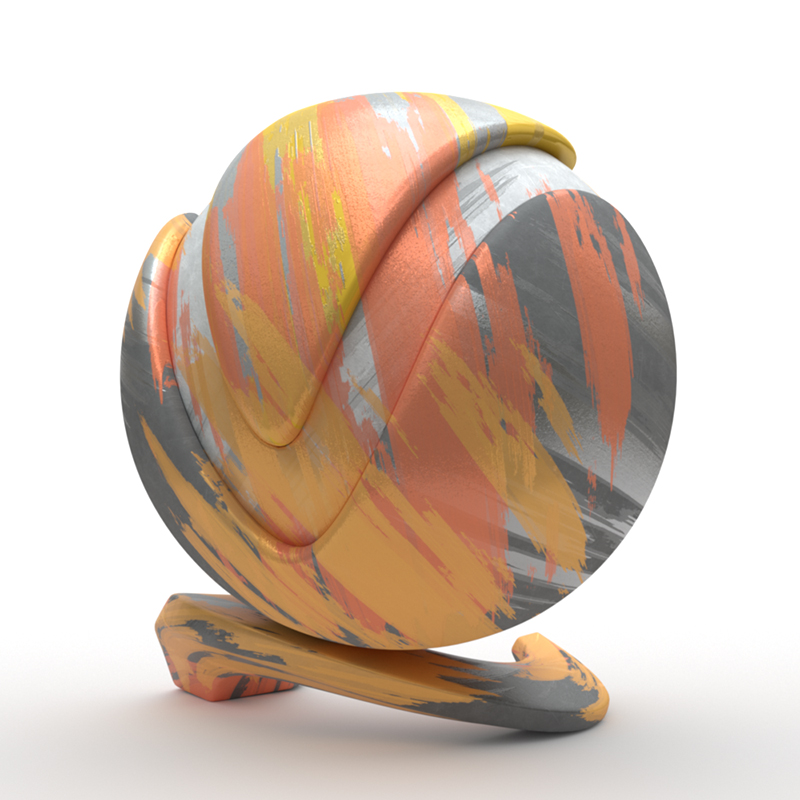
VRayPtex
View
More details on General Textures.
Utility Textures

VRay2SidedTex
View

VRayBump2Normal
View

VRayColor2Bump
View

VRayCompTex
View

VRayMultiSubTex
View
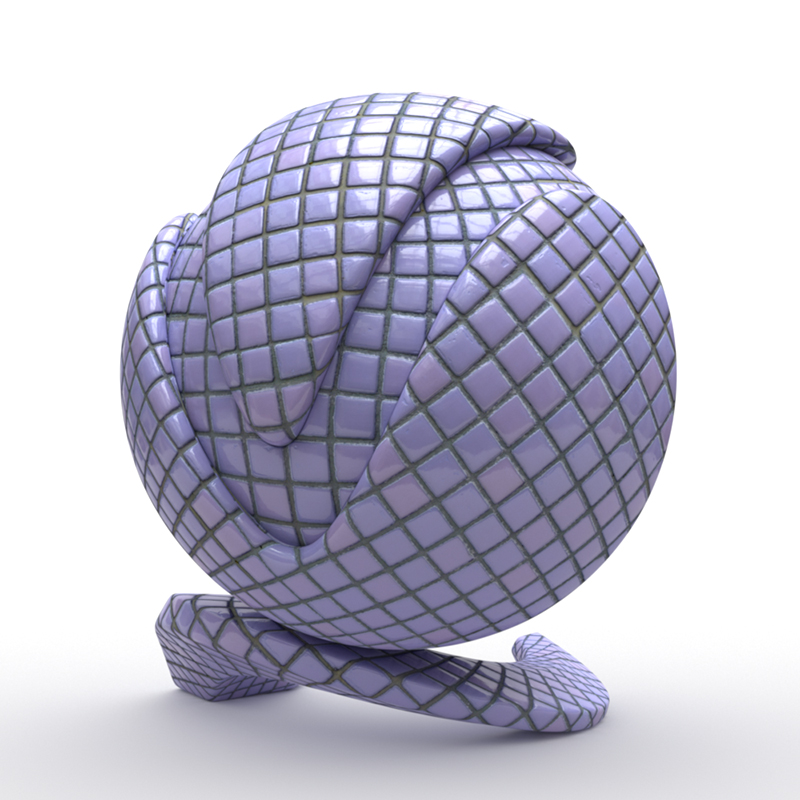
VRayNormalMap
View
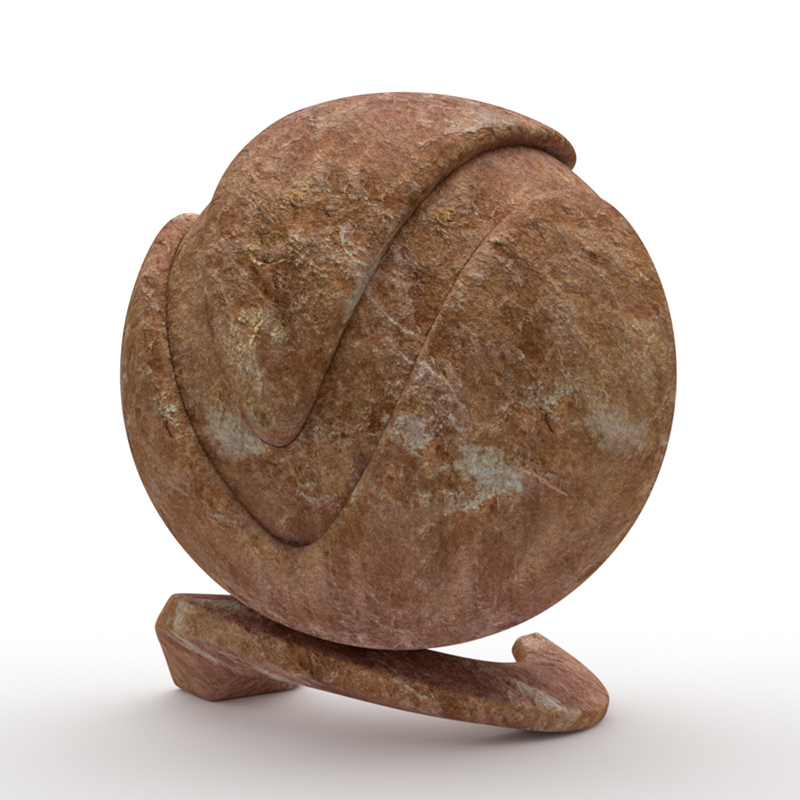
VRayTriplanarTex
View
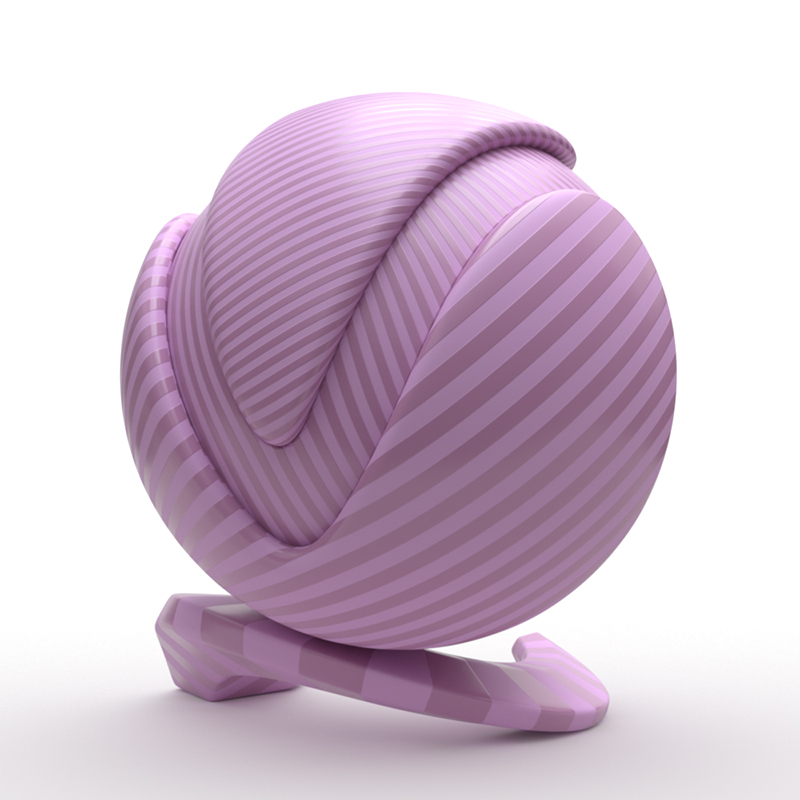
VRayUVWRandomizer
View
More details on the Utility Textures page.
Object Data Textures
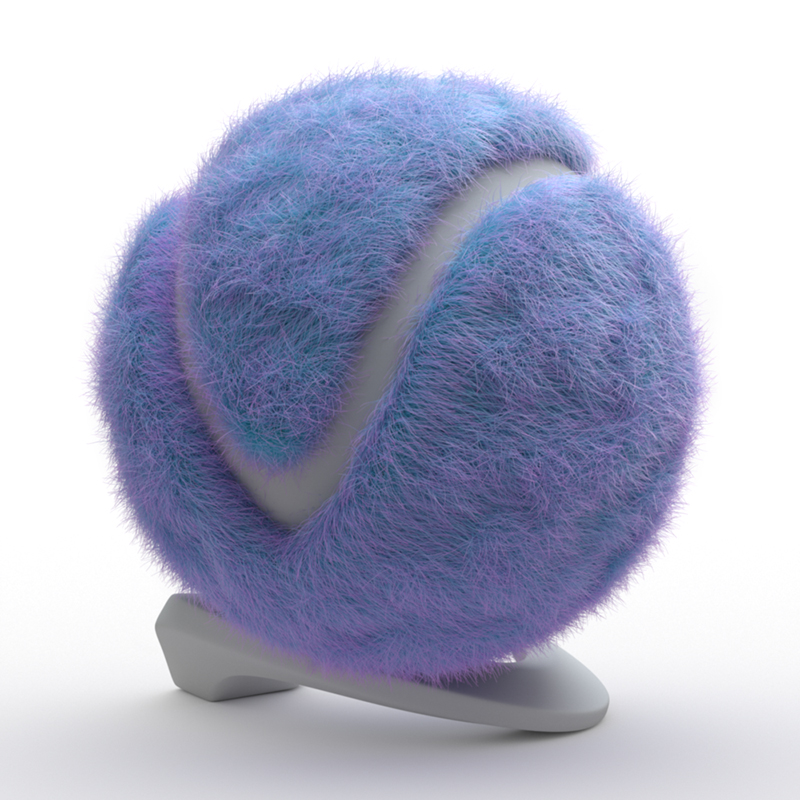
VRayHairInfoTex
View
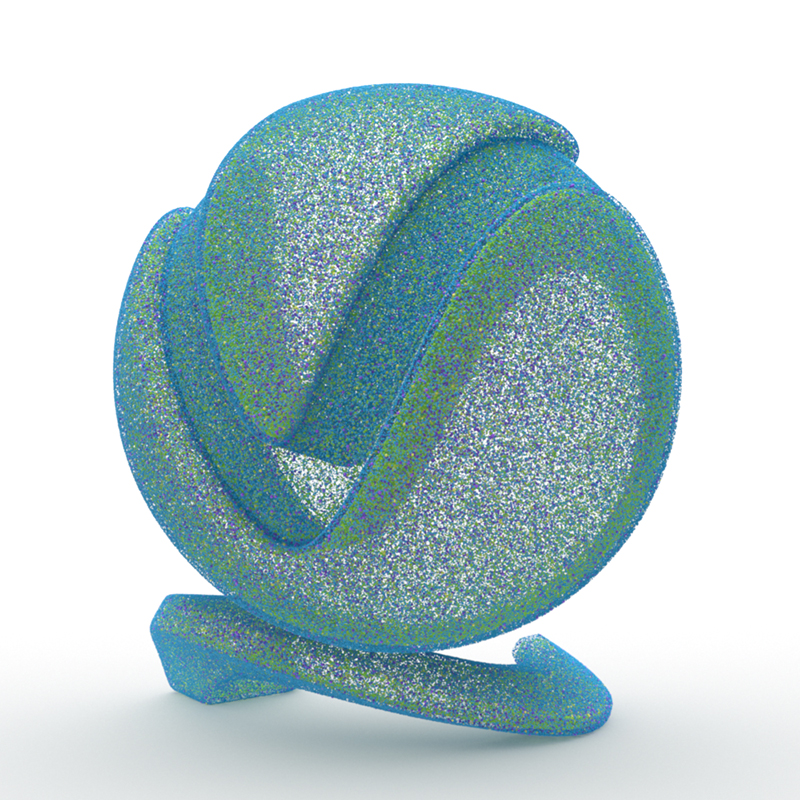
VRayParticleTex
View

VRayPointCloudColor
View

VRayUserColor
View

VRayUserScalar
View
More details on the Object Data Textures page.
Lighting Textures
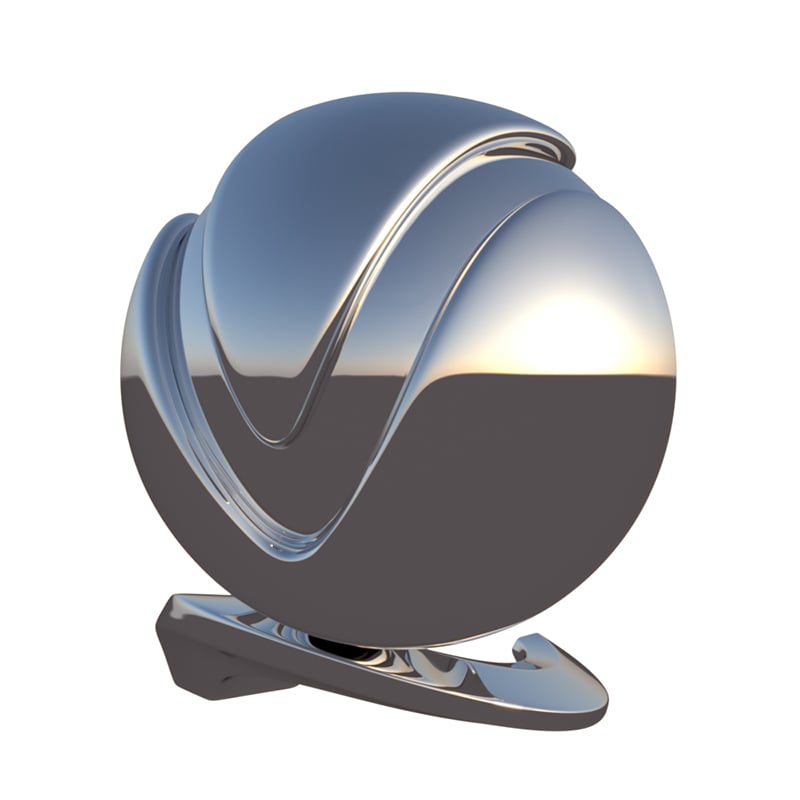
VRaySky
View

VRaySoftBox
View
More details on the Lighting Textures page.
Color Adjustment Textures

VRayICC
View
VRayLut
View

VRayOCIO
View
More details on the Color Adjustment Textures page.
Dynamic Textures

VRayCurvature
View
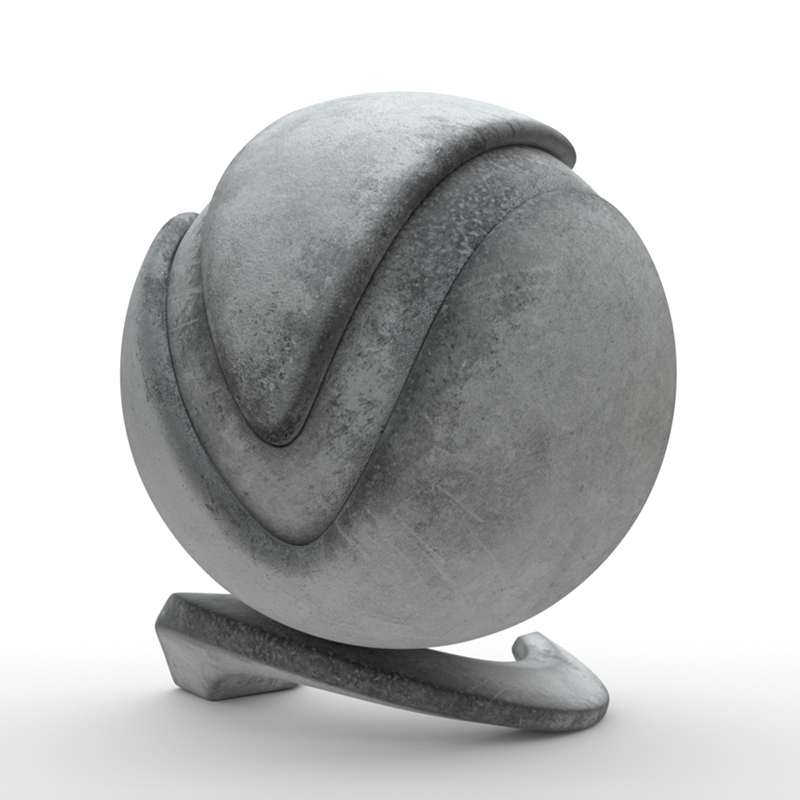
VRayDirt
View

VRayDistanceTex
View
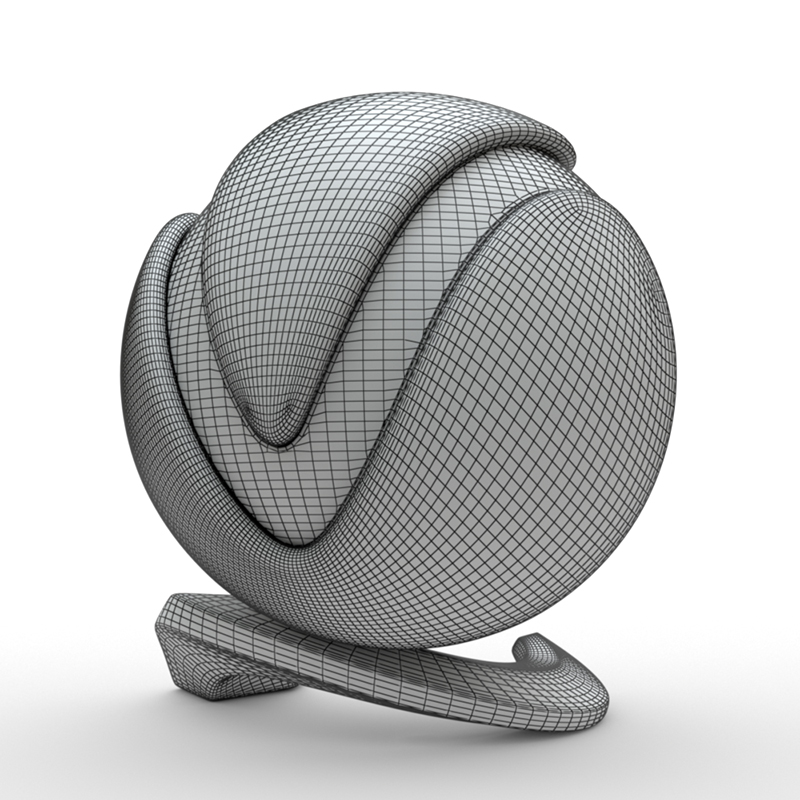
VRayEdgesTex
View

VRaySamplerInfoTex
View
More details on the Dynamic Textures page.
Versatile Textures
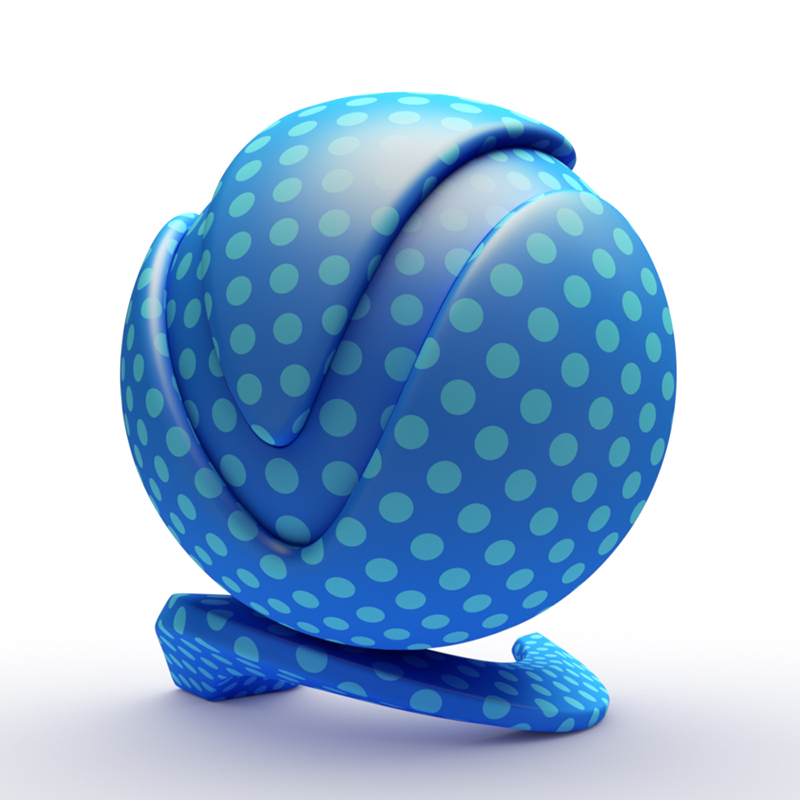
VRayGLSLTex
View

VRayPluginNodeTex
View
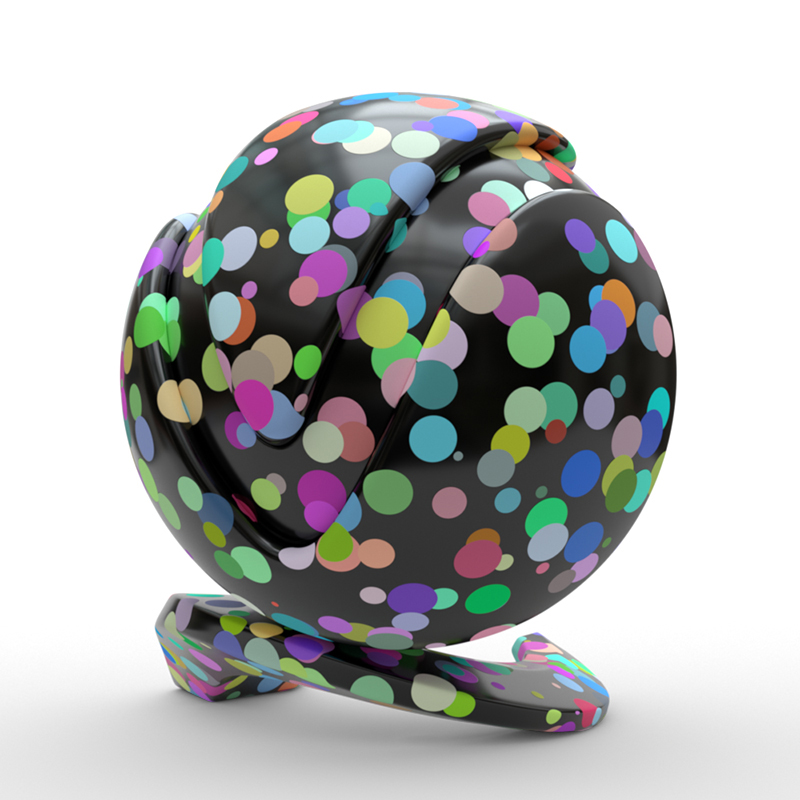
VRayOSLTex
View

VRayOSLOutputSelector
View
More details on the Versatile Textures page.
Textures Tools and Utilities
V-Ray comes with additional texture tools to assist in texture creation: