This page provides details on the render settings used to adjust the V-Ray GPU renderer.
Last updated 21 May 2026
This page provides details on the render settings used to adjust the V-Ray GPU renderer.
Overview
V-Ray GPU is a separate render engine, introduced by Chaos, that utilizes GPU hardware acceleration. You can additionally use it with your CPU or combine CPU and GPU devices for hybrid rendering. Choosing the V-Ray GPU engine changes the available settings.
UI Paths
Selecting the V-Ray GPU Renderer
In order to use V-Ray, you must first select one of its renderers as your current renderer.
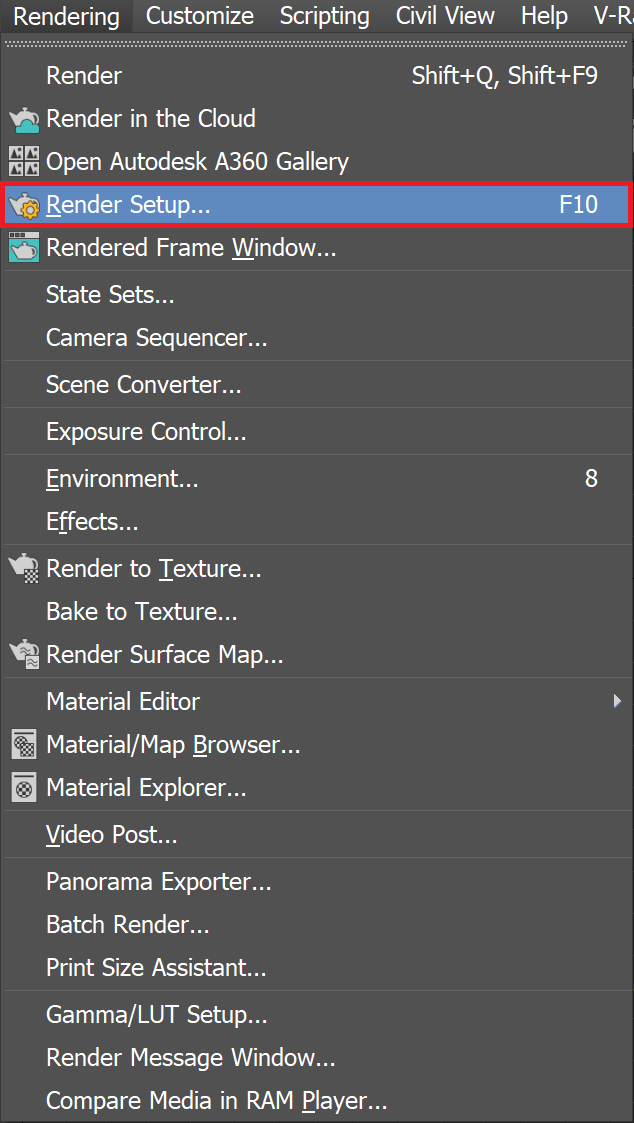
Open the Render Setup window.
At the top of the Render Setup window, choose Production Rendering Mode as the Target.
For Renderer, choose V-Ray GPU.
V-Ray GPU Render Settings Tabs
V-Ray GPU offers 4 different tabs in the Render Setup window.