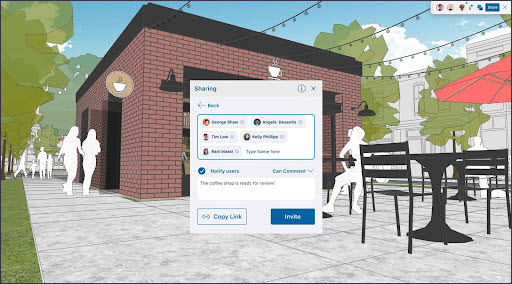
Use the Collaboration Bar in SketchUp to share a model with colleagues and stakeholders. You can control their access and invite feedback.
These articles explain how to use each collaboration feature:
- Sharing a Model explains how to share your model, invite others and control their access.
- Real Time Viewing explains how others view your shared model and see your changes. It also covers how to work together in real time.
- Commenting on a Model explains how to leave comments on your model and manage comments from others.