Inserting Images
Images can enhance your LayOut documents all sorts of ways, from a photorealistic rendering of a proposed design to a small branding element like a logo. The following table outlines the file formats that LayOut supports. You can insert an image file in any of these formats into your document.
Last updated 17 July 2026
Images can enhance your LayOut documents all sorts of ways, from a photorealistic rendering of a proposed design to a small branding element like a logo.
The following table outlines the file formats that LayOut supports. You can insert an image file in any of these formats into your document.
File Format | What It's Used For |
|---|---|
| These bitmap formats can display black-and-white or color images on most devices. |
| Most digital cameras store photos in the |
| The |
| The |
| Images in these formats can be photos or graphics, and typically have the largest file size of any format. These files have no compression and are typically used in high-quality printing. |
| PDFs are often used to share print layouts and designs, but the format works just as well for images, too. You can also insert a . |
Ready to import your image into your LayOut document? Follow these steps:
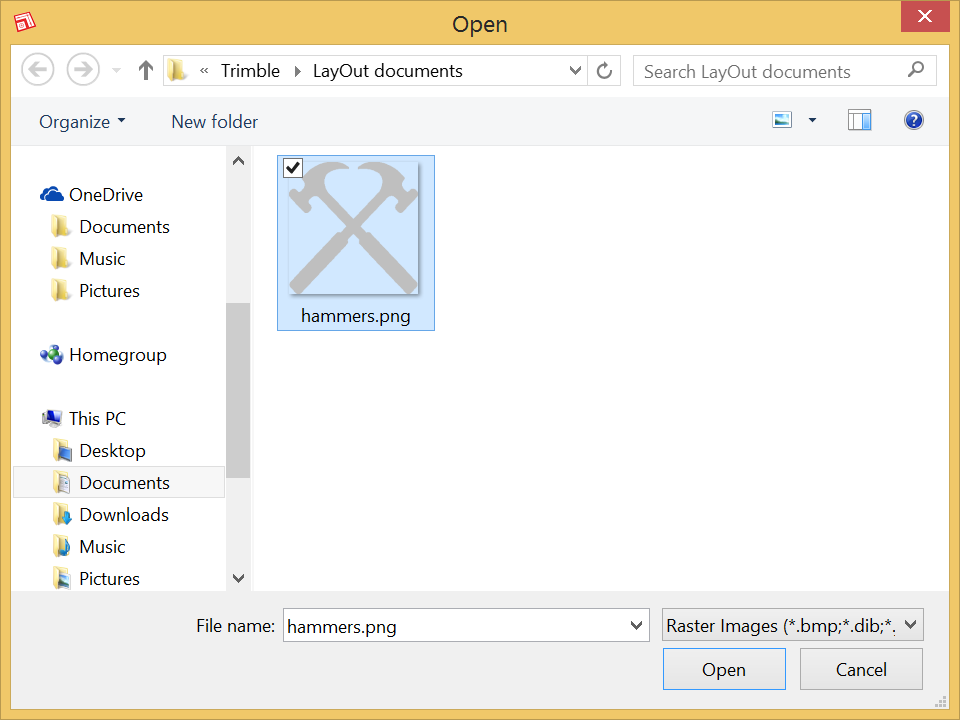
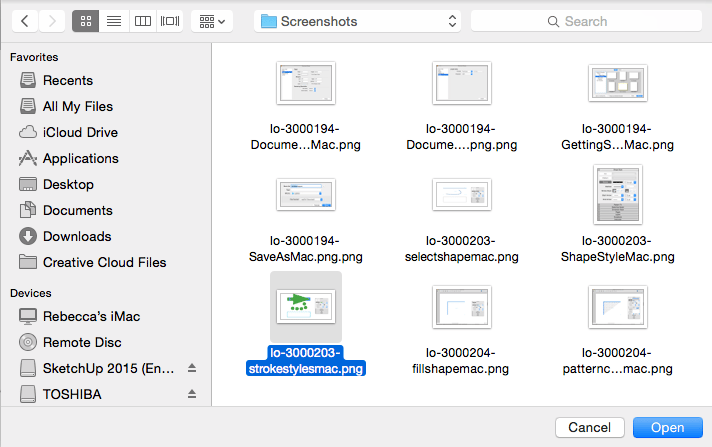
- Select File > Insert . An Open dialog box appears.
- Navigate to the image file on your hard drive.
- Select the file you want to insert, as shown in the following figure, and click Open . Your image appears in the drawing area, where you can move, rotate, or scale the image by clicking and dragging the bounding box controls with the Select tool.
Still need help?
Technical support from our New Zealand team is available to customers with a current Procadsys SketchUp Plus subscription: Pro Plus, Pro Scan Plus, Pro Civil Contractor Plus, Advanced Workflows Plus or Studio Plus. Self-help articles are public.
Contact SketchUp support