Setting Up SketchUp
SketchUp installation, activation and update guides.
Last updated 17 July 2026
Set up SketchUp with these guides.
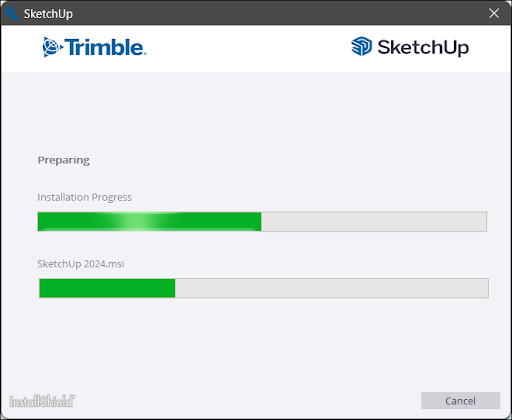
SketchUp setup guides:
- Logging Into SketchUp – Learn how to login to SketchUp using your Trimble ID.
- Logging Out of SketchUp – A guide on where to locate and how to use the logout function in SketchUp.
- SketchUp Hardware and Software Requirements – What you need to run SketchUp along with some additional compatibility information.
- Downloading SketchUp - Download the latest version of SketchUp and view some additional information you might need before beginning the installation process.
- Installing SketchUp - A step-by-step installation guide for both Windows and MacOS.
- Updating SketchUp – Learn how to check for updates and how to update when a new version of Sketchup comes out.
Other topics that may help out during setup include:
- Migrating After Upgrading – How to migrate extensions, materials, components, plugins, and other SketchUp files from an older version of SketchUp.
- Uninstalling SketchUp – If you need to uninstall for any reason, here’s where you can find the steps you need to take based on your operating system.
Still need help?
Technical support from our New Zealand team is available to customers with a current Procadsys SketchUp Plus subscription: Pro Plus, Pro Scan Plus, Pro Civil Contractor Plus, Advanced Workflows Plus or Studio Plus. Self-help articles are public.
Contact SketchUp support