Before you start 3D modelling in SketchUp, check System Requirements for the hardware and software you need and ways to improve performance. Navigating the SketchUp Interface explains the interface and how to customise it for the way you model. Preferences covers the other settings you can adjust.
These articles cover the tools and basic skills you need to start drawing and modelling in SketchUp:
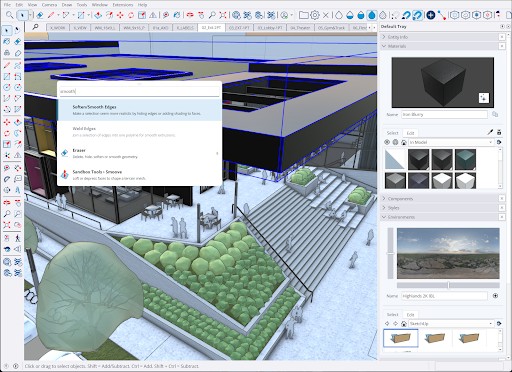
- Searching in SketchUp explains how to find tools and extensions, and check what a keyboard shortcut does.
- Saving a Model and Opening a Saved Model explain your options for saving work, how to choose a method and how to open your saved files.
- Using Your Mouse explains how to use your 3-button mouse beyond selecting tools and pointing.
- Context Menus lists the context menu options for SketchUp entities and explains what each option does.
- Tips and Tricks shares advice for getting started, with links to articles that explain each topic in more detail.