Getting Started with Trimble Site Contractor
Trimble Site Contractor (TSC) is a SketchUp for Desktop extension that helps integrate SketchUp with Trimble Siteworks. It converts 3D geometry into accurate, reliable, and actionable field data for layout and earth-moving workflows.
Last updated 17 July 2026
TSC connects SketchUp for Desktop with Trimble Siteworks. It converts 3D geometry into accurate, reliable, and actionable field data for layout and earth-moving workflows.
Requirements
TSC requires the following software and subscriptions to install and run.
- SketchUp Desktop 2025 or higher
- SketchUp Pro Civil Contractor, Pro Advanced Workflows, or Studio subscription plan
- Trimble Siteworks
Installation Instructions
You can find the Trimble Site Contractor extension in Extension Warehouse. For information on adding extensions to SketchUp, see Adding Extensions to SketchUp.
Accessing Trimble Site Contractor
After you download and install TSC, it appears as an option in SketchUp’s Extensions menu. TSC also has a toolbar you can add to the SketchUp interface with the Export ( ) and Import (
 ) icons. For more information on adding or managing toolbars in SketchUp, see Toolbars.
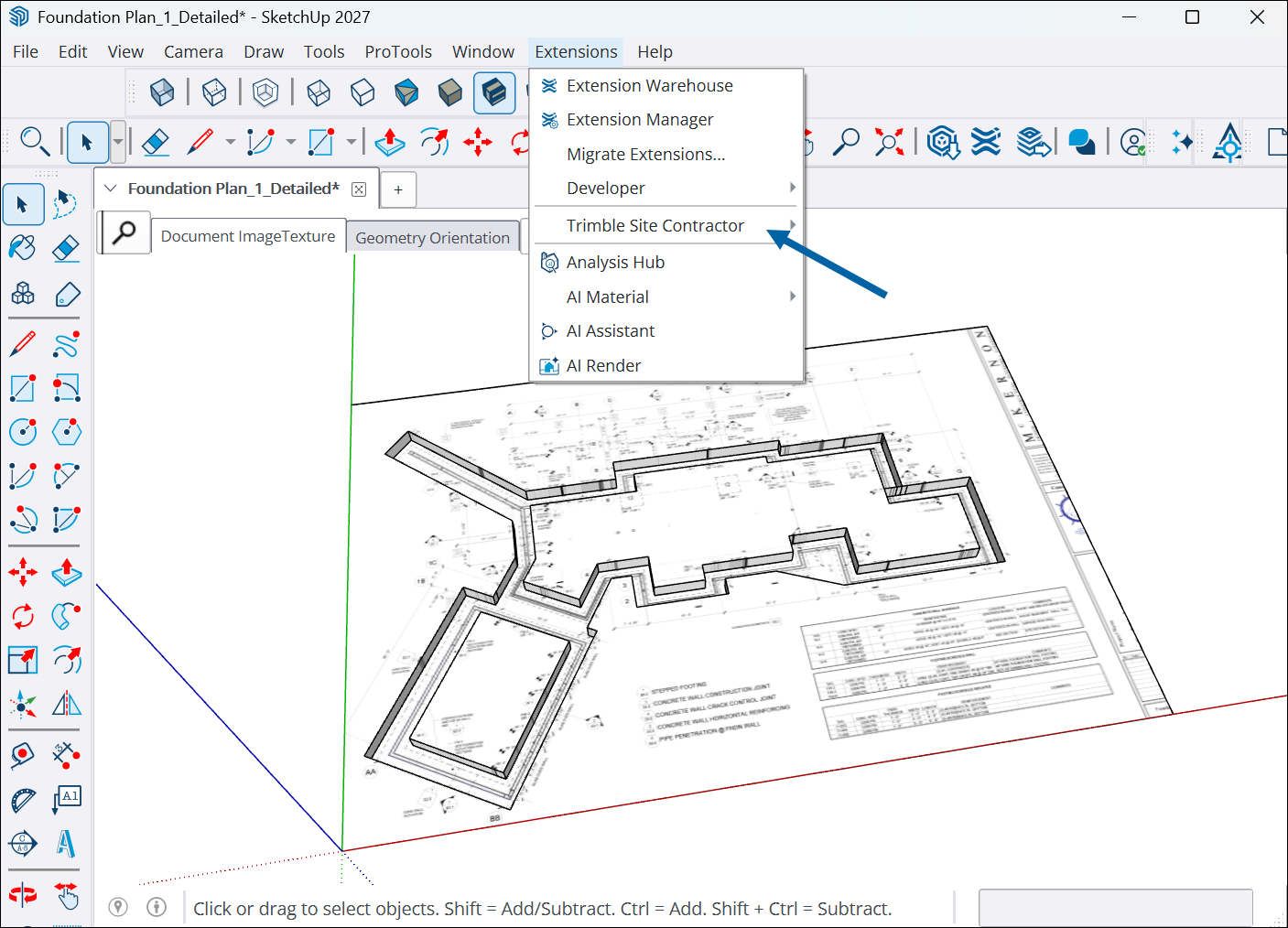
For more information on exporting and importing data through TSC, see Using Trimble Site Contractor.
Still need help?
Technical support from our New Zealand team is available to customers with a current Procadsys SketchUp Plus subscription: Pro Plus, Pro Scan Plus, Pro Civil Contractor Plus, Advanced Workflows Plus or Studio Plus. Self-help articles are public.
Contact SketchUp support