iPad Panels
A stunning 3D model is about more than just drawing lines and shapes. Breathe life into your models with the options available in SketchUp for iPad's panels.
Last updated 17 July 2026
A stunning 3D model is about more than just drawing lines and shapes. Breathe life into your models with the options available in SketchUp for iPad's panels.
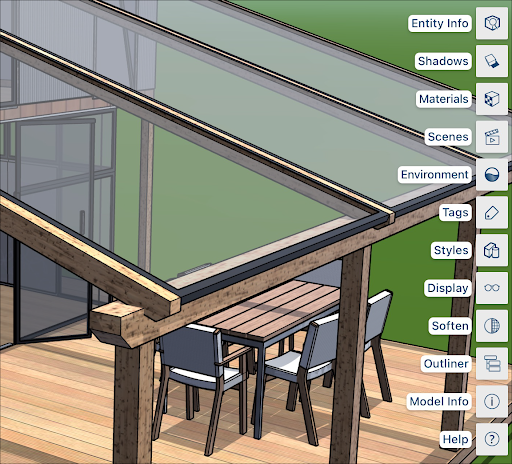
Panels appear on the right side of the SketchUp for iPad interface. Each panel represents a different group of available options to help you take your model to the next level.
Icon | Panel Name | Learn More |
|---|---|---|
| Entity Info | |
| Shadows | |
| Materials | |
| Environment | |
| Scenes | |
| Tags | |
| Styles | |
| Display | |
| Soften/Smooth | |
| Model Info | |
| Outliner | |
| Help |


Still need help?
Technical support from our New Zealand team is available to customers with a current Procadsys SketchUp Plus subscription: Pro Plus, Pro Scan Plus, Pro Civil Contractor Plus, Advanced Workflows Plus or Studio Plus. Self-help articles are public.
Contact SketchUp support