Use LayOut's line and shape tools to draw elements in your document.
These tools help you organise the content on each page.
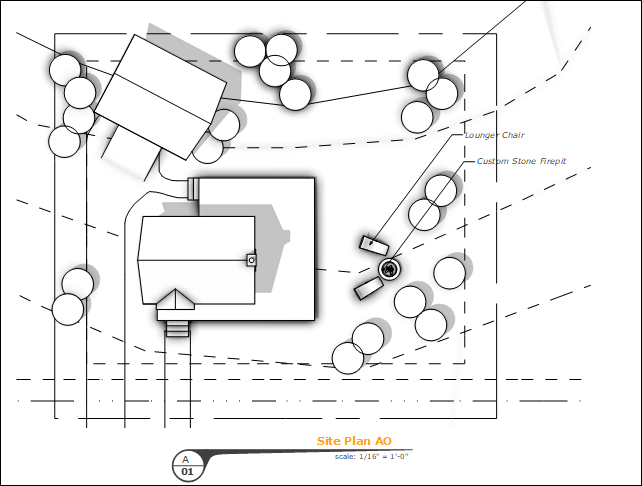
The following articles explain how to use LayOut's line and shape tools:
- Drawing Basic Lines explains how to use the Line tool to draw straight or freehand lines.
- Using Inferences explains how to draw accurately with inferences, as you do in SketchUp.
- Creating Arcs explains how all four Arc tools work.
- Making Rectangles explains how to use the four tools for creating rectangles.
- Drawing a Circle or Ellipse explains how to use the Circle and Ellipse tools.
- Shaping Polygons explains how to draw polygons with the Polygon tool.
- Offsetting a Line or Shape explains how to use the Offset tool to outline complex geometry.
- Using the Drafting Tools explains how to create and edit 2D vectors with Fillet, Chamfer, Trim and Extend.
- Splitting and Joining to Create Complex Shapes explains how to use the Split and Join tools to create complex shapes in your document.
- Customizing Line Widths and Styles explains how to change the appearance of lines in the Shape Style panel.
- Filling Shapes with Colors and Patterns explains how to use the Shape Style panel to fill shapes with colours or a custom pattern.
- Bending Lines and Shapes with Paths and Points explains how to use LayOut's path editor to bend almost any line or shape.
- Making a Clipping Mask explains how to highlight or hide parts of your model with clipping masks.